EasyManua.ls Logo

ProForm 665 E PFTL56507.0 - User Manual

ProForm 665 E PFTL56507.0
32 pages
Print Icon
To Next Page IconTo Next Page
Loading...
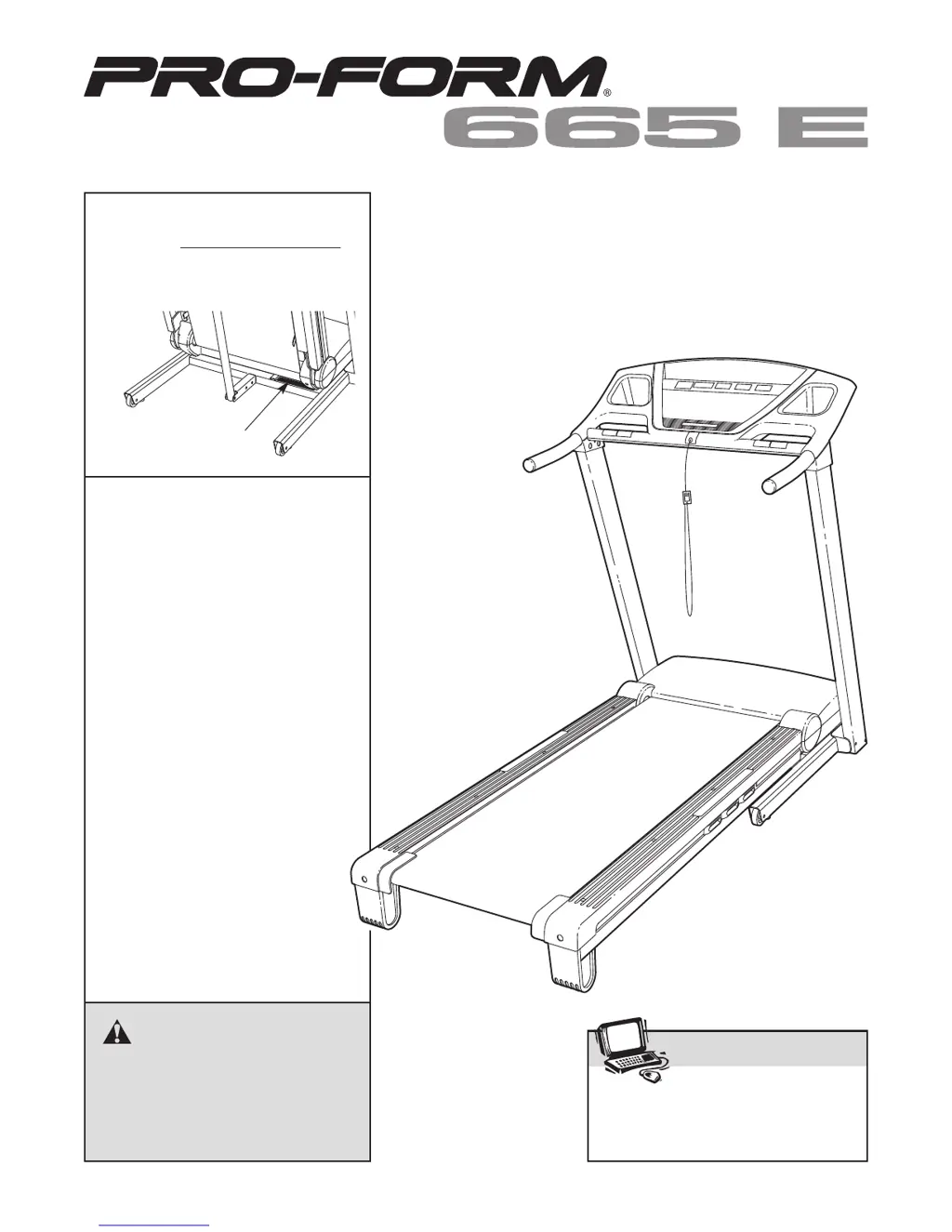
Serial
Number
Decal
Model No. PFTL56507.0
Serial No.
CAUTION
Read all precautions and instruc-
tions in this manual before using
this equipment. Save this manual
for future reference.
QUESTIONS?
As a manufacturer, we are com-
mitted to providing complete cus-
tomer satisfaction. If you have
questions, or if parts are missing,
PLEASE DO NOT CONTACT
THE STORE; please contact
Customer Care.
IMPORTANT: You must note the
product model number and
serial number (see the drawing
above) before contacting us:
CALL TOLL-FREE:
1-888-533-1333
Mon.–Fri. 6 a.m.–6 p.m. MST
Sat. 8 a.m.–4 p.m. MST
ON THE WEB:
www.proformservice.com
Visit our website at
www.proform.com
new products, prizes,
fitness tips, and much more!
V
Write the serial number in the space
above for reference.
USER'S MANUAL

Questions and Answers

  • R
    Rachel CarterJul 30, 2025
    What to do if ProForm Treadmill power turns off during use?
    • M
      Michael CastroJul 30, 2025
      If the power to your ProForm Treadmill turns off during use, first check the reset/off circuit breaker and, if tripped, wait five minutes before pressing the switch back in. Ensure the power cord is securely plugged in; if it is, unplug it, wait five minutes, and plug it back in. Also, try removing and reinserting the key from the console. If the treadmill still won't run, please consult the front cover of this manual.
  • T
    Thomas WilsonAug 8, 2025
    How to fix ProForm 665 E PFTL56507.0 if power does not turn on?
    • W
      wfrazierAug 9, 2025
      First, ensure the power cord of your ProForm Treadmill is plugged into a surge suppressor, which is then plugged into a properly grounded outlet, using only a single-outlet surge suppressor meeting specific specifications. Note that the treadmill isn't compatible with GFCI-equipped outlets. Then, make sure the key is inserted into the console after plugging in the power cord. Lastly, check the reset/off circuit breaker located on the treadmill frame near the power cord; if the switch protrudes, wait five minutes and then press it back in to reset.
  • I
    ireyesAug 18, 2025
    What to do if console displays remain lit on ProForm 665 E PFTL56507.0?
    • S
      stewartdavidAug 19, 2025
      If the console displays of your ProForm Treadmill remain lit after removing the key, the demo mode is likely activated, which is designed for store displays. To deactivate it, press and hold the Stop button for a few seconds. If the displays are still lit, see THE INFORMATION MODE on page 18 to turn off the demo mode.

Summary

IMPORTANT PRECAUTIONS

ASSEMBLY

OPERATION AND ADJUSTMENT

Power Cord Connection

Instructions for connecting the power cord, emphasizing surge suppressor use and proper grounding.

Powering On the Treadmill

Steps to safely power on the treadmill, including key insertion and circuit breaker checks.

Using Manual Mode

Guide for operating the treadmill in manual mode, controlling speed and incline.

Using Preset Workouts

Instructions for selecting and using the treadmill's programmed preset workouts.

TROUBLESHOOTING

EXERCISE GUIDELINES

ProForm 665 E PFTL56507.0 Specifications

General IconGeneral
BrandProForm
Model665 E PFTL56507.0
CategoryTreadmill
LanguageEnglish

Related product manuals