EasyManua.ls Logo

ProForm 620 Zlt Treadmill - User Manual

ProForm 620 Zlt Treadmill
32 pages
Print Icon
To Next Page IconTo Next Page
Loading...
www.iconeurope.com
CAUTION
Read all precautions and instruc-
tions in this manual before using
this equipment. Save this manual
for future reference.
USER’S MANUAL
QUESTIONS?
If you have questions, or if there are
missing parts, please contact us:
UNITED KINGDOM
Call: 08457 089 009
From Ireland: 053 92 36102
Website: www.iconsupport.eu
E-mail: csuk@iconeurope.com
Write:
ICON Health & Fitness, Ltd.
c/o HI Group PLC
Express Way
CASTLEFORD
WF10 5QJ
UNITED KINGDOM
AUSTRALIA
Call: 1800 993 770
E-mail: australiacc@iconfitness.com
Write:
ICON Health & Fitness
PO Box 635
WINSTON HILLS NSW 2153
AUSTRALIA
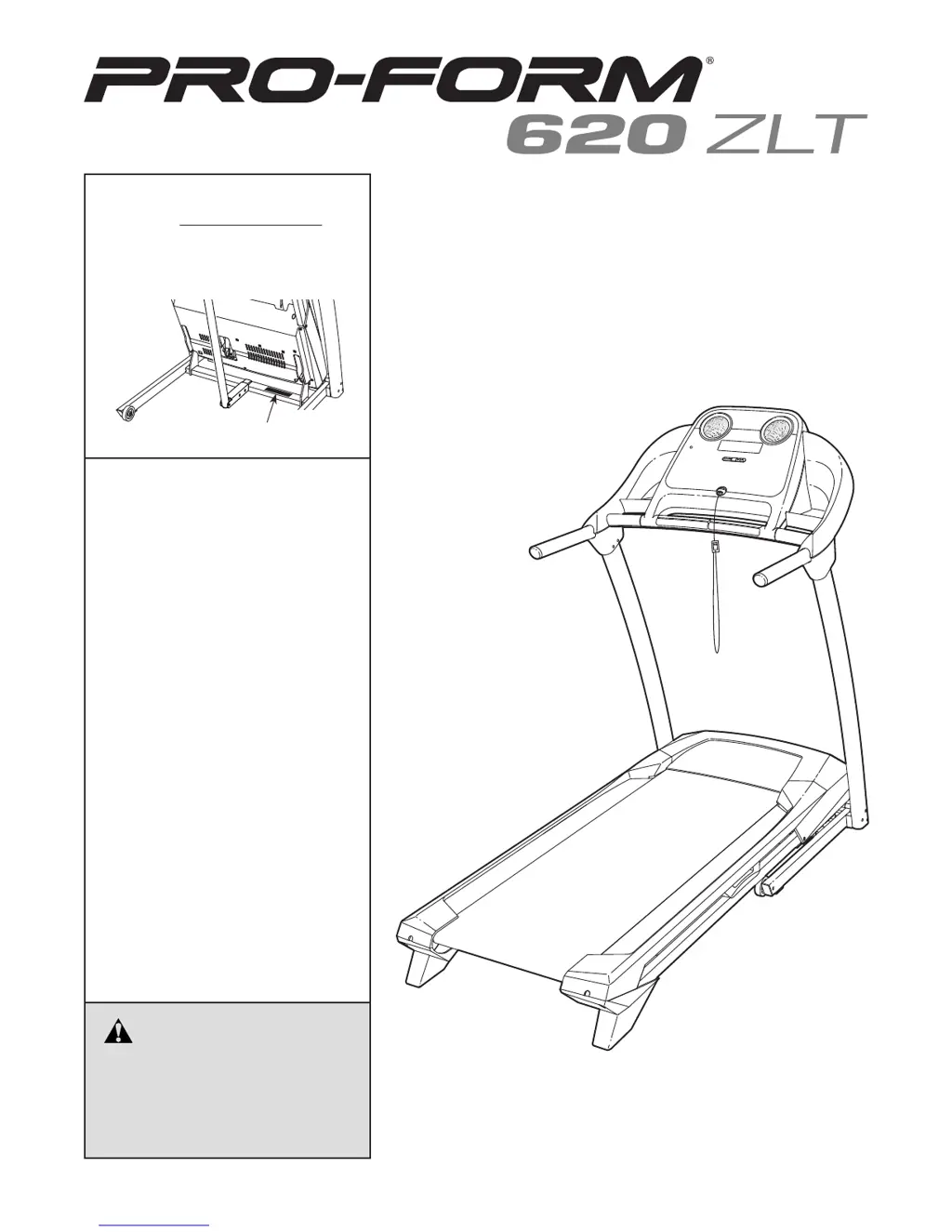
Model No. PETL69911.0
Serial No.
Write the serial number in the space
above for reference.
Serial Number Decal

Other manuals for ProForm 620 Zlt Treadmill

Questions and Answers

  • C
    Cynthia HubbardJul 29, 2025
    What to do if my ProForm 620 Zlt Treadmill turns off during use?
    • J
      John LaneJul 29, 2025
      If your ProForm Treadmill's power turns off during use, there are a few things you can check. First, examine the power switch; if it has tripped, wait five minutes before pressing it back in. Next, ensure the power cord is securely plugged in; if it is, unplug it, wait five minutes, and then plug it back in. Finally, try removing and reinserting the key from the console.
  • G
    Grace OrozcoAug 2, 2025
    How to fix a ProForm 620 Zlt that does not turn on?
    • M
      Michael BassAug 2, 2025
      If your ProForm Treadmill doesn't turn on, ensure the power cord is plugged into a properly earthed outlet and that the key is inserted into the console. Also, check the switch; if it protrudes, wait five minutes before pressing it back in.
  • T
    Todd JensenAug 6, 2025
    What to do if ProForm 620 Zlt Treadmill walking belt slips?
    • S
      Sean SmithAug 6, 2025
      If the walking belt on your ProForm Treadmill slips when you walk on it, remove the key and unplug the power cord. Then, using a hex key, turn both idler roller screws clockwise a quarter of a turn.
  • T
    tpriceAug 11, 2025
    How to reset incline on ProForm Treadmill?
    • J
      Jonathan JonesAug 11, 2025
      If the incline of your ProForm Treadmill does not change correctly, hold down the Stop button and the Speed increase button, insert the key into the console, and then release the buttons. Press the Stop button and then press the Incline increase or decrease button.
  • P
    palmerlindaAug 15, 2025
    Why does my ProForm Treadmill walking belt slow down when I walk on it?
    • M
      Michael BarnettAug 15, 2025
      If the walking belt on your ProForm Treadmill slows down when you walk on it, and it feels overtightened, remove the key and unplug the power cord. Turn both idler roller screws counterclockwise by a quarter of a turn. Important: Do not apply silicone spray or other substances to the walking belt or platform unless specifically instructed.
  • D
    Darlene TateAug 20, 2025
    How to troubleshoot ProForm 620 Zlt Treadmill console display issues?
    • A
      Andrew PetersonAug 20, 2025
      If the displays of your ProForm Treadmill console are not functioning correctly, first remove the key from the console and unplug the power cord. Then, carefully lift the motor hood, slide it forward, and remove it. Ensure the gap between the magnet and the reed switch is about 1/8 inch (3 mm). If needed, loosen the truss head screw and adjust the reed switch slightly.
  • T
    Tracy AvilaAug 25, 2025
    How to turn off demo mode on ProForm 620 Zlt Treadmill?
    • L
      Lisa JohnsonAug 25, 2025
      If the console displays on your ProForm Treadmill remain lit after removing the key, the demo mode is likely turned on. To disable demo mode, press and hold the Stop button for a few seconds.

Summary

Warning Decals and Operational Safety

Critical User Safety Instructions

Key warnings for safe operation, including standing on foot rails, speed increments, using handrails and safety clip.

Comprehensive Safety Precautions

User, Environment, and Electrical Safety

Covers medical consultation, user responsibility, indoor use, proper placement, attire, and safe electrical connection.

Treadmill Assembly Process

Base and Upright Structure Assembly

Steps 1-4: Attaching the base, upright wires, right upright, and securing with initial fasteners.

Console and Handrail Installation

Steps 5-10: Mounting left upright, covers, console frame, trays, and handrails, including wire connections.

Operating Your Treadmill

Treadmill Folding and Mobility

Troubleshooting Common Issues

Power, Display, and Performance Problems

Addresses issues like no power, persistent console lights, display errors, incline malfunction, and belt speed variations.

Belt Centering and Slipping Solutions

Guidance on adjusting the walking belt to prevent rubbing against foot rails or slipping during use.

Exercise Guidance and Intensity

ProForm 620 Zlt Treadmill Specifications

General IconGeneral
Motor2.5 HP
Running Area20" x 55"
DisplayLCD
Programs18
Weight Capacity250 lbs
FoldingYes
Incline0-10%
Speed0-10 mph
Heart Rate MonitoringYes
Speed Range0-10 mph
Incline Range0-10%

Related product manuals