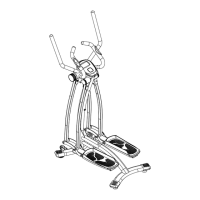
Adjusting the Tension Control Knob
To increase the tension, turn the tension control knob
in a clockwise direction. To decrease the tension, turn
the tension control knob in a counter-clockwise
direction
NOTE: After prolong use of the equipment, the strap
will begin to stretch out and it will become necessary
to tighten the strap for optimum performance.
1. Before tightening the strap, the tension knob
must be set to its lowest setting. To do this turn
the knob in a counter-clockwise direction until it
is at its lowest setting. Do not continue to turn
the knob after reaching its lowest or highest
setting for it may damage the knob.
2. To tighten the strap, undo the buckle of the
plastic clip and then pull the top strap on the
front of the unit away (downward). Close the
buckle of the plastic clip to lock in place. Only
minimal adjustment is needed.
3. Without changing the tension, you should now
be able to feel a little resistance (i.e. the
flywheel is not turning freely). If you are
satisfied with the base level tension, then you
may select the desired tension and continue
exercising.
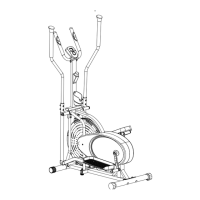
Tension Control Knob
23


 To Next Page