6
KEY INTRODUCTION
III. KEY INTRODUCTION.
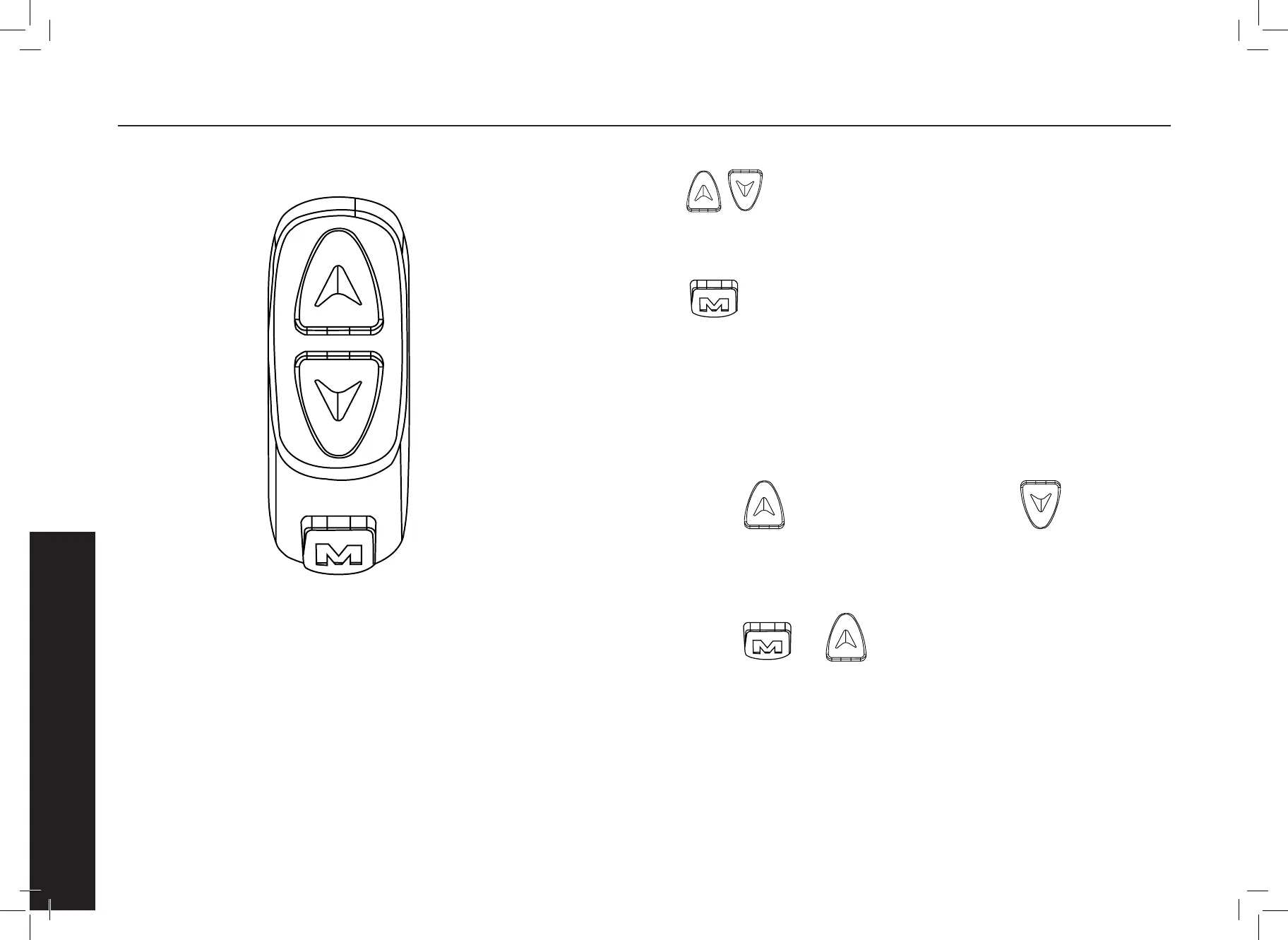
The specic combination of keys is as follows:
Press the button to use the brief.
Key operation is divided into short press and long press, and combination key
length press. Short press is used for rapid/frequent operations, such as the
specic key combination position as follows.
Short press , Help + 1.
Long press + Toggle speed display.
Short press , Help - 1.
1. When riding, you need to modify the power/speed
le, short press.
3. Toggle speed display
2. Toggle display data for multi-function areas during cycling,
short click. Single key length is mainly used to switch the mode / switch
state. Composite keys (long presses) are used to set parameters because the
operation is complex, which can reduce errors. (Short press does not make the
composite key, because it is easy to trigger mistakenly, so it is too dicult to do).
Specic operational explanations modify the power ratio / power le. For example:


 To Next Page