6
LB100-BT
BM500 - BT
APP QUICK GUIDE
1. CONNECTING TO A SMART DEVICE (BLUETOOTH)
1. Go to your smart device’s App Store (iPhone/iPad) or Play Store (Android) and search for
“Projecta BM500 app”. Download this app to your smart device.
(See list of compatible devices on page 23)
2. Ensure Bluetooth and Location are enabled on your smart device and that permission is granted for
the app to use Bluetooth and discover new connections.
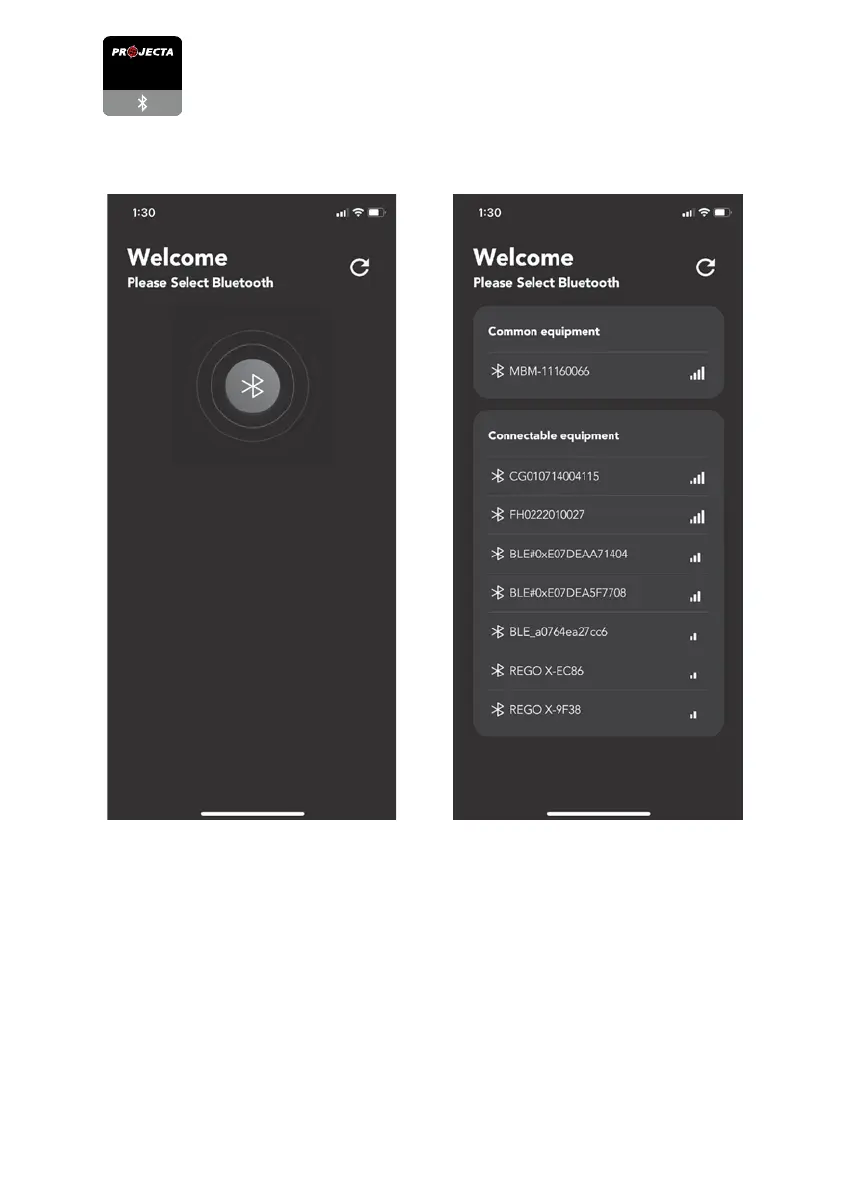
3. Open the app and it will begin searching for compatible devices. Select the device beginning with “MBM”.


 To Next Page