Empty–cartridge is empty
Expired–cartridge is expired and needs to be replaced
Warming Up– cartridge is warming up to print ready temperature
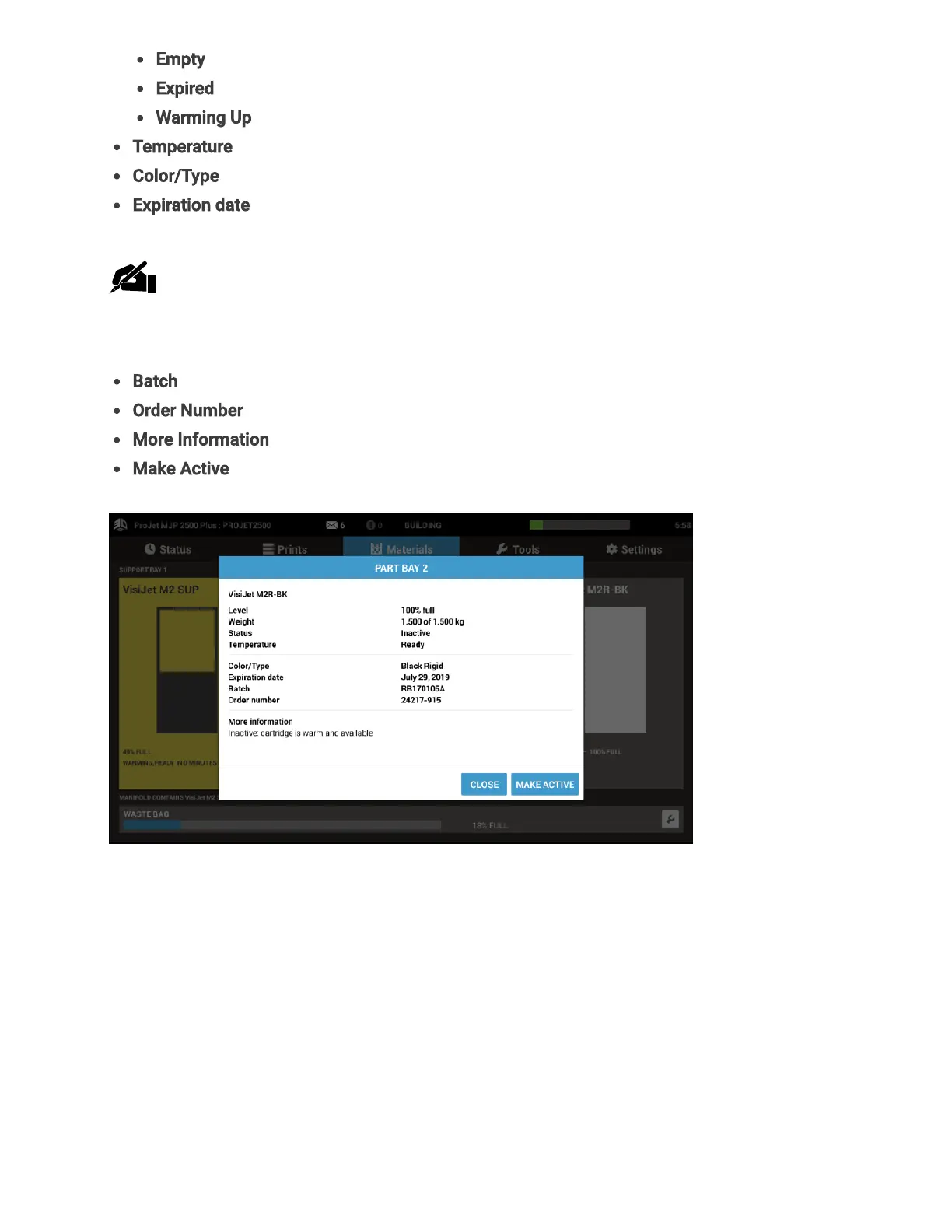
Temperature – Status of material for printing
Color/Type- Description of what material is, for example color, and characteristics
Expiration date- Date material expires on
Note:When an expired cartridge is inserted, the printer will reject it. If a job is
printing when the cartridge expires, it will to continue to complete the job before
declaring the cartridge is no longer available for use.
Batch - Date batch of material was made
Order Number - The order number of the material
More Information - Additional status on the cartridge
Make Active - Sets cartridge as the current one in use for printing
Tools Tab (D)
The following information can be accessed under the Tools tab.



 To Next Page