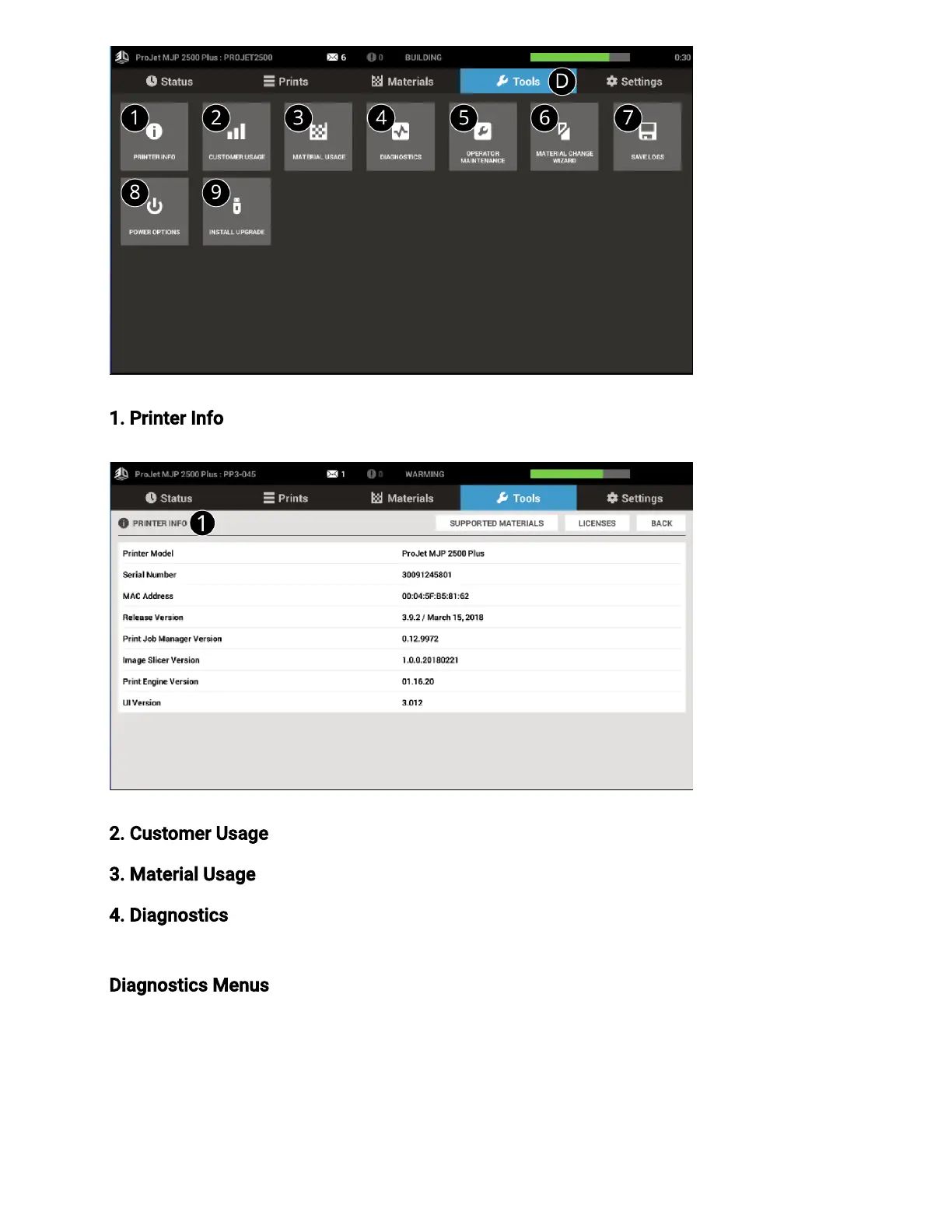
1. Printer Info - Displays printer and version information.
2. Customer Usage- Displays customer’s printer usage.
3. Material Usage – Displays the material and amount using in the printer
4. Diagnostics - Many diagnostic procedures can be run under the Diagnostics button. See
Diagnostics Menusbelow for more information.
Diagnostics Menus - Selecting the Diagnostics button under theTools Tab will bring up the
Diagnostics screen is where the User performs routines that help run and maintain the
printer.



 To Next Page