6. Material Change Wizard - To change from one type of material to another there is a ush
operation that you have to perform to ensure all of the rst material is out of the printer
before adding a new material. This is where you run this routine to perform this. See
Troubleshooting section Material Change Over procedure for instructions.
7. Save Log - Provides access to printer logs for service.
8.Power Options - Selecting the Power Options button provides access to Printer
Shutdown, Printer Restart, Software Restart and Standby. For shutting down the printer,the
recommendation is that the printer always be shutdown through the UI. See Printer
Shutdown section for information.
9. Install Upgrade -Printer rmware can be updated using a USB thumbdrive.
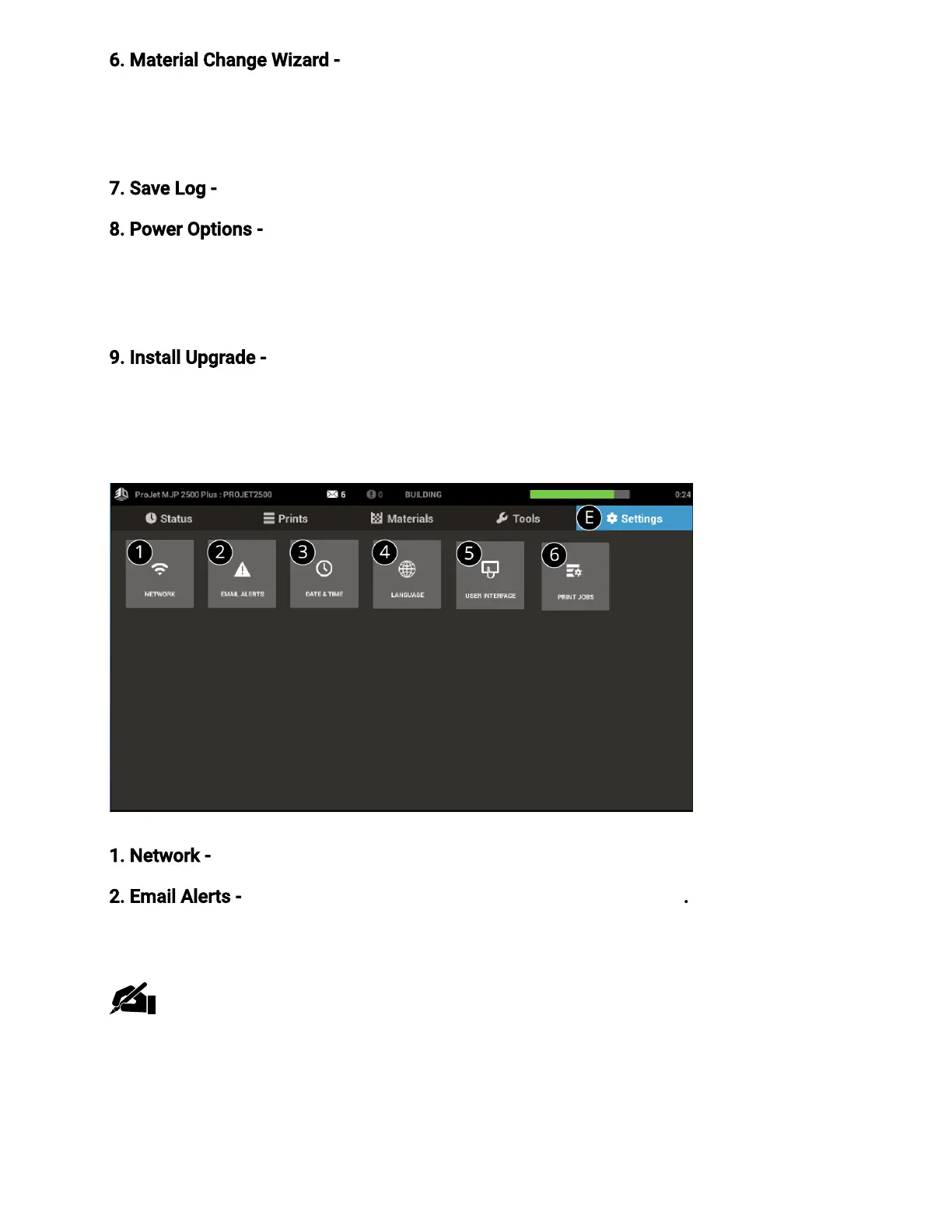
Settings Screen (E)
1. Network- The network settings can be veried through Network Settings.
2. Email Alerts- Set up email alerts to be notied about printer events. Up to 5 email
addresses can be added.
Note:Some email clients may block access to this application during email setup. If
you experience issues setting up email alerts, please verify your email provider has
not blocked access.



 To Next Page