3. Date Time- To change or setup the date and time click on Date Time Settings.
4. Language- Select language to display on UI.
5. User Interface - Controls the UI brightness level andinformation about the UI itself.
6. Print Jobs -
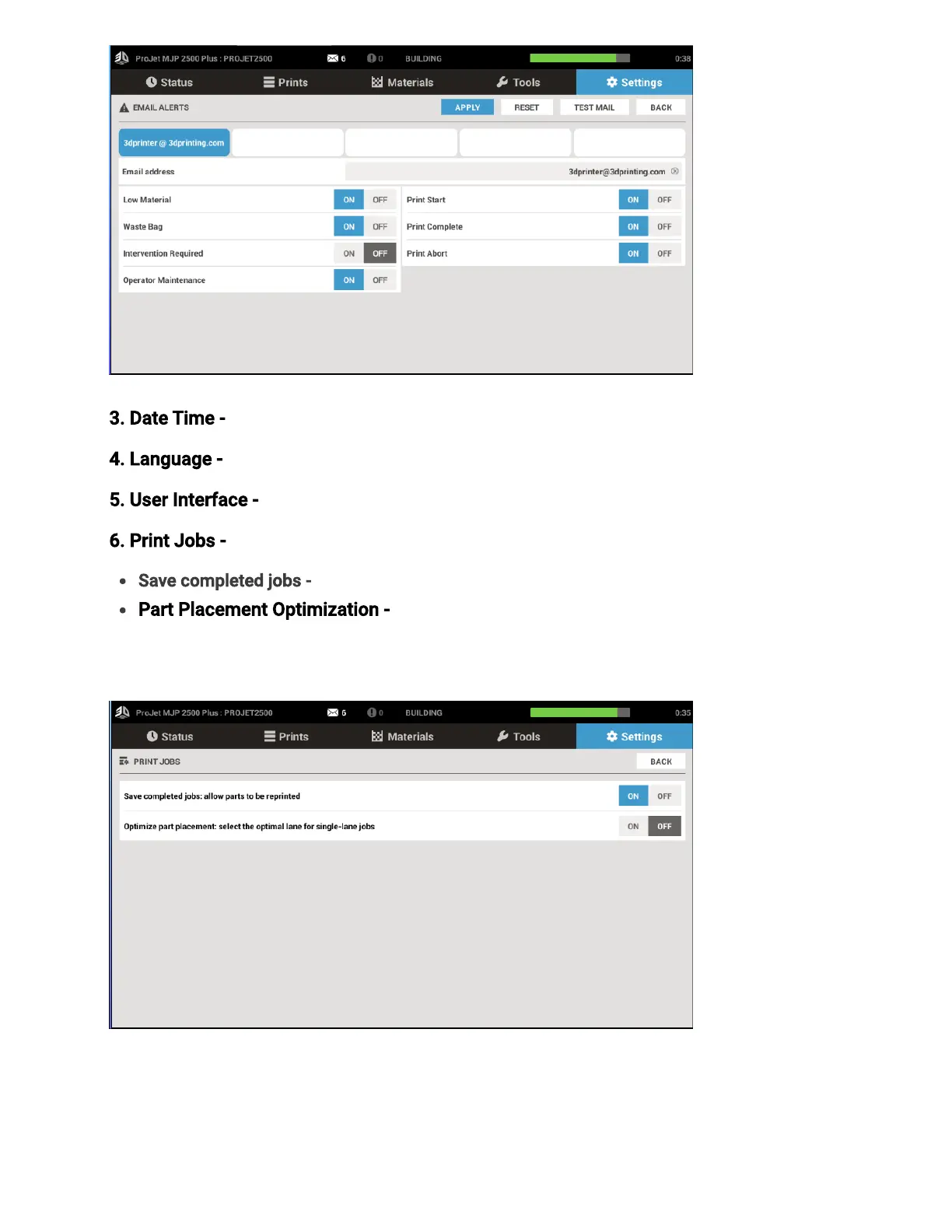
Save completed jobs -Enable or disable this feature for the ability to reprint jobs
Part Placement Optimization - Part placement optimization is suggested for printers
running a high number of single lane jobs. Enabling this feature will yield the best print
quality throughout the printer’s life.



 To Next Page