EasyManua.ls Logo

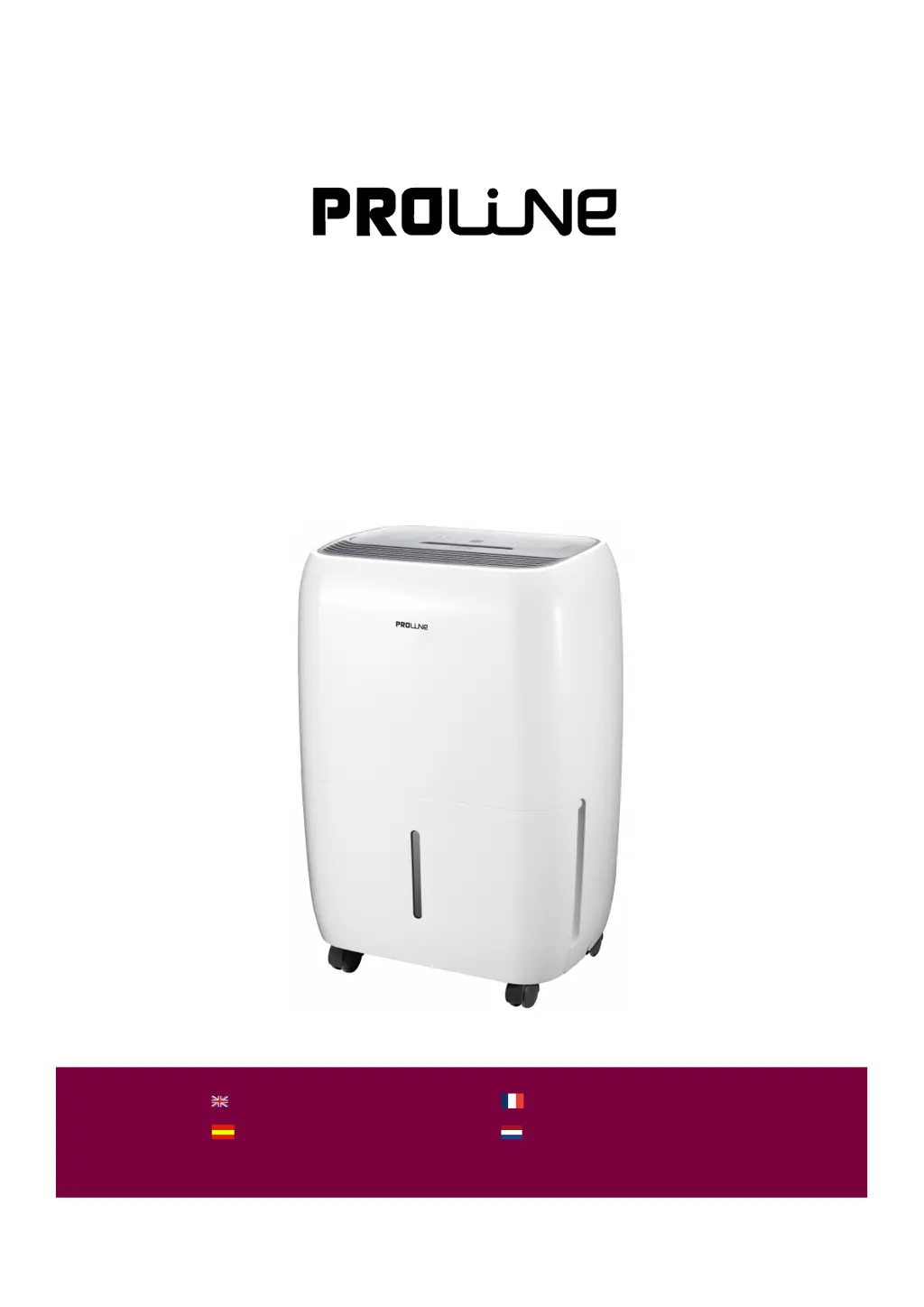
Proline DH12E - User Manual

Proline DH12E
46 pages
Print Icon
To Next Page IconTo Next Page
Loading...
DH12E
DEHUMIDIFIER
LUCHTONTVOCHTIGER
DESHUMIDIFICADOR
HANDLEIDINGMANUAL DE INSTRUCCIONES
MANUEL D'UTILISATION
OPERATING INSTRUCTIONS
DÉSHUMIDIFICATEUR
Downloaded from www.vandenborre.be

Questions and Answers

Summary

General Safety Warnings

Control Panel Overview

Button Functions

Explains the functions of power, mode, timer, fan speed, and ioniser buttons.

Indicator Lights

Describes the meaning of indicator lights for power, modes, bucket status, and timers.

Display Information

Outlines what the display shows, including humidity, error codes, and timer settings.

Mode Selection

Dehumidifying Mode

Details how to operate the appliance in dehumidifying mode and set humidity levels.

Continuous Dehumidifying Mode

Explains the operation of continuous dehumidifying mode without user-set humidity levels.

Dryer Mode

Describes the dryer mode, its fan speed, automatic humidity control, and cancellation.

Timer Functions

Delayed Start Function

Guides on how to program the delayed start time for the appliance.

Delayed Stop Function

Provides instructions on programming the delayed stop time for the appliance.

Modify or Cancel Timer

Explains how to change or cancel the set delayed start or stop times.

Other Functions and Maintenance

Bucket Full Indicator

Explains the indicator for a full or misplaced water bucket and necessary actions.

Auto Shut Off

Describes conditions under which the dehumidifier will automatically shut off.

Auto Defrost

Explains the auto defrost feature, its operation, and normal associated noises.

Emptying the Water Bucket

Provides step-by-step instructions for safely removing and emptying the water bucket.

Continuous External Draining

Details how to set up continuous draining using a hose for long-term operation.

Cleaning the Air Filter

Instructions on how to remove, clean, and replace the air filter for optimal performance.

Routine Bucket Cleaning

Guidance on monthly cleaning of the water bucket to prevent dirt buildup.

Troubleshooting and Specifications

Troubleshooting Common Problems

Lists common issues, their causes, and checks to perform before calling for service.

Error and Protection Codes

Explains various error codes (AS, ES, E3, P1, P2) and their possible solutions.

Product Specifications

Details technical specifications like capacity, weight, power source, and refrigerant.

Summary

General Safety Warnings

Control Panel Overview

Button Functions

Explains the functions of power, mode, timer, fan speed, and ioniser buttons.

Indicator Lights

Describes the meaning of indicator lights for power, modes, bucket status, and timers.

Display Information

Outlines what the display shows, including humidity, error codes, and timer settings.

Mode Selection

Dehumidifying Mode

Details how to operate the appliance in dehumidifying mode and set humidity levels.

Continuous Dehumidifying Mode

Explains the operation of continuous dehumidifying mode without user-set humidity levels.

Dryer Mode

Describes the dryer mode, its fan speed, automatic humidity control, and cancellation.

Timer Functions

Delayed Start Function

Guides on how to program the delayed start time for the appliance.

Delayed Stop Function

Provides instructions on programming the delayed stop time for the appliance.

Modify or Cancel Timer

Explains how to change or cancel the set delayed start or stop times.

Other Functions and Maintenance

Bucket Full Indicator

Explains the indicator for a full or misplaced water bucket and necessary actions.

Auto Shut Off

Describes conditions under which the dehumidifier will automatically shut off.

Auto Defrost

Explains the auto defrost feature, its operation, and normal associated noises.

Emptying the Water Bucket

Provides step-by-step instructions for safely removing and emptying the water bucket.

Continuous External Draining

Details how to set up continuous draining using a hose for long-term operation.

Cleaning the Air Filter

Instructions on how to remove, clean, and replace the air filter for optimal performance.

Routine Bucket Cleaning

Guidance on monthly cleaning of the water bucket to prevent dirt buildup.

Troubleshooting and Specifications

Troubleshooting Common Problems

Lists common issues, their causes, and checks to perform before calling for service.

Error and Protection Codes

Explains various error codes (AS, ES, E3, P1, P2) and their possible solutions.

Product Specifications

Details technical specifications like capacity, weight, power source, and refrigerant.

Proline DH12E Specifications

General IconGeneral
Dehumidifying capacity12 liters/day
Water tank capacity2 liters
Power consumption220 W
RefrigerantR134a
Suitable for rooms up to25 m²
Operating Temperature5°C - 35°C

Related product manuals