172
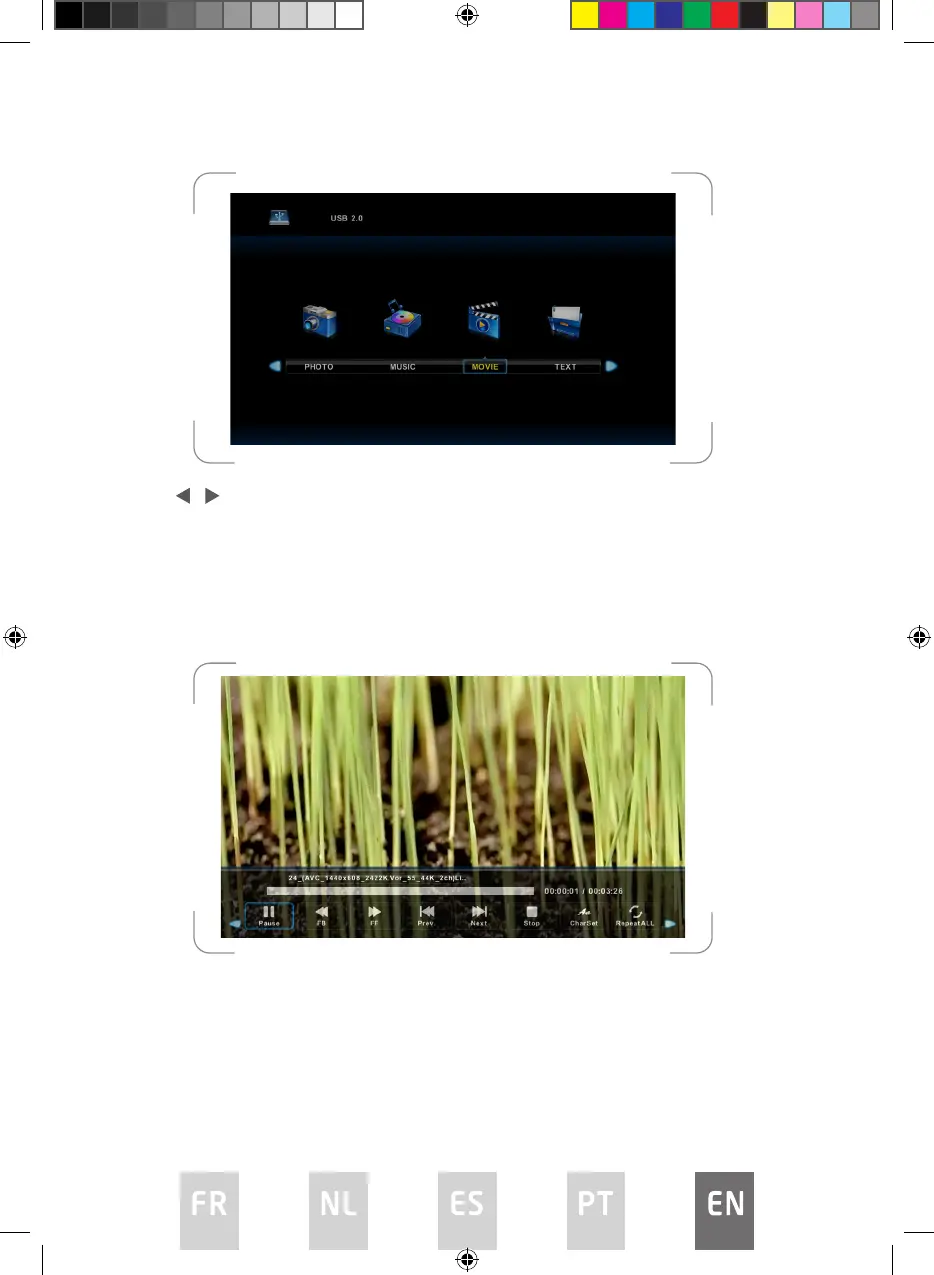
Press / button to select drive disk you want to watch, and then press ENTER
button to enter.
Press ENTER button to play the selected movie.
Press display button to select menu on the bottom you want to run, and then
press ENTER button to operate.
Press EXIT button to return to the previous menu.
L5020UHD LED IB.indd 172L5020UHD LED IB.indd 172 29/5/2023 9:46 AM29/5/2023 9:46 AM



 To Next Page