173
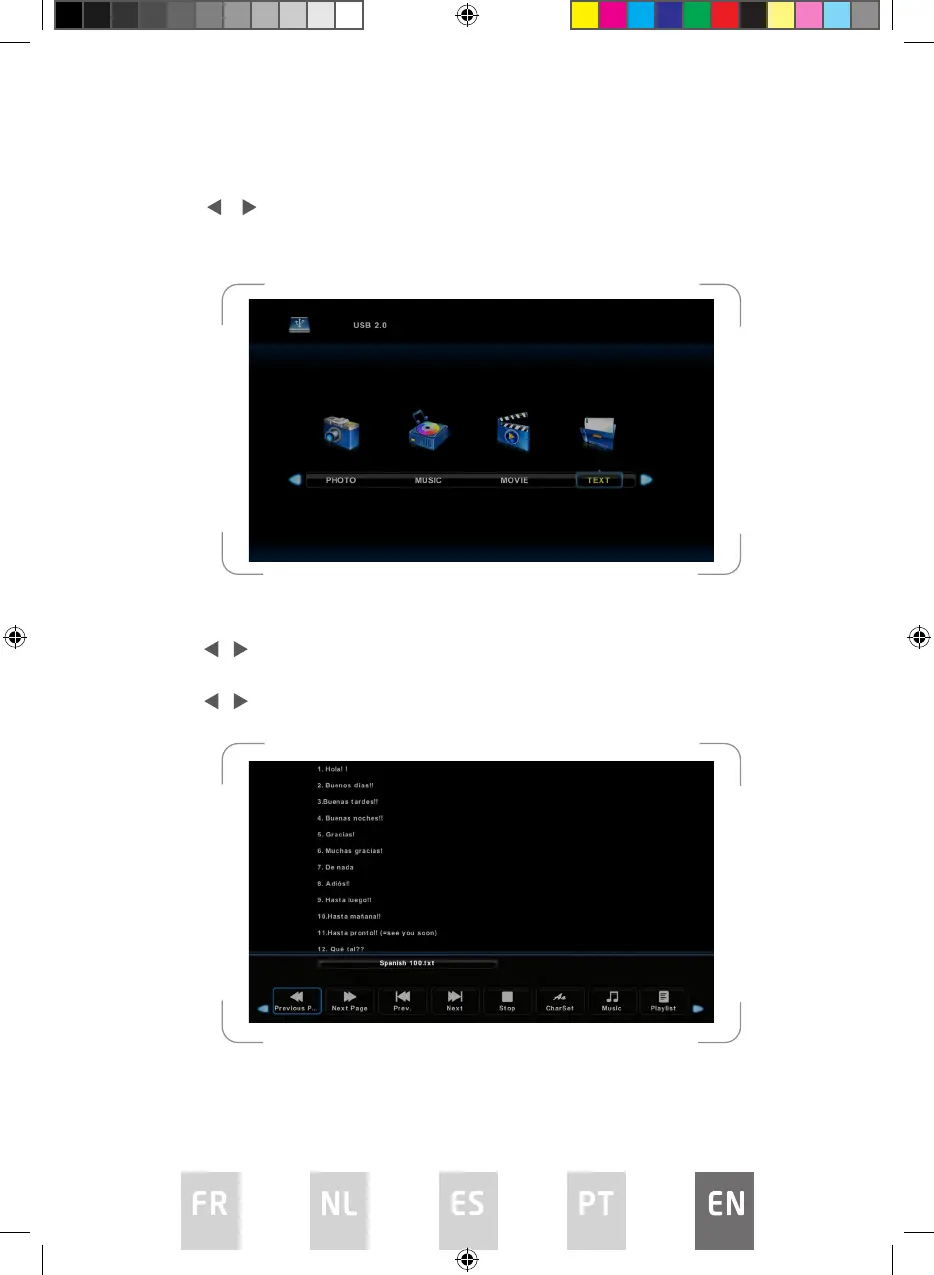
Text Menu
Press / button to select TEXT in the main menu, and then press ENTER
button to enter.
Press EXIT button to return to the previous menu.
Press / button to select drive disk you want to watch, and then press ENTER
button to enter.
Press / button to select return option to return to the previous menu.
L5020UHD LED IB.indd 173L5020UHD LED IB.indd 173 29/5/2023 9:46 AM29/5/2023 9:46 AM



 To Next Page