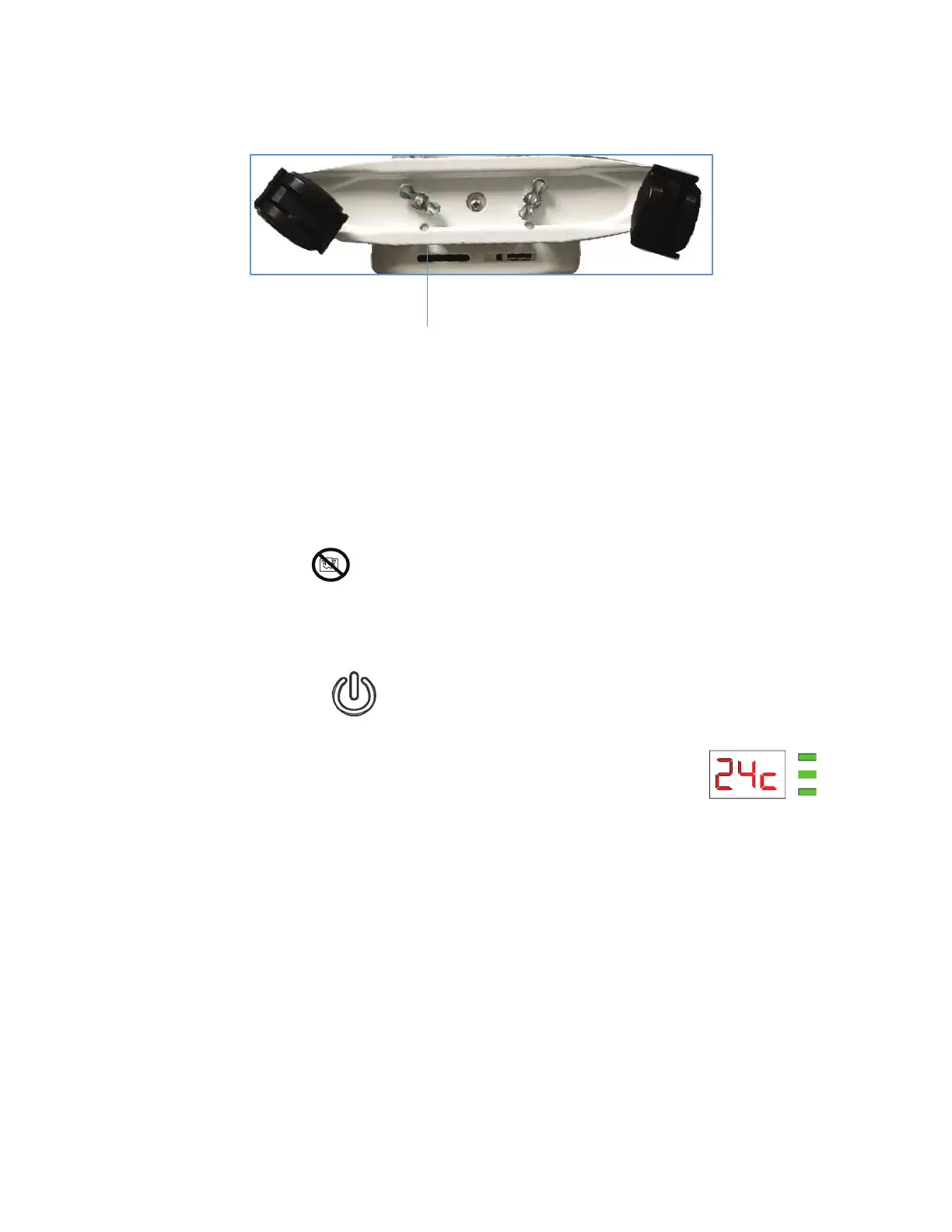
7. Screw on the wing nuts until the castor plates are securely in
place.
8. Return the heater to its upright position.
OPERATION
The heater carries a symbol ‘DO NOT COVER’ to alert the user to the risk of overheating that exists
if the heater is accidentally covered.
1. Place the heater on the stable level surface.
2. Open the power cord storage box to remove the power cord.
3. Plug in the heater and press .
y The power indicator will illuminate.
4. Press the power level button.
y You will hear a beep.
y The default set temperature is 24°C and the power setting is high level.
5. Power setting
Repeatedly press the power level button to select the desired level. The corresponding indicator(s)
will illuminate.
6. Temperature Setting ( 5°C ~ 30°C )
Repeatedly touch
н
or
դ
to select the required temperature.
NOTE : You can also touch and hold
н
or
դ
for fast setting. When the required temperature is
displayed, release the button
н
or
դ
.
7. Timer Setting
a. Setting timer to turn off the heater
Lock the castor plates to the heater with
wing nuts
EN-7


 To Next Page