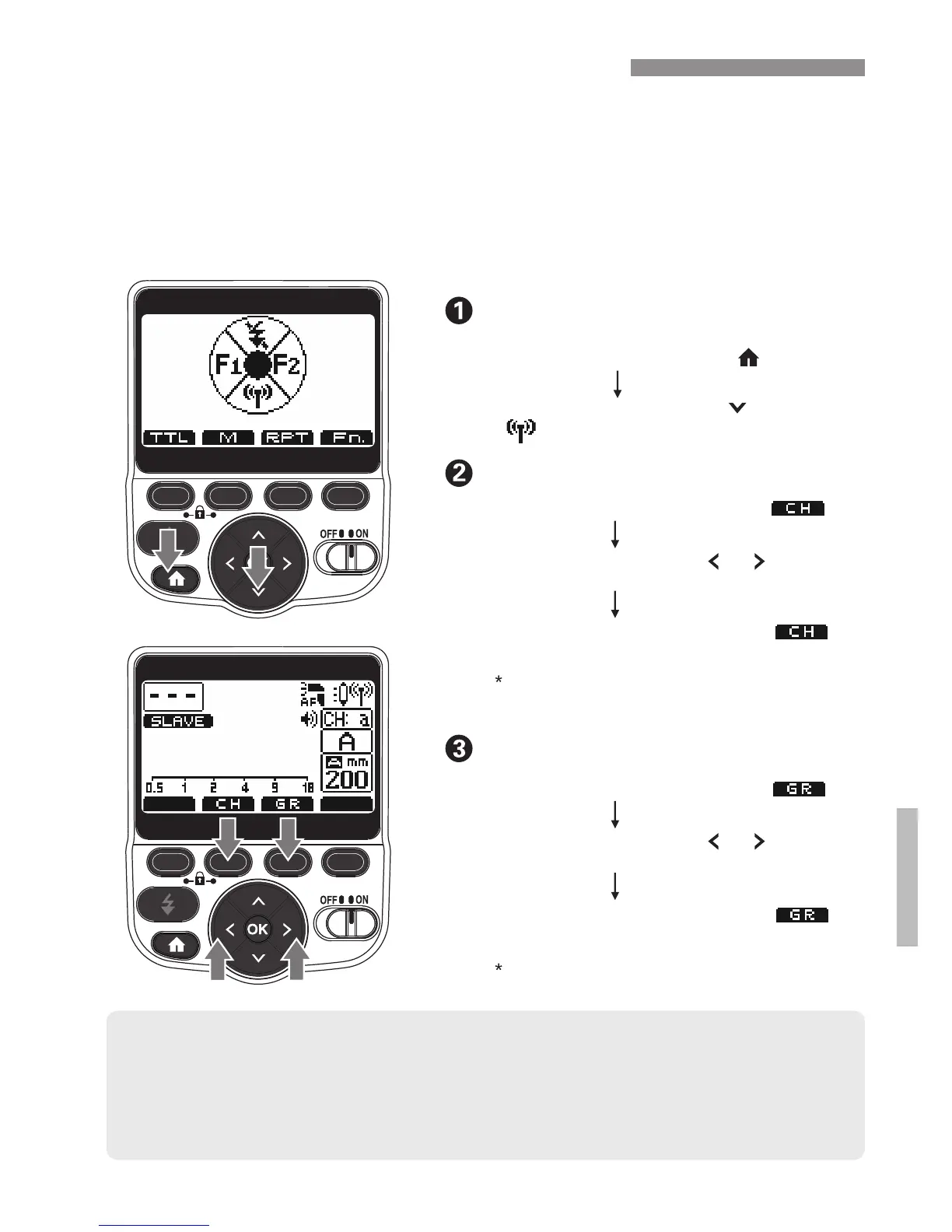
Press the Function 2 button [ ]
Use the arrow buttons [ ] [ ] for
adjustment
Press the Function 2 button [ ]
button to confirm your selection
Press the arrow button [ ] to set to
[ ]
Set the channel (CH)
2.4 GHz Slave Mode (Radio)
Enter 2.4 GHz slave mode
Set the group (GR)
● If another photographer is using the same type and same channel of
transmitter nearby, your speedlight may accidentally fire in-sync. with that
photographer’s transmitter. Please change to a different channel number.
● Be sure the 200ST-R is set to the same channel as the ST1C master.
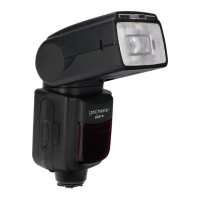
When set as a radio slave unit, the 200ST-R can receive signals
from a ProMaster ST1C transceiver (sold separately) in master
mode. TheST1C can control up to 5 groups using one of 15
channels or auto channel for its slave units ,reliably, over a long
distance (325' / 100 m), with optional TTL exposure and other
advanced features.
You can also use the [ ] button to confirm OK
your selection. Channel Range: a (auto) + 1-15
You can also use the [ ] button to confirm OK
your selection. Group Range: A, B, C, D, E
21
Press the Function 3 button [ ]
Press the Function 3 button [ ] to
confirm your selection
/
Use the arrow buttons [ ] [ ] for
adjustment
/
Press the home button [ ]


 To Next Page