Color Filters
Filters
Fluorescent filter(Green)
included
Balance the color of light from the flash to
match that of fluorescent lighting
Fluorescent filter(Orange)
included
Balance the color of light from the flash to
match that of incandescent or tungsten
lighting
Purpose
Using color compensation filters and color filters
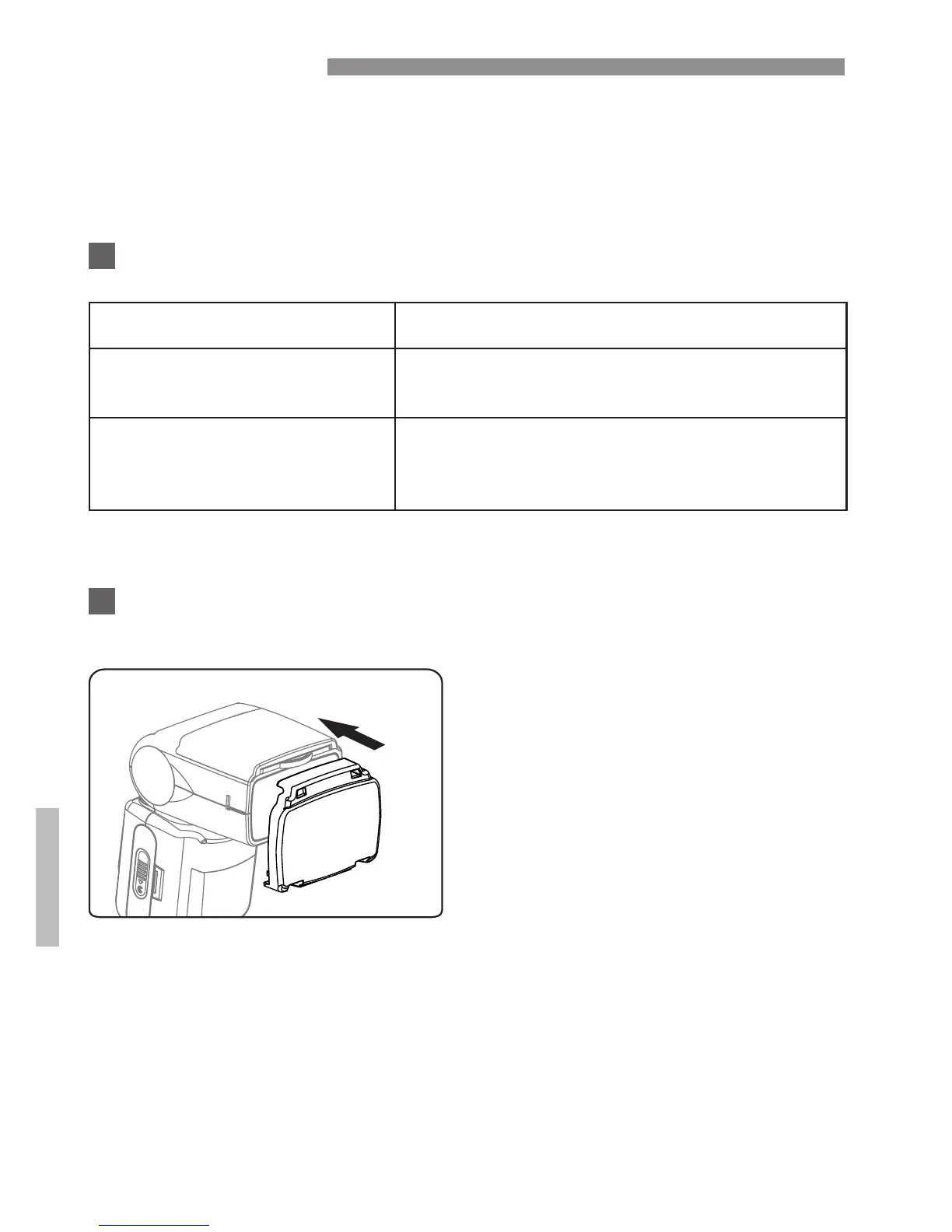
How to attach color compensation filters (included)
32
Place the filter on the flash
head and insert into the slit
at the top.
Place the filter as the shown
in the diagram.
Color compensation filters (fluorescent filter and an incandescent
filter) are included with the 200ST-R for use with flash photography
under incandescent/tungsten and fluorescent lighting.


 To Next Page