Plug the product into the AC outlet and proceed to use according to the directions on the product. The Powerstation
will operate most devices rated up to 400 watts.
The AC Power supply is equipped with a low battery alarm and an automatic shutdown feature to protect the unit if
the battery power drops below the safe recharging level.
If the low battery alarm sounds while you are operating an AC product, unplug the device immediately and discontinue
use until the Powerstation battery can be recharged.
Short press the AC button to switch inverter “OFF” and disconnect the AC product. Recharge battery as soon as
possible and before further use.
If you ignore the warning alarm, the power supply will automatically shut down and your AC product will instantly
lose power.
The AC power supply function is also protected against overloads and overheating. If either of these conditions
should occur, the power inverter will shut down automatically and all AC display info will turn to 0.
In case of overloading, unplug the AC load, short press the AC button to turn off and reset the unit.
a.
Operating with an extension cord
We recommend that you use an extension cord no longer that 100 ft. between the AC Output and AC appliance. A
longer cord may result in reduced output.
b.
Extended operating with an external battery.
You can extend the Powerstation operating time by connecting it to a larger external 12 VDC battery.
Ensure that the spare battery is 12 VDC. Ensure correct polarity connection of the red positive (+) clip of the cables
to the red positive (+) terminal of the external battery by connecting the black negative (-) clip of the cables to the
black negative (-) terminal of the external battery. Then, insert the other end of external battery connection terminal
to the Powerstation for supplemental power.
CAUTION: Do not recharge the Powerstation while it is connected to an external battery.
USB PORT
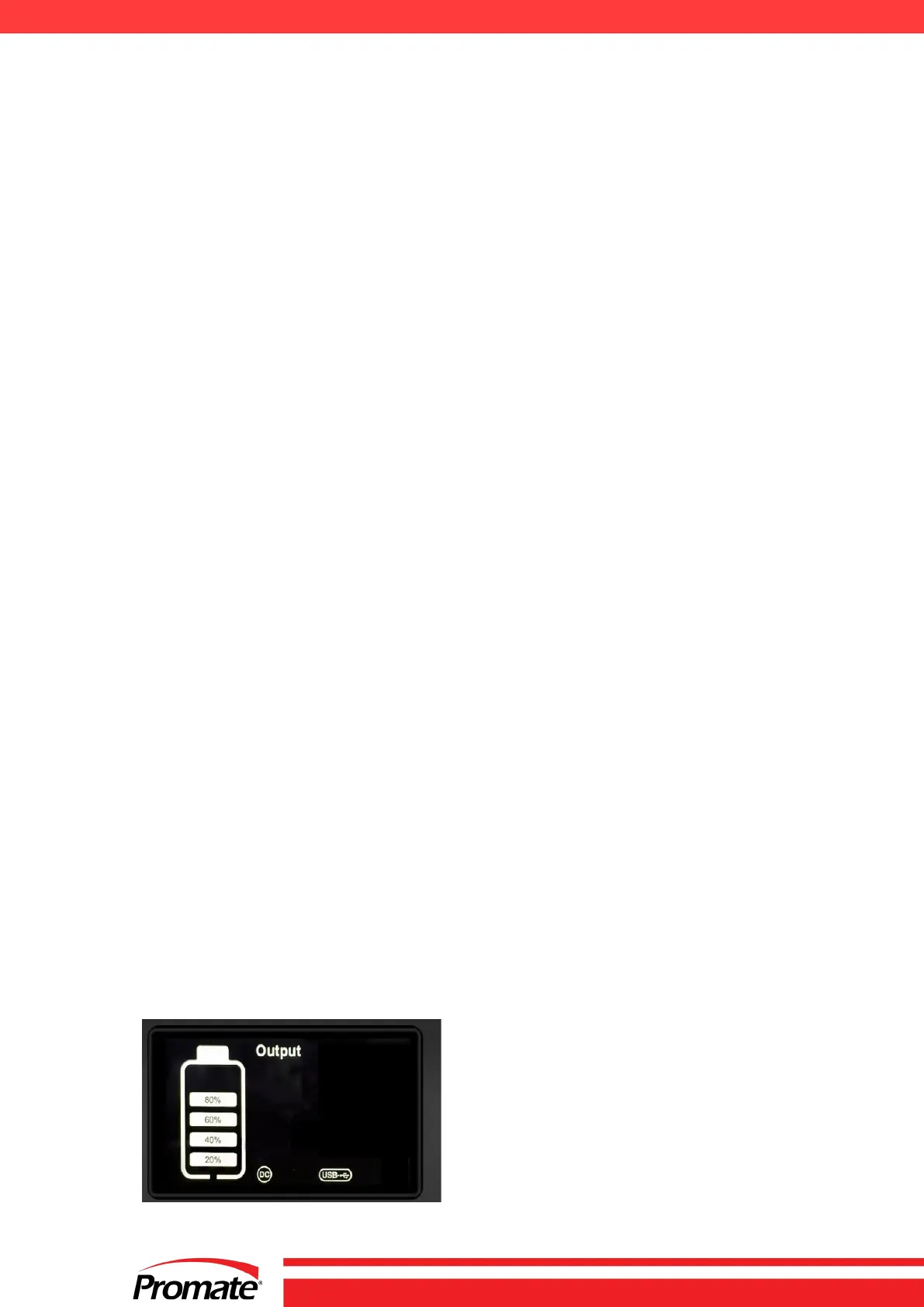
Short press the USB button to activate the USB and DC output.
Press it again to turn off the USB and DC output.


 To Next Page