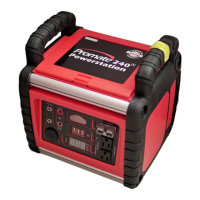
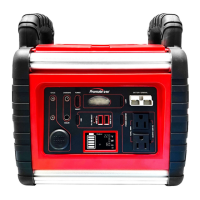
1. Connect the USB or Type C cable (included with the accessory) to both the accessory and the USB or Type C
port on the portable Powerstation.
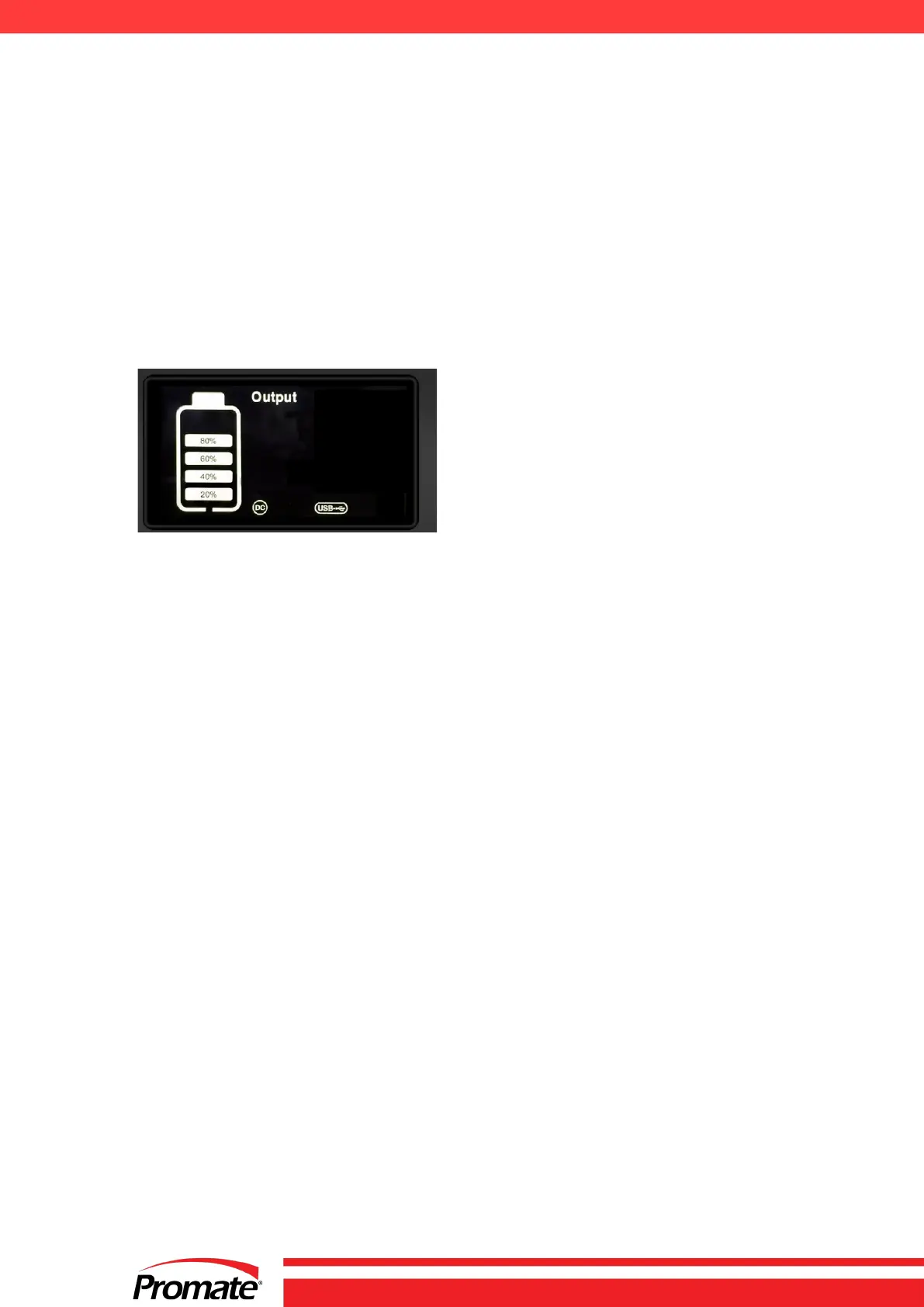
2. Short press the USB button to turn OFF the USB output.
12V DC JACK
The Powerstation is equipped with 2 x 12V DC jack and can be used to operate 12V DC devices (maximum total 1
Amp).
Short press the USB button to turn on the USB and DC output.
Press it again to turn off the USB and DC.
12V DC jack is protected by an internal circuit breaker to prevent damage to the unit in case the device has a short
circuit or exceeds 1 AMP. If circuit breaker is tripped, disconnect the device and have it checked. Circuit breaker will
automatically reset once it’s cools down. (approx. 15-20 minutes).
12V DC PORT
The Powerstation features a 12 DC Cigarette light and a 12V DC Jack, enabling it to power most 12-Volt auto
accessories and appliances (up to 11 AMPs) that use a cigarette lighter plug. To activate the USB and DC output,
simply short-press the USB button, then connect your appliance to the socket.
Note: The 12V DC socket is also controlled by the USB button to help reduce self-discharge. The operating time
depends on the battery condition and the appliance’s current draw. Regularly monitor the battery voltage status
("VDC") during use and stop immediately if the voltage drops to 11V.
Recharge the unit as soon as possible before further use.
The 12V DC port is protected by an internal circuit breaker to prevent damage in the event of a short circuit or if the
appliance exceeds 11 AMPs. If the circuit breaker trips, disconnect the appliance and inspect it. The breaker will
automatically reset after cooling down (approximately 15-20 minutes).
DO NOT PLUG A CIGARETTE LIGHTER INTO THE POWERSTATION’S OUTLET.
LED WORKLIGHT
Short press the LED switch to turn on the LED light. Press again to turn off.


 To Next Page