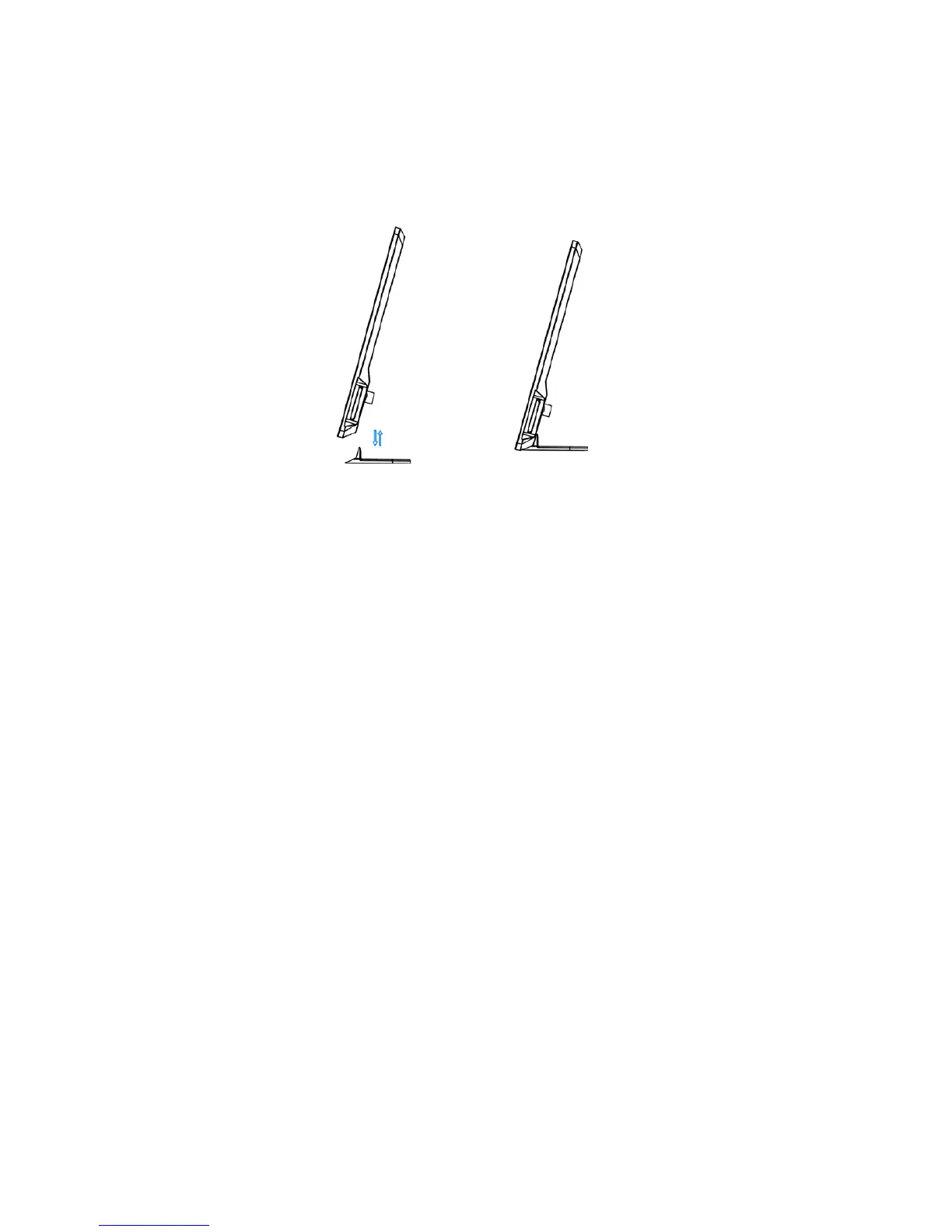
7. Stand Instruction
Insert the bracket into the slot of the photo frame. Please check and make sure the stand is
locked in place before standing the photo frame up.
Please refer to the illustration shown below
8. Specifications
• TFT LCD: 7 inch LCD (16:9) panel
• Screen resolution: 480*234 Pixel
• Brightness: 250 cd/m2
• Contrast: 300: 1
• Photo file formats: JPEG,BMP and GIF
• Audio file formats: MP3 and WMA
• Video file formats: MPEG1, MPEG2, MPEG4(Divx4.0,Divx5.0, Xvid) and AVI
• Full memory cards supports: MS/SD/MMC
• USB connection: USB2.0 HOST
• Supports software upgrade



 To Next Page