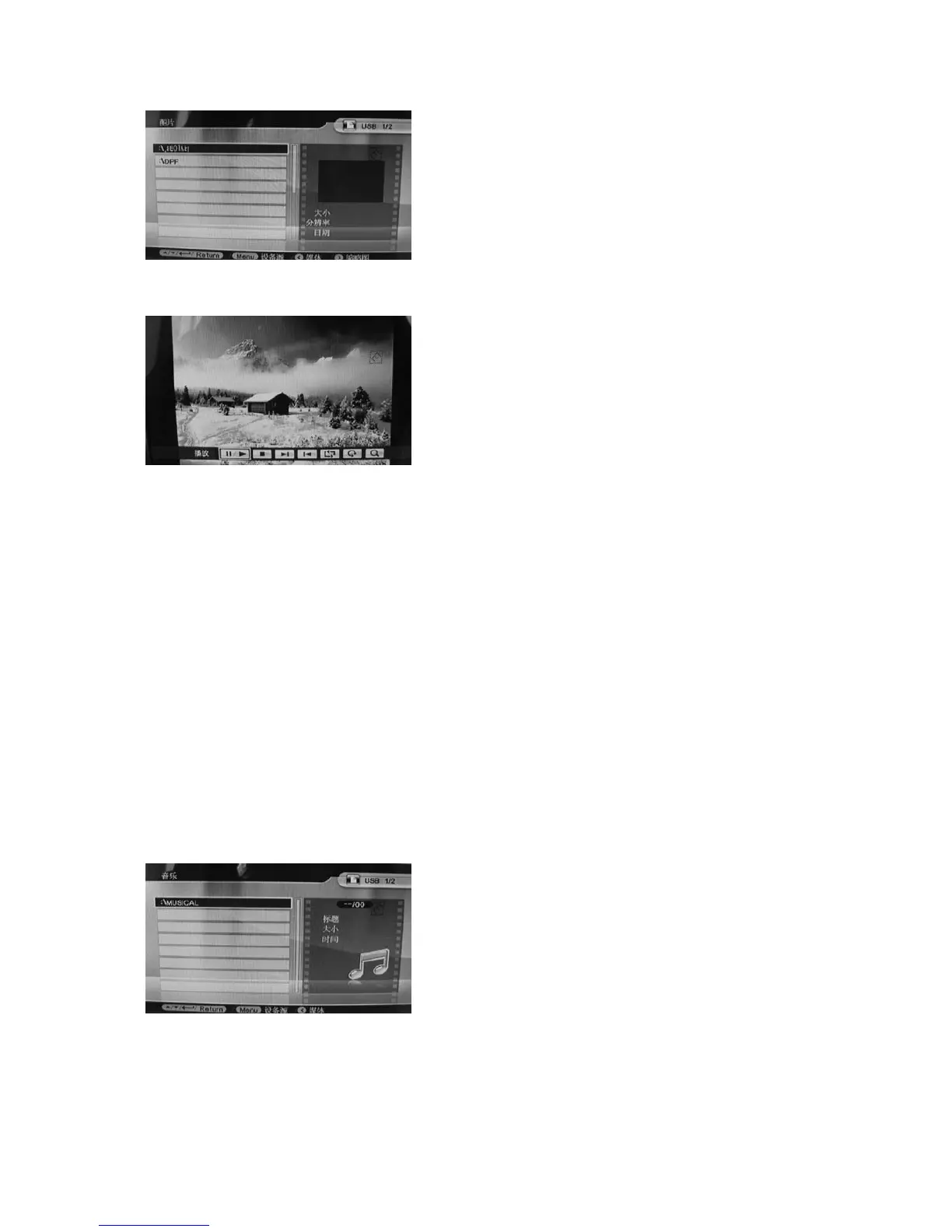
Info Bar functions as follows from left to right:
Play/pause
Stop
Next
Previous
Repeat
Rotate
Zoom
4.3 Music Mode
Operation:
Press Return button to choose "MEMORY CARD" in the main menu. Choose Music, press OK to
enter the music browser interface. Press to select.
When you enter the music file, press
to highlight the playlist of supported music
files. Press Menu to choose file function
operation items (Copy/Delete). Press
to choose the function you want, and press
When you enter the picture file, press
to highlight the play list of supported
picture files. Press Menu to choose file
function operation items (Copy/ Delete).
Press
to choose the function you
want, and press OK to operate.
When the picture is playing, press Menu
to enter "Info Bar" and then press to
choose. Press OK to operate. Pressing
Menu again will show the information of
the picture in detail (size, resolution,
date).



 To Next Page