you need a new battery.
3.4. Power on the unit by pressing the Power button on the remote control or on the top of
the unit.
4. Operating Instruction
4.1 Card and USB
Note: Make sure there are supported files of pictures, music and video in the Card or USB device.
4.2 Picture Mode
Operation:
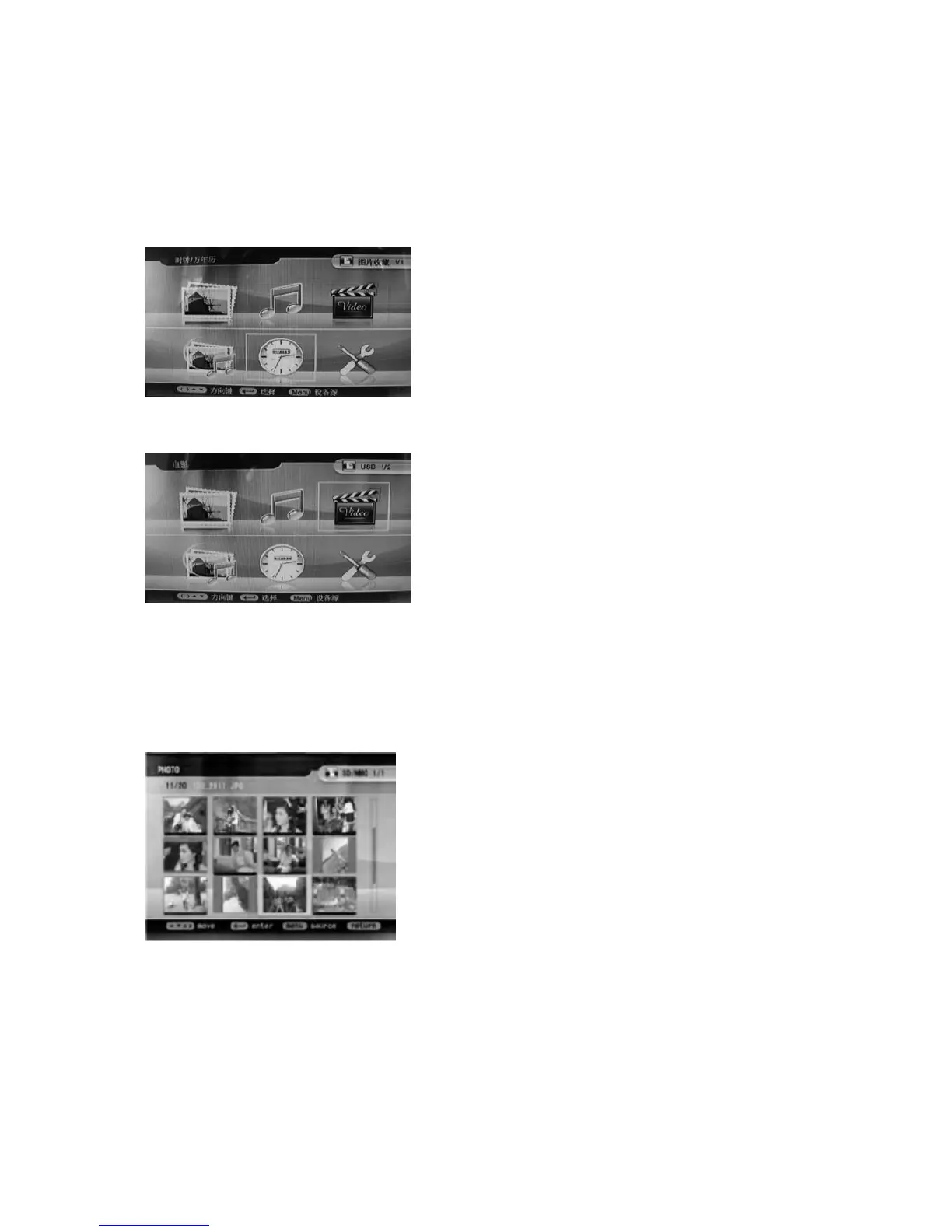
After turning on the unit, you will see MEMORY,
PHOTO, MUSIC, VIDEO, SLIDESHOW,
CLOCK/DATE, and SET UP icons on the screen.
If you insert any card or USB device, it will be
displayed in the top right corner. Please see the
following interface.
It supports SD, MMC, MS and USB 2.0. After
inserting the card or USB device, you can view
picture, music and video files from the card or
USB device (see the diagram). Press OK to
select the menu item.
Press the Return to choose "MEMORY
CARD
" in the main menu. Choose
Photo, press OK to enter the picture file,
then press to highlight the play list of
supported picture files. Pictures will
appear on the right, press OK to display.
When in the main menu, choose Photo,
press button to browse pictures in
thumbnail mode. Use to
highlight the picture you want to play, and
press OK to display.



 To Next Page