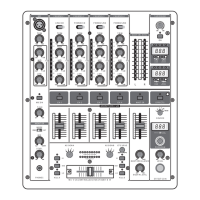
(7)
The built-in digital effects processor of your mixer can process the MASTER signal, the input
channels signal or the microphone signal. Use the SOURCE selector (33) to select the signal
on which you want to run the effects. The PROGRAM display (34) located below shows the effect
presets that can be recalled by turning and then pressing the effect presets that can be (35). The
LEVEL control (36) is used to determine the volume of the effects signal. Use the EFFECTS ON
switch (37) to turn the effects on and off.
Various effects are segmented into seven different groups, offering such standard effects as
reverb, delay, echo etc. As well as additional filter and combination effects.
2. CONNECTIONS
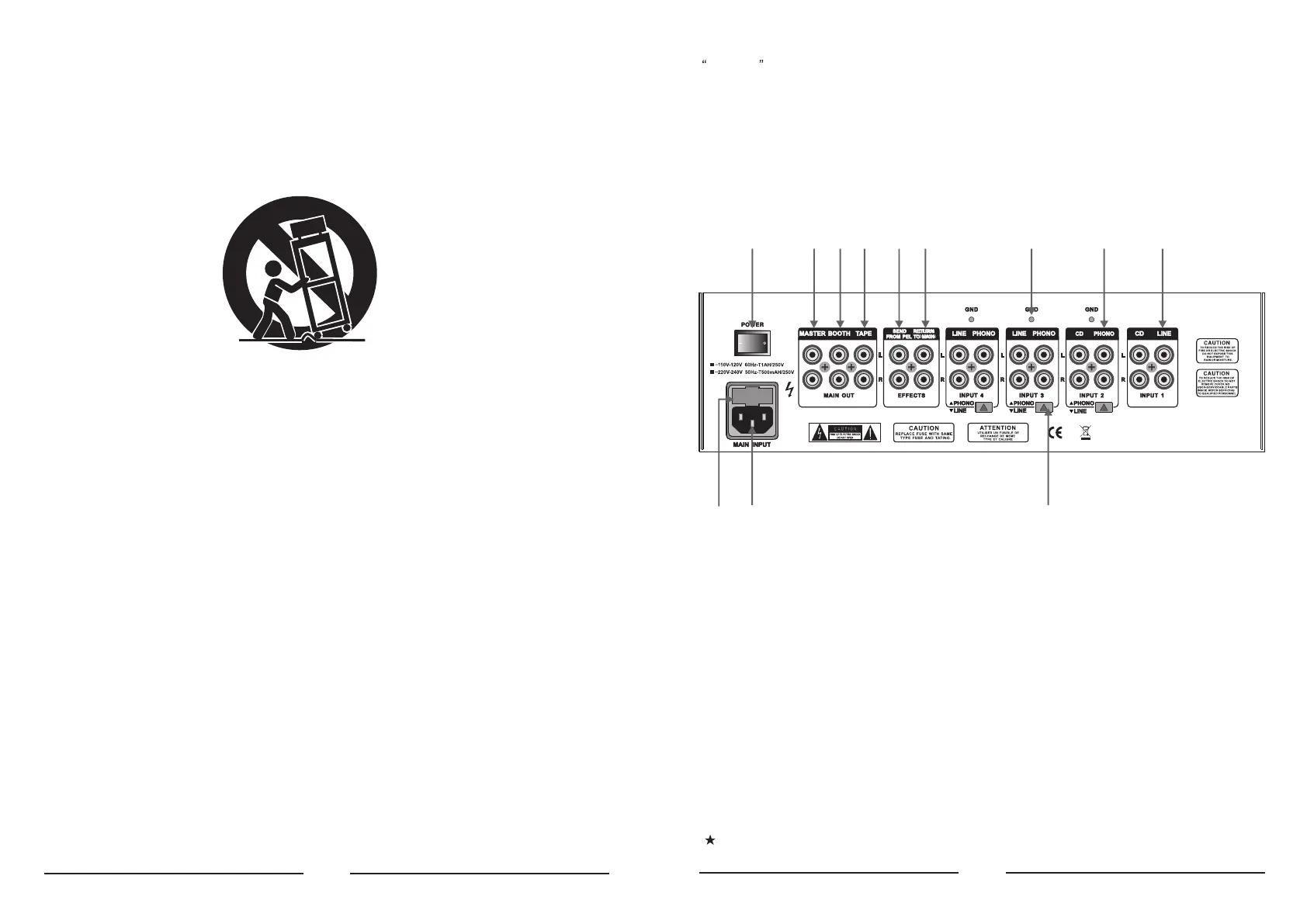
(38) These are the LINE i.e. CD inputs to connect a tape deck, CD or MD player etc. Unlike other
channels, channel 1 features two line inputs.
(39) The PHONO input for channels 2 to 4 are for connecting a turntable.
(40) The GND connectors ground the turntables.
(41) With the PHONO/LINE switch it is possible to switch the input sensitivity of the PHONO inputs
2 to 4 to line level. This allows you to connect a tape deck or a CD player to the PHONO inputs.
(42) The 5 channel mixer features an integrated effects loop for the connection of an external eff-
ects device. The MONITOR signal is taken at the SEND output and routed, fox example, to a
reverb processor. Thus, the signal at the SEND connector is identical to the headphones sig-
nal and is selected with the MONITOR CUE buttons (16).
(43) The externally processed signal is added to the MASTER output signal via the RETURN co-
nnectors. The effect signal volume may only be adjusted at the output control of the effects
device itself.
(44) The MASTER output is for connecting to an amplifier and can be adjusted with the MASTER
fader (18).
Always turn the power amps on last to avoid inrush currents that can easily damage your
speakers. And, to avoid sudden and unpleasant surprises for your ears, make sure there
(38)(39)(40)(43)(42)(46)(45)
(48) (41)
(44)(47)
(49)
(10) Protect the power cord from being walked on or pinched particularly at plugs, extension
cords, and the point at which they exit the unit.
(11) Only use attachments/accessories specified by the manufacturer.
(13) Unplug this device during lightning storms or when not used for long periods of time.
(14) Refer all servicing to qualified service personnel. Servicing is required when the unit has
been damaged in any way, such as power supply cord or plug is damaged, liquid has b-
een spilled or objects have fallen into the device, the unit has been exposed to rain or
moisture, does not operate normally, or has been dropped.
(12) Use only with the cart, stand, tripod, bracket, or table specified by the manufacturer, or
sold with the device. When a cart is used, use caution when moving the cart/ device
combination to avoid injury from stumbling over it.
(2)


 To Next Page
 Loading...