16
3. Integrated effect processor
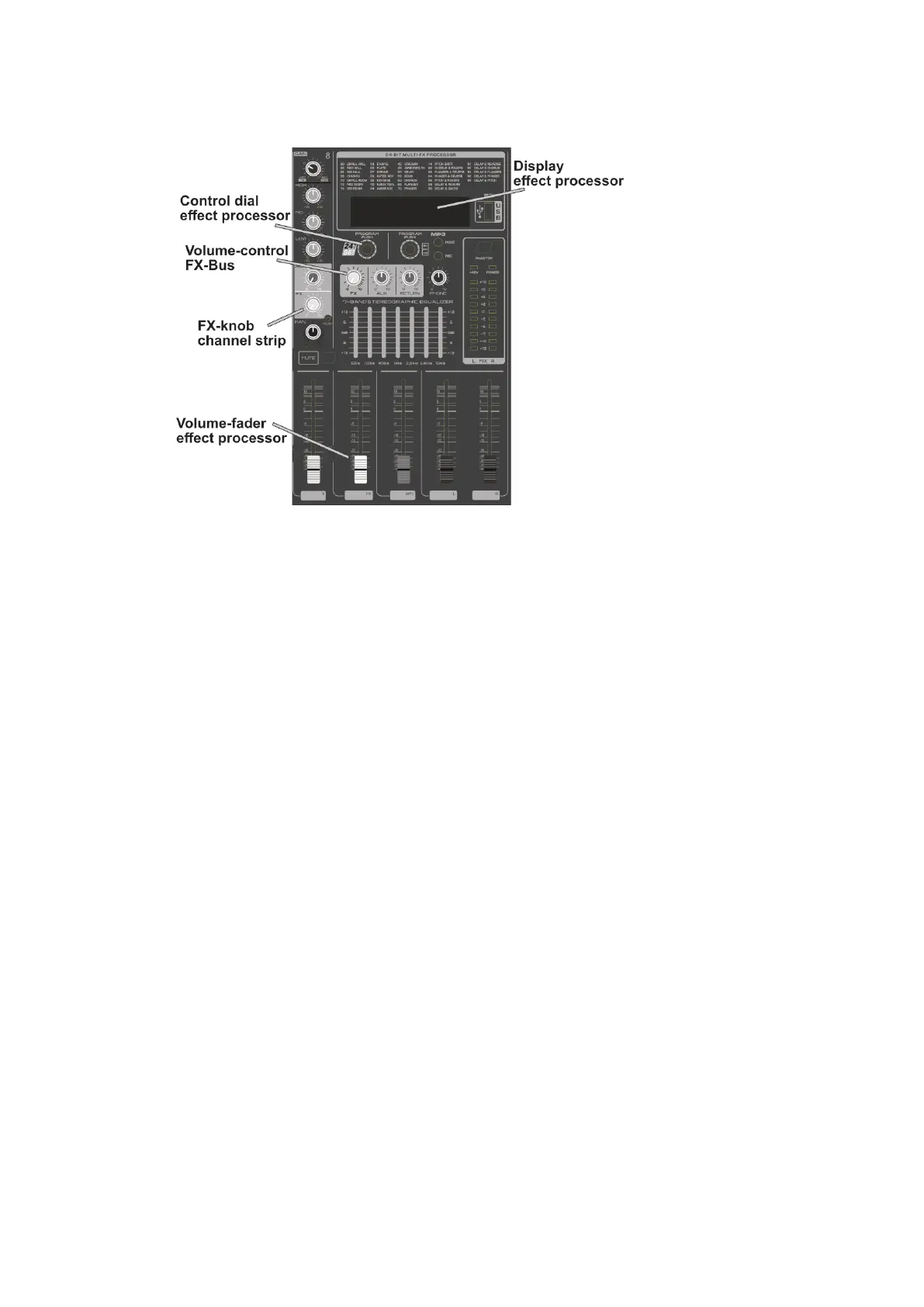
The mixer has an integrated 24-bit multi-effect processor. Turn the knob to preselect
the desired effect. Press the knob to activate the effect. On the display, the flashing
effect number indicates that an effect has been preselected, and the lit effect
number indicates that the effect is active.
The signal path is as follows.
Use the FX knob of the channel strip to select which signal is to be assigned to the
effect. Of course, you can also route signals from multiple channel strips to the
internal effects processor in this way. Adjust the overall signal level that is routed to
the effects processor with the Volume knob of the FX bus. Now use the volume
control of the integrated effect processor (FX fader) to add the music signals
assigned to an effect by the internal effect device to the stereo sum.



 To Next Page