INSTALLATION
19
• Should you at any point connect your authorized Ignition Key hardware, Internet connec-
tion is no longer required.
! It is not possible to run two instances of Reason (on different computers) authorized to
the same user account. Reason will then enter Demo Mode.
Running Reason in Demo Mode
If you don't have a Reason license, or if you don’t have your Ignition Key hardware at hand and don’t have
a working Internet connection, you can run Reason in Demo Mode:
1. Launch Reason.
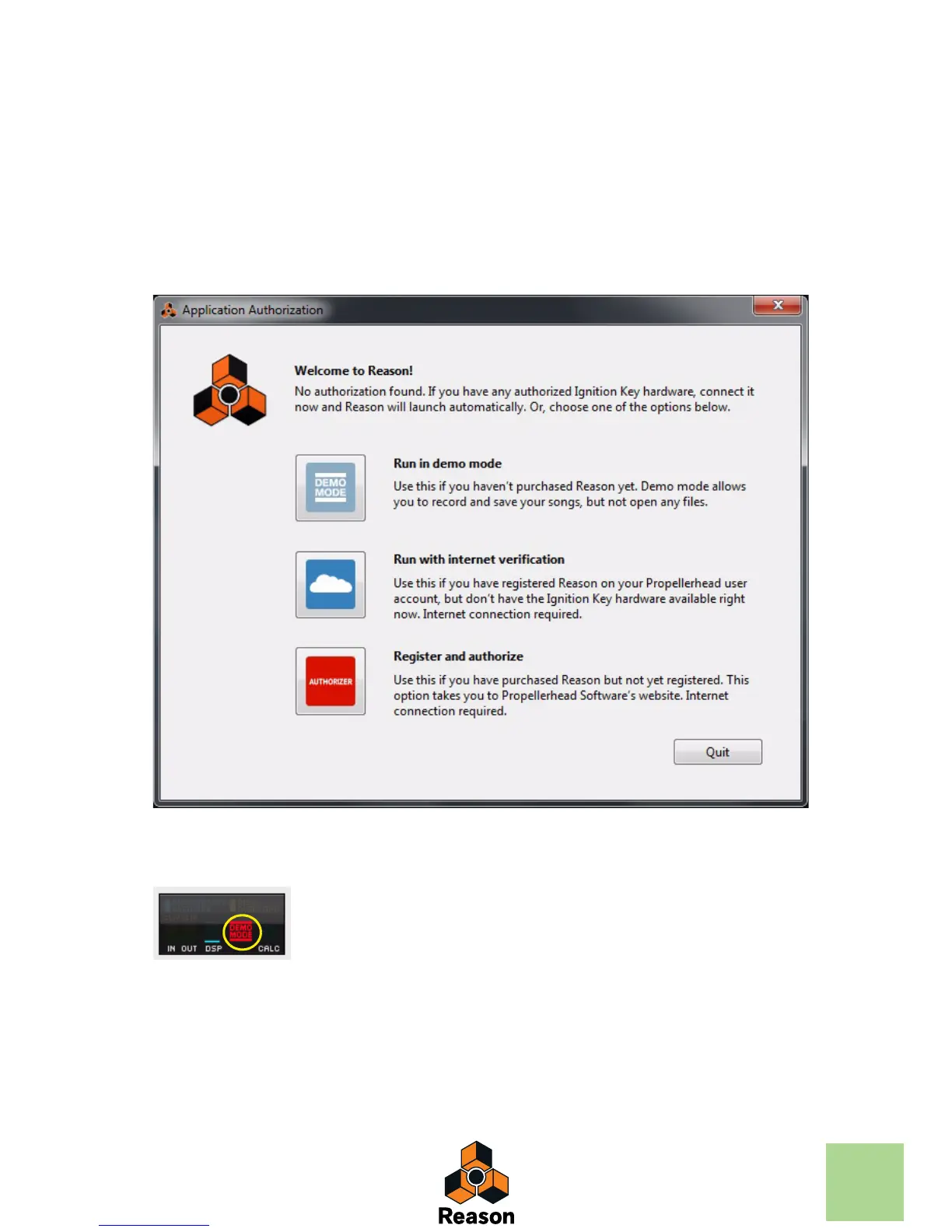
The following window will show up:
2. Click on the "Run in Demo Mode" button.
Reason launches in Demo Mode.
The Demo Mode indicator lights up to the left on the Sequencer Transport Panel.
Running Reason in demo mode allows you to perform all operations as in authorized mode, with three
exceptions:
• You cannot export audio or bounce mixer channels to disk.
• You will not have access to any Rack Extension devices.



 To Next Page