SETTING UP
24
About the Preferences
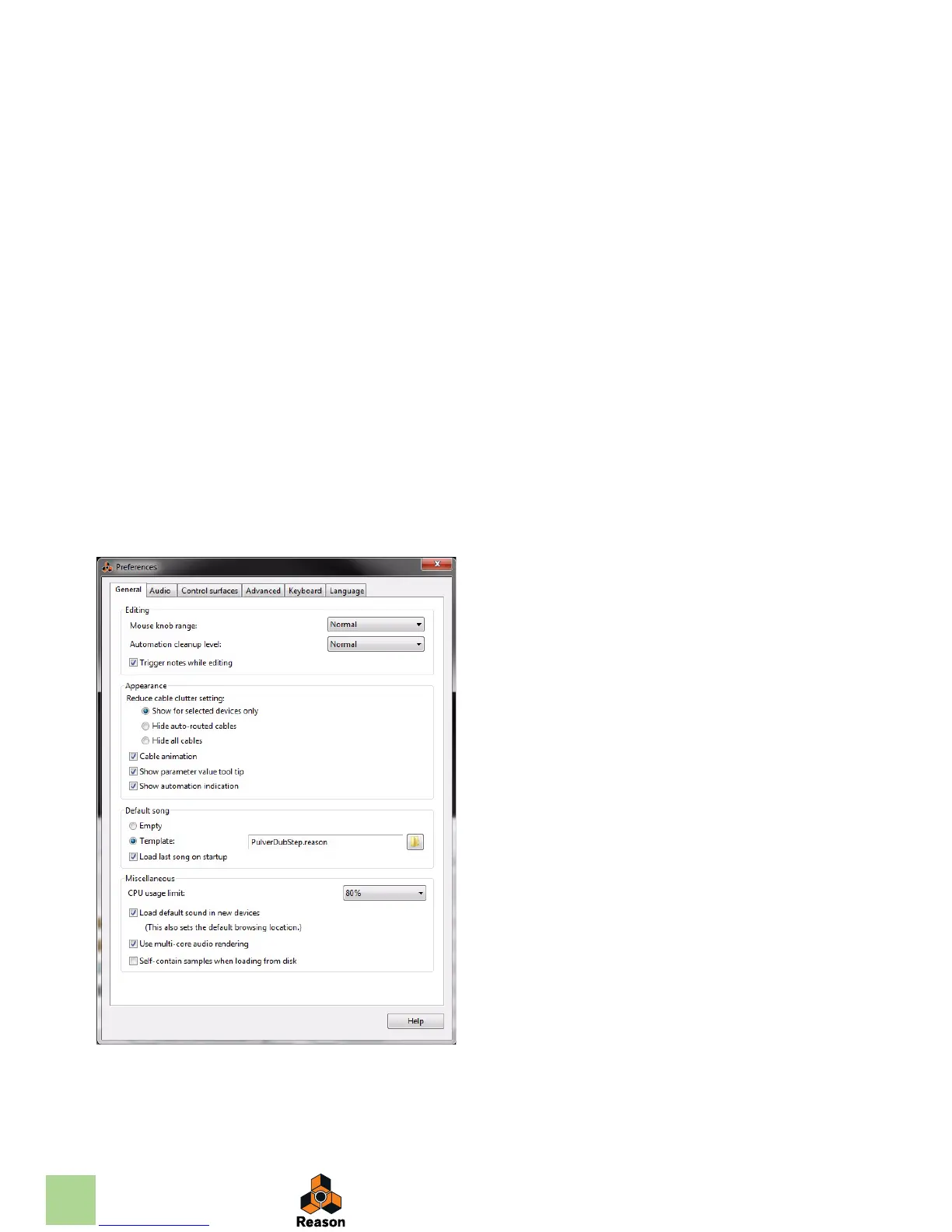
The basic settings for audio and MIDI are done in the Preferences dialog. This is opened from the Edit
menu (or, if you are running Mac OS X, from the Reason menu).
The Preferences dialog.
q Described herein are only the most important settings in the Preferences. For informa-
tion about other Preferences settings, see the “Menu and Dialog Reference” chapter in
the Reason Operation Manual pdf.



 To Next Page