SETTING UP
34
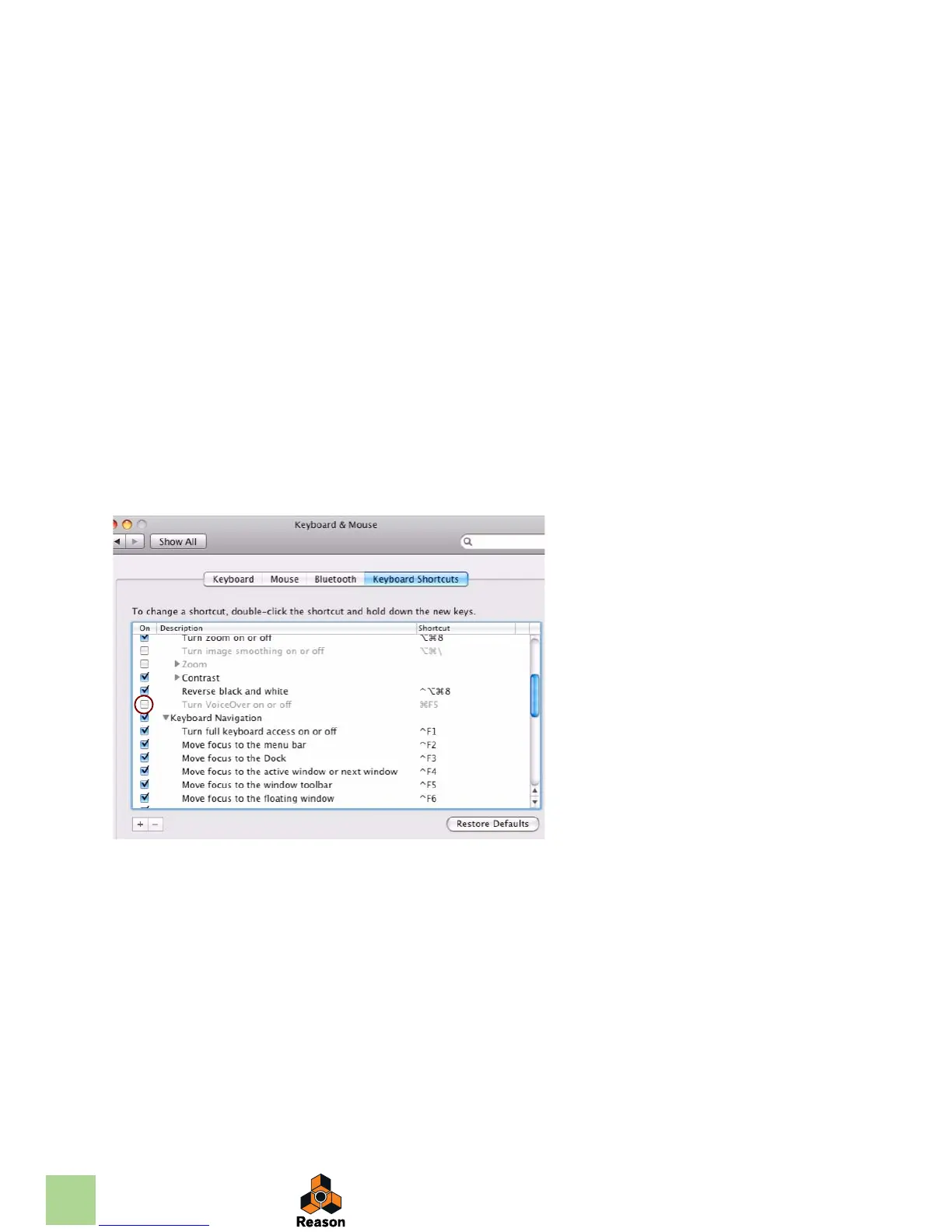
4. Scroll down to the "Turn VoiceOver on or off" item and either remove the tick from the
checkbox or assign it to another keyboard shortcut.
5. Scroll down further to the "Spaces" item (keyboard shortcut F8) and either remove the
tick from the checkbox or assign it to another keyboard shortcut.
In Reason [F8] is assigned to show/hide the Tool Window.
6. Now, you’re finished with the settings and can close the “Keyboard & Mouse” window.
From now on, the function keys and keyboard shortcuts will perform their intended functions in Rea-
son.



 To Previous Page