9
4.2 Switching On
If the amber “empty/rell” indicator
light illuminates and the buzzer
sounds when the steamer is switched on, your steamer is empty
of water. Turn off the power and rell according to instructions
Filling Steamer with Water.
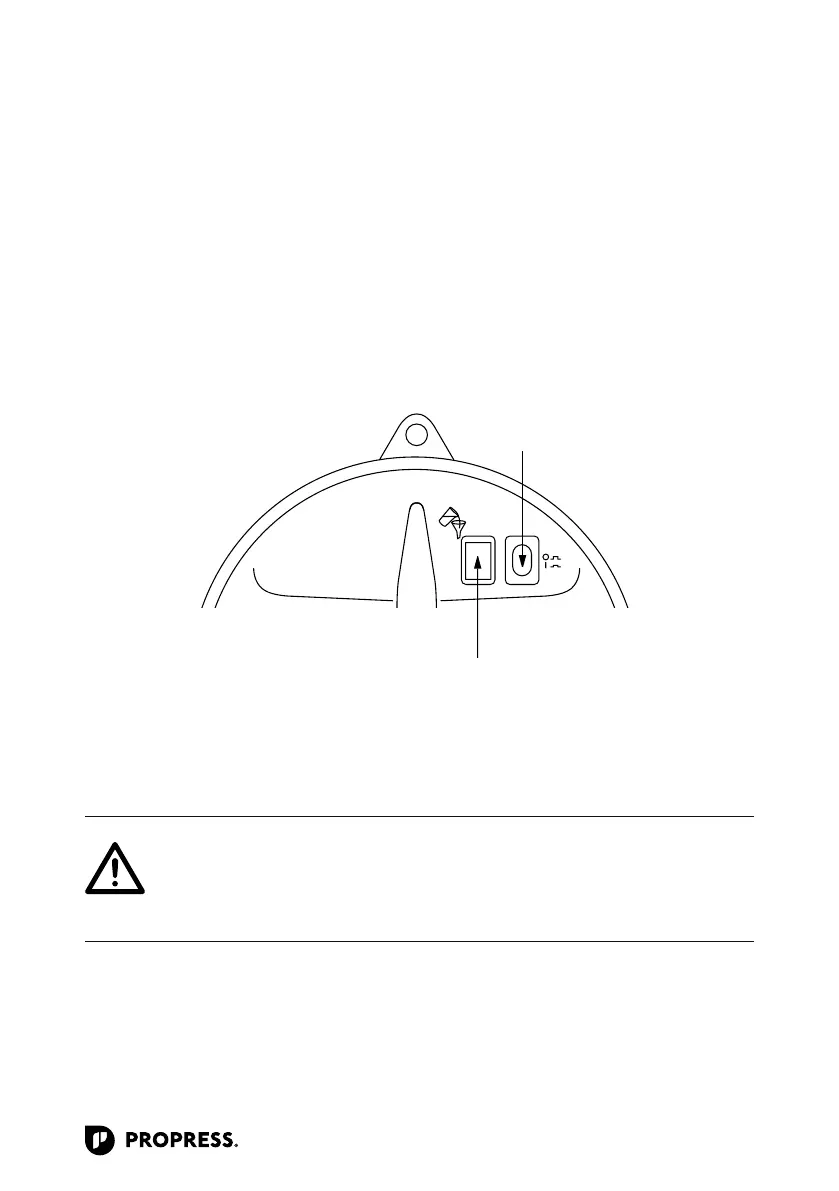
1. Plug the steamer into a suitable power
outlet and push down the green on/off
switch that will illuminate to indicate
the steamer is “on” and heating up.
On/Off button
NOTE: The water in the steamer will
take 10 to 15 minutes to produce steam,
dependent upon the water temperature,
ambient temperature and also the
eciency of your electrical supply.



 To Next Page