17
Step by step operation guide for training
Turning On/ O the Device
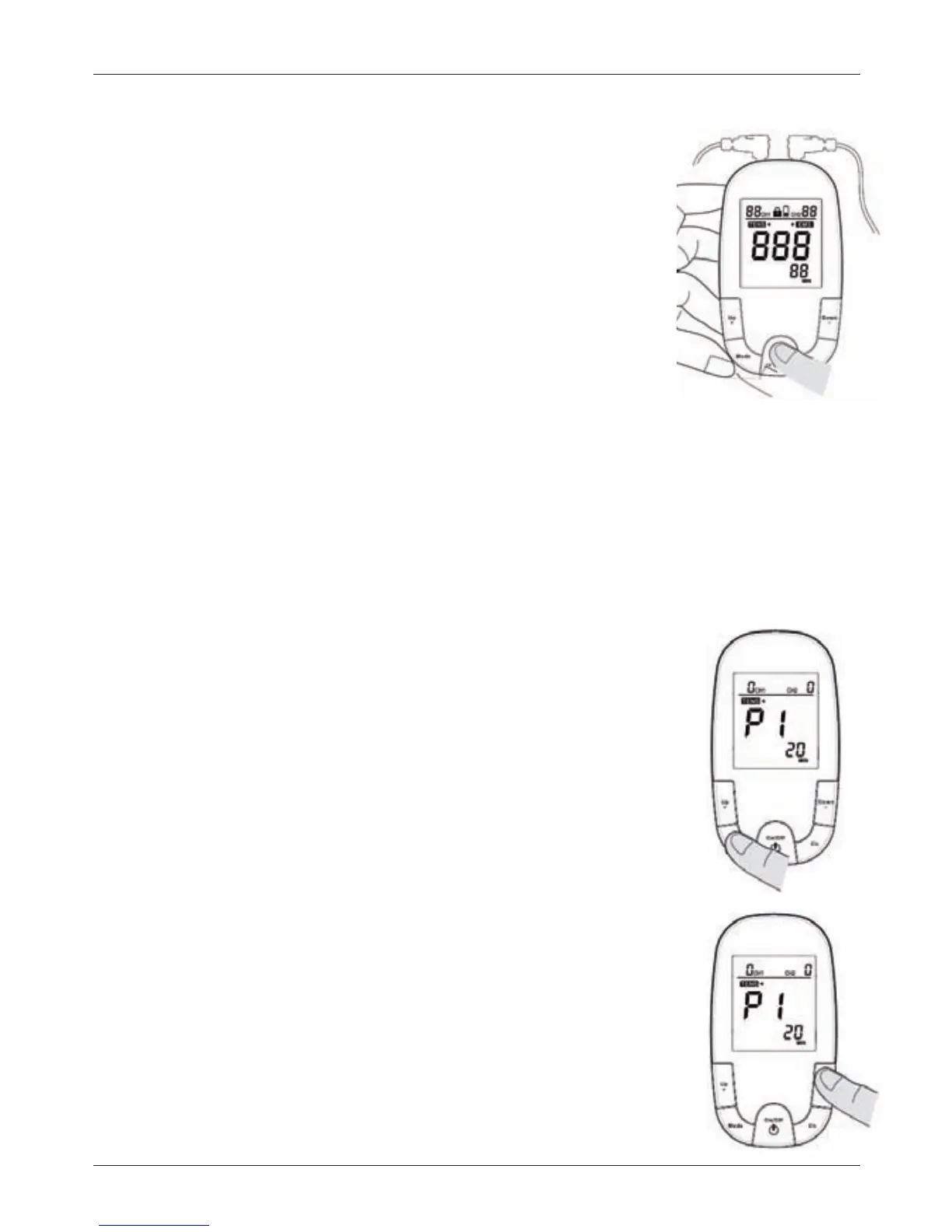
To Turn On/O the device, Press and hold the On/O
button for one (1) second to turn on the device.
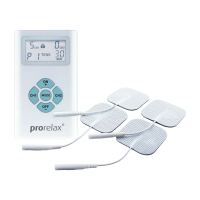
1.The most recently selected treatment time and program
will display on the screen
Note : Do not turn the unit on until all electrodes and lead
wires are properly attached.
Note : When stimulating the muscles of the arms or legs bear
in mind that the muscle contraction may cause involuntary
limbmovementwhichcouldcauseinjurytoyouorothers.
Always ensure the limb is secured to prevent movement.
2. The device turns o automatically after the therapy session
time has elapsed.
Note : In an emergency you may also pull the connector(s)
from the device and then remove the electrodes.
Note : To prevent unpleasant electric shocks, never remove
the device while it is still turned on.
Selecting TENS/EMS Treatment Mode
The Device o ers 8 di erent preset treatment programs
respectivelyforTENS/EMSmodes;theprograms
dierwithrespecttovaryingpulsewidthsandfrequencies.
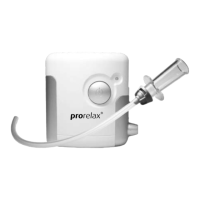
1.PressMODE,thepreset(default)therapymodeTENS/EMS
will display on the screen.
2. Use the button Up+ ,or Down – , for choice of therapy
mode. therapy mode.
3.PressModeagain,thenumericnumberofprogramisthen
ashing.PressthebuttonUp+(toincrease)orthebuttonDown–
(to decrease) for choice of program of the selected modality.
4.PressMODEagaintosaveyourselection.
Note : If you change programs during the course of a
therapy session, the treatment time will not reset unless you
manually reset it by performing the steps described above.


 To Next Page