20
Selecting the program
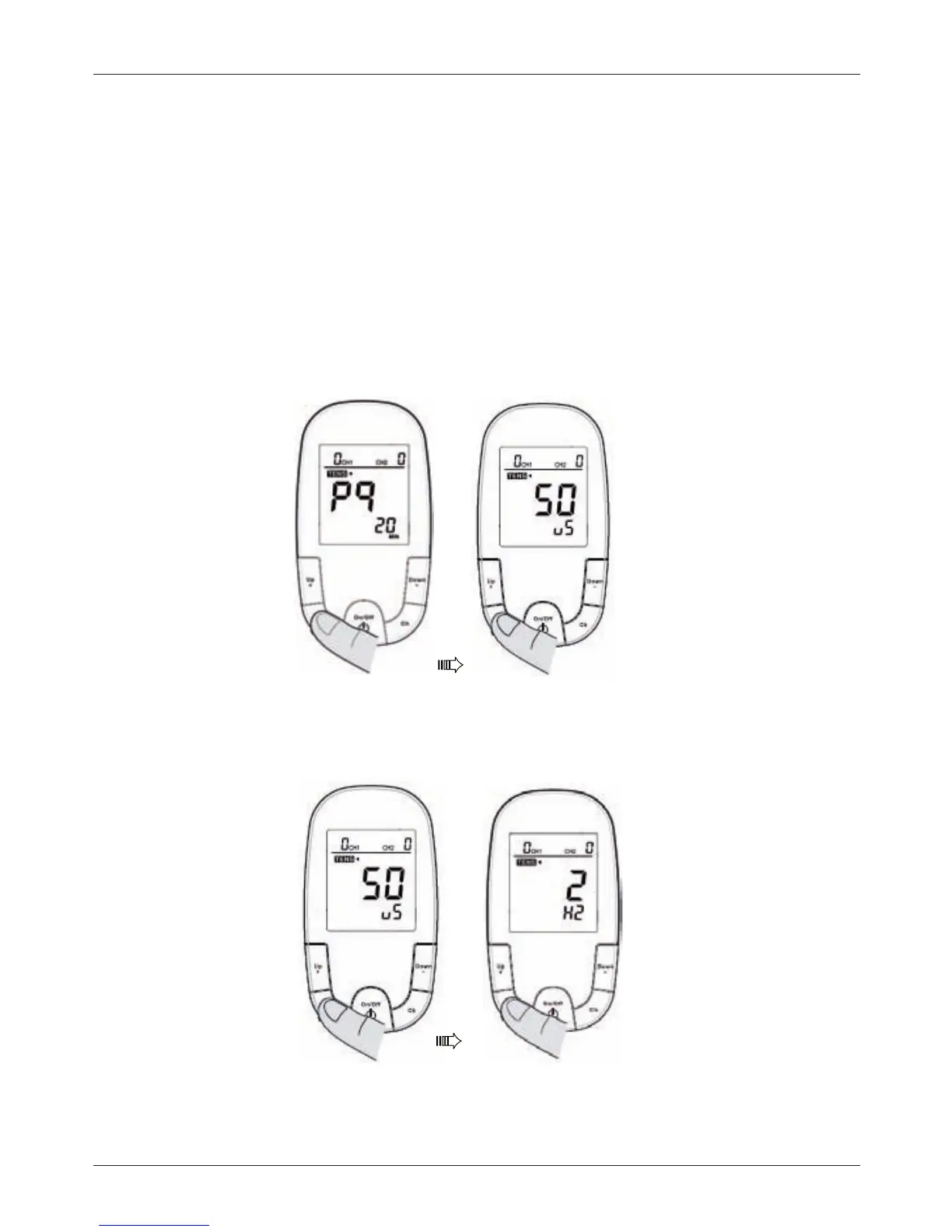
Press MODE after treatment mode is set.
1. To choose Program (P1~P8), use Up + (to increase) or the button Down – (to
decrease).
2. Program P9, it is self –programmable mode. To set up desirable pulse width
between50~260uSandfrequencyat2~60Hz(forTENS)and7~70Hz(forEMS):
2.1.PressModebutton,thepreset(default)PulseWidthisthenashing.
Press the button Up + (to increase) or the button Down – (to decrease) for choice
of the selected Pulse Width .
2.2.PressModebuttonagain,thepreset(default)PulseRateisthenashing.
Press the button Up + (to increase) or the button Down – (to decrease) for
choiceoftheselectedPulsefrequency.
3.PressMODEagaintosaveyourselection.Thetreatmentprogramyouselected
will appear on the display the next time you turn the device on.


 To Next Page