22
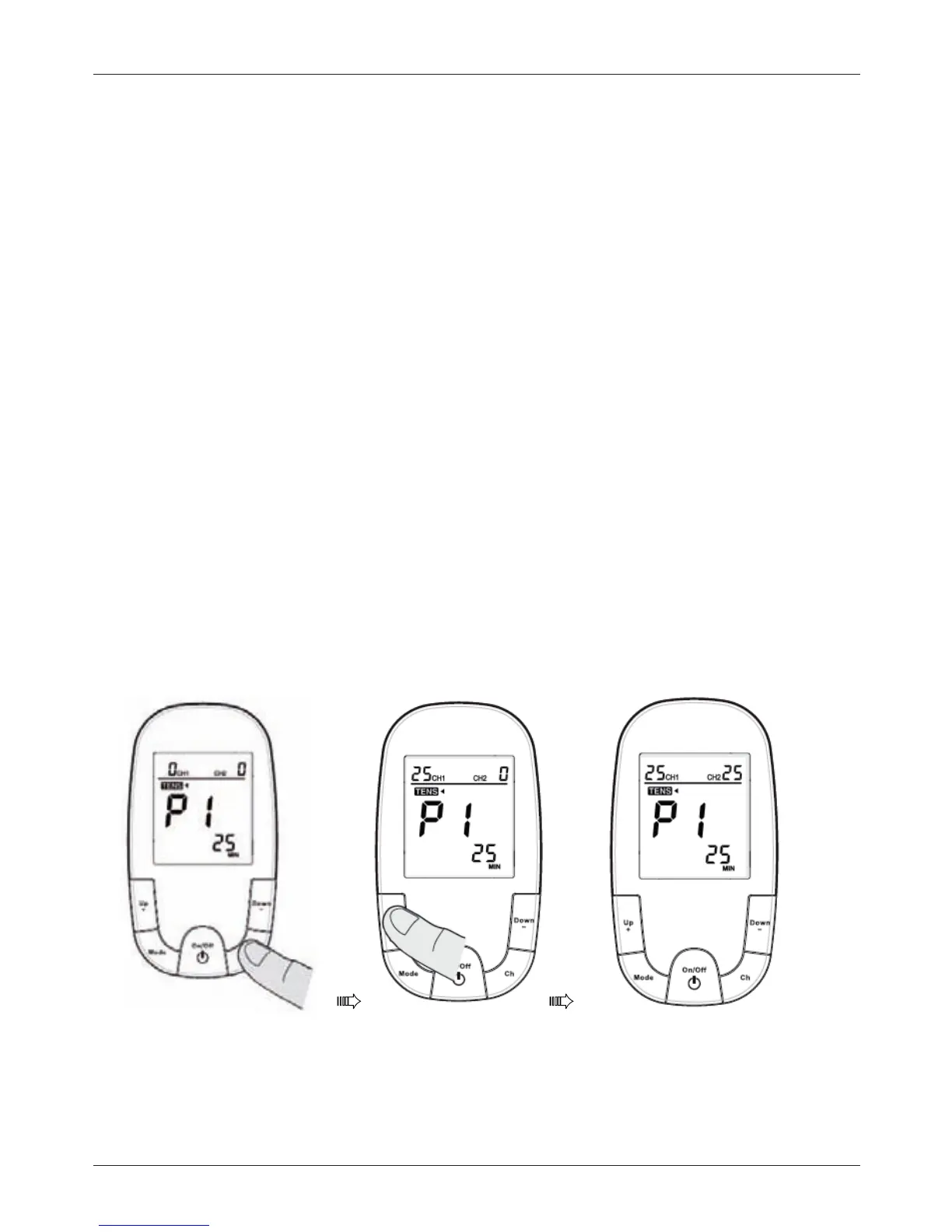
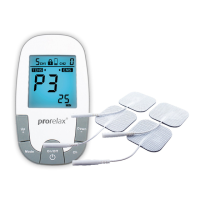
Selecting the Therapy Intensity Level
1.Intensityisadjustableaccordingtothechannelselected.
SelectthechannelyouwishtoadjustbypressingChbutton,it
willashonthedisplay.
2.To increase or decrease the intensity, press Up + (to increase) or Down –
(todecrease)repeatedlyuntilthedesiredintensitylevelashesonthedisplay.
Note: You will feel the intensity increase or decrease as you select the intensity
level. You can use this as a guide to select a level that is comfortable for you.
Note: If you change therapy mode/program during the course of a therapy session,
the intensity level will reset to “0” showing on the screen, for safety reason.
3.PressMODEtosaveyourselection.
Selecting the Therapy Intensity Level


 To Next Page