Setup menu operation
Reset
Press ENTER to return to the factory setting.
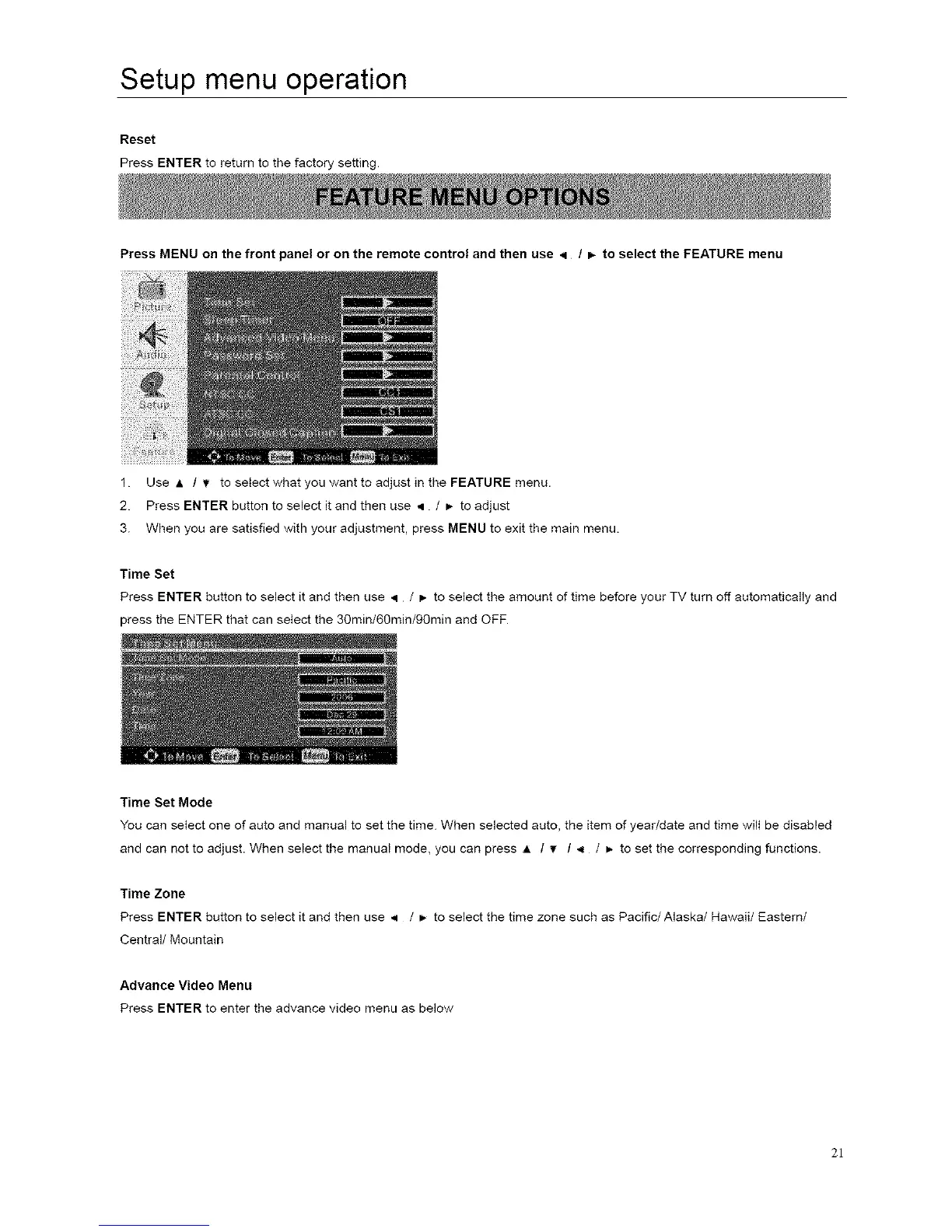
Press MENU on the front panel or on the remote control and then use < / _ to select the FEATURE menu
1. Use A / _/ to select what you want to adjust in the FEATURE menu.
2. Press ENTER button to select it and then use q / _ to adjust
3. When you are satisfied with your adjustment, press MENU to exit the main menu.
Time Set
Press ENTER button to select it and then use ,q / _- to select the amount of time before your TV turn off automatically and
press the ENTER that can select the 30min/60min/90min and OFF.
Time Set Mode
You can select one of auto and manual to set the time. When selected auto, the item of year/date and time will be disabled
and can not to adjust. When select the manual mode, you can press A / Y / _ / m-to set the corresponding functions.
Time Zone
Press ENTER button to select it and then use ,q / _ toselectthetimezonesuchasPacific/Alaska/Hawaii/Eastern/
Central/Mountain
Advance Video Menu
Press ENTER to enter the advance video menu as below
2]














 To Next Page