Setup menu operation
In DTV mode, you can tune manually and adjust the angle. Orientation of the antenna etc.
Auto Ch Search
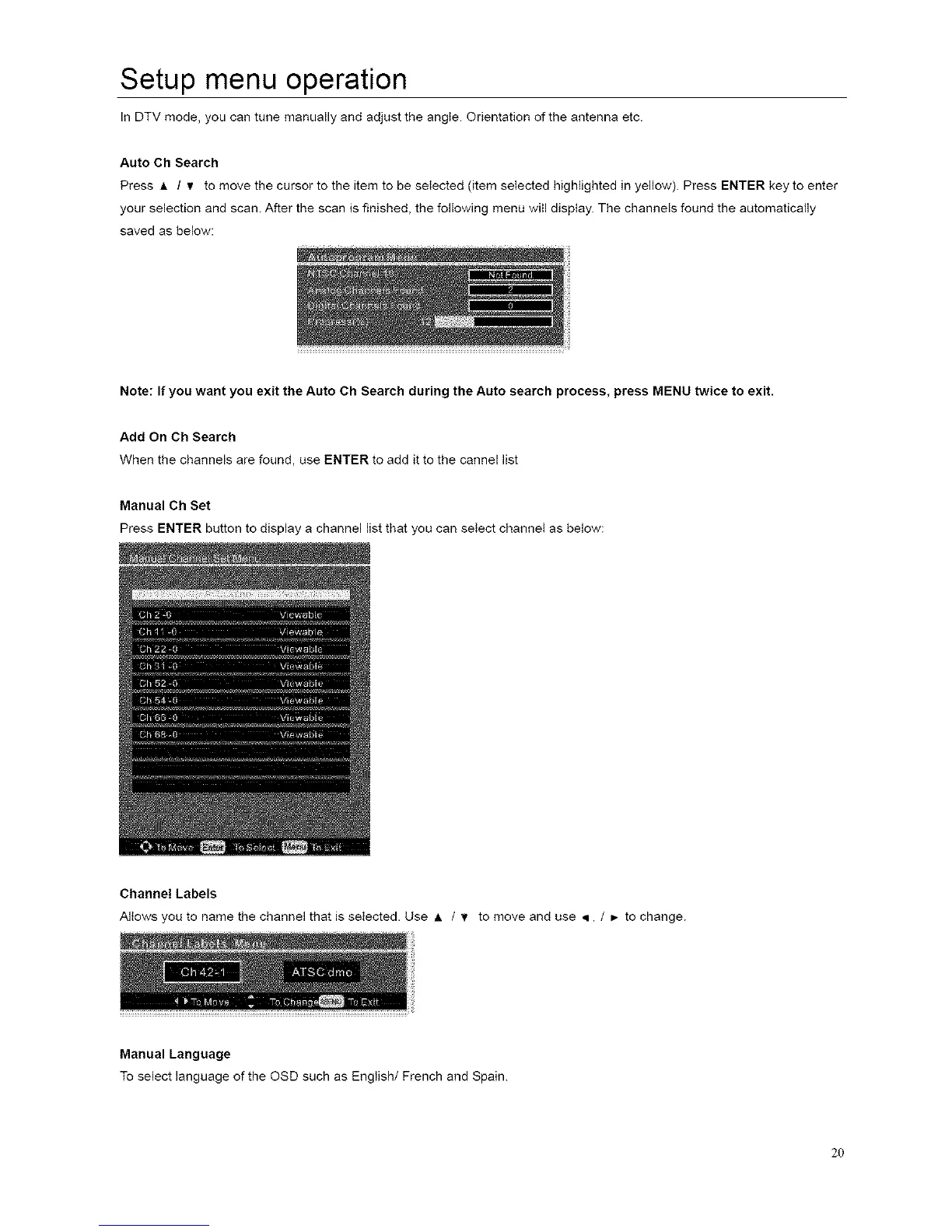
Press A / _ to move the cursor to the item to be seIected (item seIected highlighted in yellow). Press ENTER key to enter
your selection and scan. After the scan is finished, the following menu wiII disptay. The channels found the automatically
saved as below:
Note: If you want you exit the Auto Oh Search during the Auto search process, press MENU twice to exit.
Add On Ch Search
When the channels are found, use ENTER to add it to the cannel list
Manual Ch Set
Press ENTER button to display a channel list that you can seIect channeI as below:
Channel Labels
Allows you to name the channel that is selected. Use A / v to move and use • / _- to change.
Manual Language
To select language of the OSD such as English/French and Spain.
20














 To Next Page