EasyManua.ls Logo

ProScan PDVD1187 - User Manual

ProScan PDVD1187
40 pages
Print Icon
To Next Page IconTo Next Page
Loading...
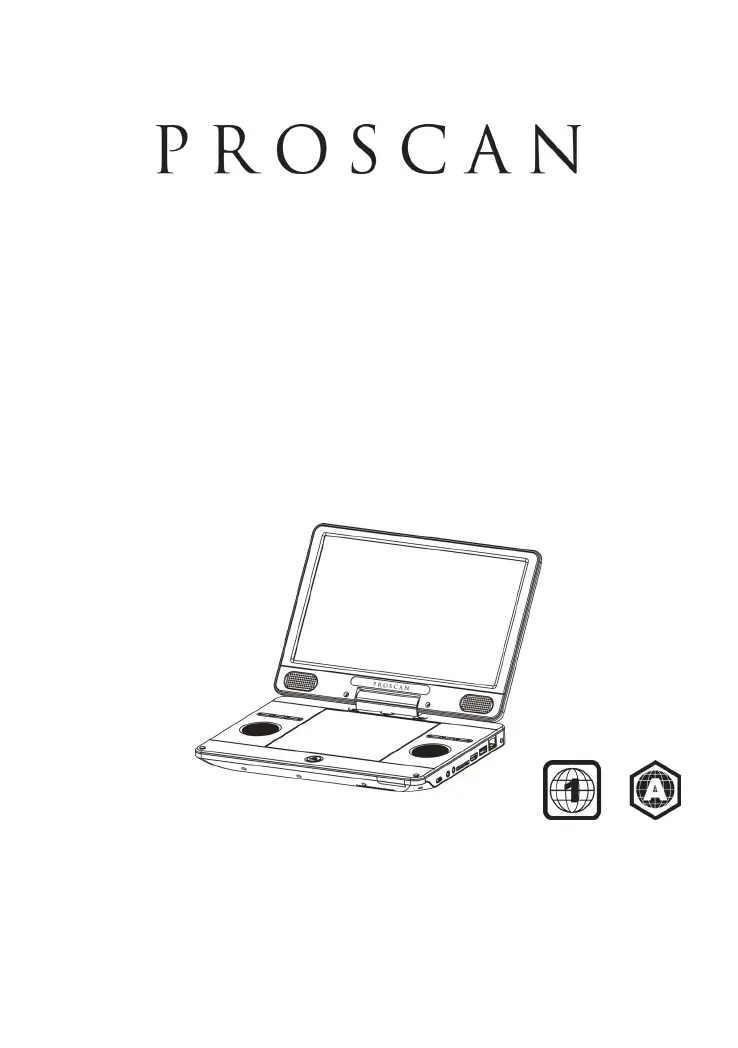
PORTABLE BLU-RAY DISC
TM
/DVD
PLAYER
USER MANUAL
PDVD1187
This product has been manufactured and sold under the responsibility of CURTIS
INTERNATIONAL LTD.
PROSCAN, and the PROSCAN logo are trademarks used under license by
CURTIS INTERNATIONAL LTD. – further information
at www.proscan-brand.com.
All other products, services, companies, trademarks, trade or product names and
logos referenced herein are the property of their respective owners.

Questions and Answers

  • A
    Adam DavisAug 12, 2025
    How to fix a ProScan Blu-ray Player remote that's not working?
    • H
      Hannah LoweryAug 12, 2025
      If your ProScan Blu-ray Player isn't responding to the remote, here are a few things to try: * First, ensure the Blu-ray Player is properly connected to a power outlet. * Next, check that the batteries are correctly inserted in the remote. * Aim the remote directly at the IR sensor on the front panel of the player. * If it still doesn't work, try replacing the batteries with new ones.
  • N
    normansantiagoAug 15, 2025
    Why won't my ProScan PDVD1187 play a disc?
    • K
      Kevin GarzaAug 16, 2025
      If your ProScan Blu-ray Player won't play a disc, try the following: 1. Make sure the disc is correctly loaded. 2. Confirm that the player supports the disc type. 3. Verify the player supports the DVD or BD region code. 4. For DVD+RW discs, ensure it has been finalized. 5. Clean the disc to remove any smudges or dirt.
  • T
    Timothy GutierrezAug 19, 2025
    What to do if my ProScan Blu-ray Player has no picture or sound?
    • R
      Randy MartinezAug 19, 2025
      If you're not getting any picture or sound from your ProScan Blu-ray Player, make sure the connections are secure, the volume isn't too low, and that both your TV and any connected audio receiver are working correctly. Also, verify that your audio settings are properly configured.
  • A
    Alyssa ChoiAug 23, 2025
    Why is there no picture on my ProScan PDVD1187 when using HDMI?
    • J
      Joseph PetersAug 23, 2025
      If you're not getting a picture when using an HDMI connection on your ProScan Blu-ray Player, it could be due to the HDMI cable or display device. If the player is connected to an unauthorized display device, the audio/video signal may not be displayed. Inspect the HDMI cable for damage and replace it if necessary. Also, if this occurs after changing the resolution setting, repeatedly press the Resolution button on the remote until the picture reappears.
  • L
    Leslie EdwardsAug 27, 2025
    Why is there no sound on my ProScan PDVD1187 with HDMI?
    • J
      James ThomasAug 27, 2025
      If you're not getting sound through the HDMI connection on your ProScan Blu-ray Player, it might be because the connected device isn't HDCP compliant or is only DVI compatible. In this case, you may not hear any sound from the HDMI output.
  • R
    Rachael AllenAug 30, 2025
    What to do if I can't access BD-Live on my ProScan PDVD1187?
    • A
      Ann SmithAug 31, 2025
      If you can't access the BD-Live feature on your ProScan Blu-ray Player, check your network internet connection or ensure that the network Internet connection has been set up. Also, clear USB storage. Finally, make sure that the BD disc supports the BD Live Feature.
  • A
    Antonio BurnsSep 4, 2025
    What to do if ProScan PDVD1187 can't play data files?
    • M
      Mark RomeroSep 4, 2025
      If your ProScan Blu-ray Player can't play or read data files, ensure that the data file was recorded in the standard UDF, ISO9660 or JOLIET format. Also, make sure that the JPEG file extension is .jpg, JPG, jpeg or JPEG.
  • J
    Jordan FuentesSep 7, 2025
    What does the 'Not entry sign' mean on my ProScan Blu-ray Player?
    • D
      donnawheelerSep 7, 2025
      The 'Not entry sign' appearing on your TV when using the ProScan Blu-ray Player indicates that the operation you're trying to perform is not possible.

Summary

Safety and Security

Safety Warnings and Symbols

Explains safety symbols and warnings for electrical shock and product usage.

General Safety Instructions

Provides essential safety guidelines for handling and operating the player.

Remote Control

Button Descriptions

Details the functions of each button on the remote control.

Using the Remote Control

Quick Start Guide

Initial Setup Steps

Guides through connecting power, opening screen, and inserting disc.

Connectivity and Video Playback

HDMI and Network Connections

Guides connecting the player via HDMI and network.

Video Playback Options

BD-Live Features

Music and Photo Playback

General Player Settings

Security and Network Configuration

Display and Audio Settings

Troubleshooting

Remote Control Issues

Solutions for when the remote control is not reacting.

Picture and Sound Problems

Addresses issues with no picture, no sound, or HDMI connection problems.

Disc Playback Errors

Solutions for discs not playing or data files not being read.

BD-Live Troubleshooting

BD-Live Feature Not Working

Troubleshooting steps for BD-Live feature issues and access.

ProScan PDVD1187 Specifications

General IconGeneral
USB PortYes
Remote ControlYes
BrandProScan
ModelPDVD1187
Disc CompatibilityDVD, DVD-R, DVD-RW, DVD+R, DVD+RW, CD, CD-R, CD-RW
Video OutputComposite Video