EasyManua.ls Logo

ProScan PLDED3273A-B - User Manual

ProScan PLDED3273A-B
34 pages
Print Icon
To Next Page IconTo Next Page
Loading...
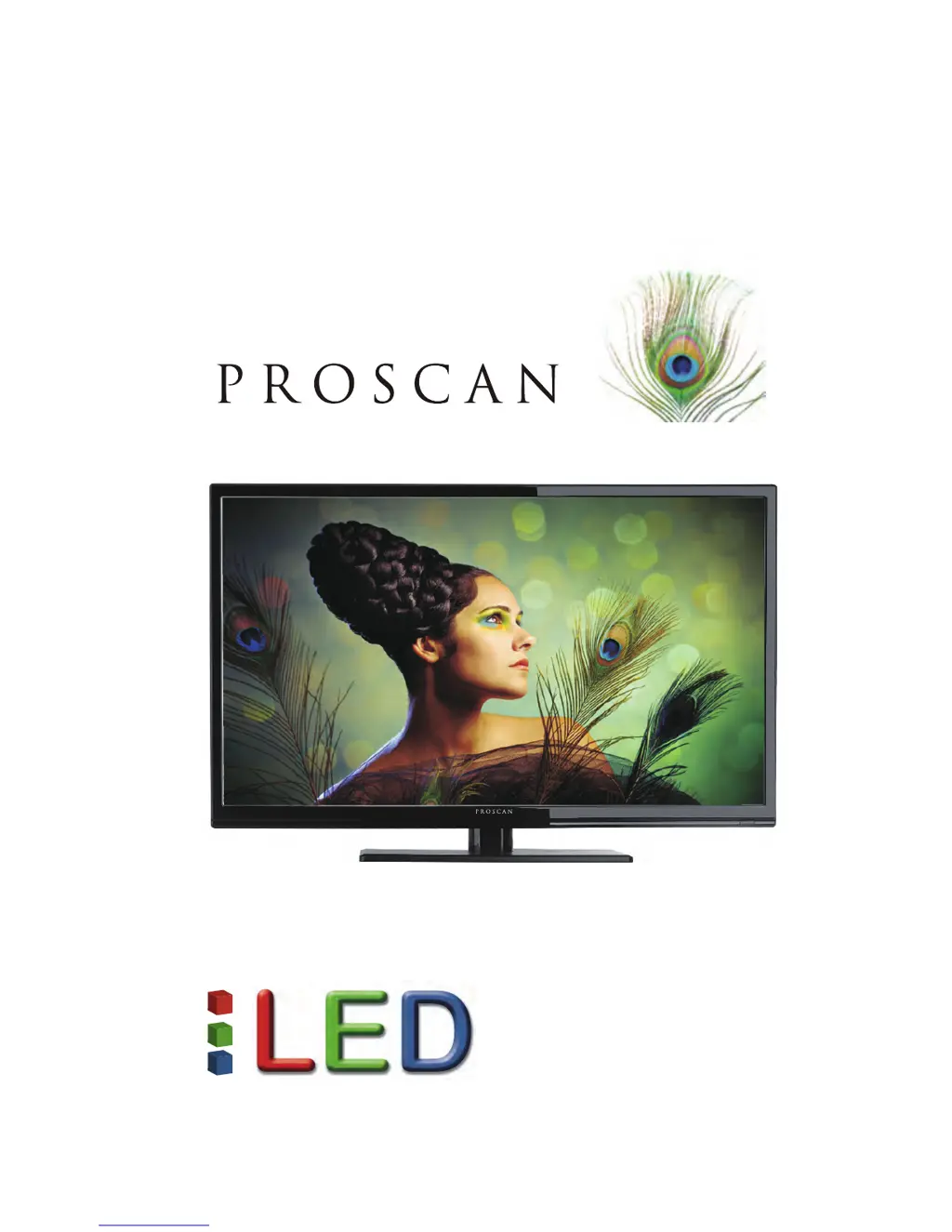
PLDED3273A-B
USER’S MANUAL
32” LED TV

Questions and Answers

  • A
    Angela IbarraSep 9, 2025
    Why is my ProScan PLDED3273A-B LED TV picture very dim?
    • D
      Darren StewartSep 9, 2025
      If your ProScan LED TV picture is very dim, check to see if you are under POWER SAVING mode for your picture mode. Keep pressing the PICTURE button on the remote control to cycle out of POWER SAVING.
  • B
    Brian WilsonSep 7, 2025
    How to set 1360x768 resolution on ProScan PLDED3273A-B LED TV via PC VGA?
    • M
      mstevensonSep 8, 2025
      If you cannot get 1360x768 resolution on PC VGA with your ProScan LED TV, ensure that the TV is recognized as a plug and play monitor. Try updating your video card’s drivers. If that doesn't help, you may need to upgrade your video card to a newer one.
  • D
    Dana LaneAug 22, 2025
    Why is my ProScan LED TV remote control not working?
    • M
      Megan RussellAug 22, 2025
      If the remote control for your ProScan LED TV isn't working, try these steps: Turn off the TV, unplug it from the socket, and remove the batteries from the remote for 30 minutes. Press the remote buttons and the power button randomly for about 2 seconds, then reinstall the batteries. Also, ensure there is a clear line of sight between the remote control's front sensor and the TV's remote sensor, which is located in the same area as the power indicator light.
  • R
    Ryan JuarezSep 5, 2025
    How to unblock channels on ProScan PLDED3273A-B LED TV?
    • S
      Sandra MooreSep 5, 2025
      If TV channels are blocked on your ProScan LED TV, check the auto lock function’s settings inside the OSD.
  • R
    Rachel MillerSep 4, 2025
    Why does volume change when switching channels on ProScan LED TV?
    • E
      Erica CalhounSep 4, 2025
      When switching a channel or source on your ProScan LED TV, the volume may change because different channels and inputs sometimes have different volume levels. The TV has an AUTO VOLUME LEVEL function that can help with this. Ensure that this function is turned on.
  • N
    Nancy MartinSep 2, 2025
    Why is the picture quality horrible on my ProScan PLDED3273A-B?
    • T
      Tiffany SpencerSep 2, 2025
      For the best image quality on your ProScan LED TV, view HD widescreen programs whenever possible. If HD content is not available, view “Standard Definition” from a digital source. Standard analog TV will always be noticeably inferior to HD.
  • J
    Jose RichardsSep 1, 2025
    What causes weak signal on ProScan PLDED3273A-B?
    • T
      thomasjamesSep 1, 2025
      If your ProScan LED TV shows a weak signal or no program symbol on the screen, it may be because the TV’s tuner signal is lower than 65 %. Try changing the direction of your antenna and rescanning your channels. If you have cable, contact your cable company to inquire about the signal strength of your local cable.
  • R
    robyncarterAug 31, 2025
    How to make picture full screen on ProScan PLDED3273A-B LED TV?
    • C
      Carol ThompsonAug 31, 2025
      If the picture on your ProScan LED TV does not cover the entire screen, and you're using HDMI or a TV digital channel, use the ASPECT button to switch to the 16:9 format. If you are using VGA, use the AUTO ADJUST function. For regular analog TV, AV, or component in 480i resolution, use the ASPECT button to switch to 16:9.
  • F
    fernando75Aug 30, 2025
    Why is there no color on my ProScan PLDED3273A-B?
    • N
      Natalie BakerAug 30, 2025
      If your ProScan LED TV has no color, adjust your picture setup and ensure that the saturation and RGB settings are not turned all the way down. Also, check your signal, as the TV’s tuner signal must not be lower than 65 %.
  • A
    Angela BlanchardAug 28, 2025
    How to brighten the picture on ProScan PLDED3273A-B LED TV?
    • S
      singramAug 29, 2025
      If the picture on your ProScan LED TV is too dark, adjust the contrast, brightness, and lamp settings from the OSD Menu.

Summary

Warning

CAUTION: RISK OF ELECTRIC SHOCK

Warns against opening the casing and advises servicing by qualified personnel.

Caution

High Voltages

Warns about high voltages and advises against opening the product casing.

Moisture and Liquid Hazard

Advises against exposing the unit to rain or moisture and placing liquid-filled objects on it.

Objects in Slots

Warns against inserting objects into slots and spilling liquids on the receiver.

Heat and Ventilation

Advises against direct sunlight, heat sources, blocking vents, and crushing the power cord.

Stability and Children Safety

Warns against leaning on or pushing the product, especially concerning children.

Unstable Surfaces

Warns against placing the unit on unstable surfaces to prevent injury or damage.

Breakable LED Panel

Warns that the LED panel is glass and breakable, advising caution with broken glass.

Attaching or Removing the Stand

Installing Batteries to the Remote Control

Connection Suggestions

Connecting to Digital Cable;Antenna

Steps for connecting a digital cable or antenna to the TV for reception.

Connecting DVD Player with Component YPbPr

Component Video Connection

Detailed steps for connecting a DVD player using component cables (YPbPr).

Component Audio Connection

Steps for connecting the audio using RCA cables for component connection.

Connecting Wii with Composite

Composite Video Connection

Steps for connecting a Wii console using composite video cables.

Composite Audio Connection

Steps for connecting the audio from the Wii using RCA cables.

Connecting Cable or Satellite boxes with HDMI

Connecting to a PC with VGA and 3.5 mm minijack

Connecting a Digital Audio Receiver with Coax SPDIF

Remote control

Remote Control Buttons

Explains the function of each button on the remote control.

OSD basic adjustment

PICTURE Menu Adjustments

Details how to adjust picture settings like mode, contrast, brightness, color, tint, and sharpness.

Channel

Troubleshooting

Common Problems and Solutions (Part 1)

Table listing common issues like no picture, abnormal colors, and dark picture with solutions.

Common Problems and Solutions (Part 2)

Covers issues like slow power, no sound on PC, HDCP errors, and picture distortion.

Common Problems and Solutions (Part 3)

Addresses picture quality, pixel defects, time sync, and big black boxes on screen.

Common Problems and Solutions (Part 4)

Discusses channel switching volume, noise, letterboxing, and power saving issues.

Specifications

ProScan PLDED3273A-B Specifications

General IconGeneral
Screen Size32 inches
Display TechnologyLED
Resolution1366 x 768
HDMI Ports3
USB Ports1
Refresh Rate60 Hz
Audio Output10W x 2
Aspect Ratio16:9
InputsHDMI, Composite

Related product manuals