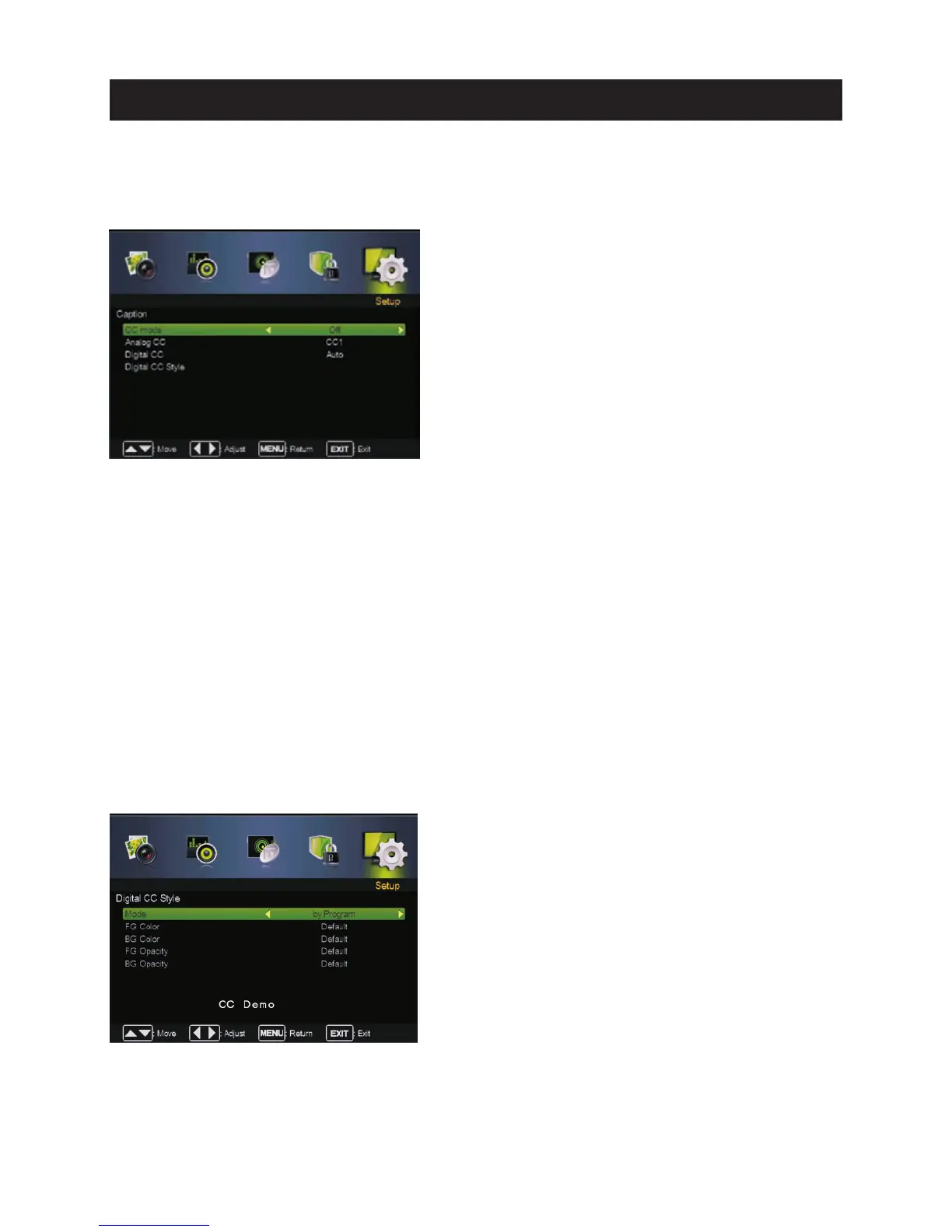
CC Mode
CC Mode
,p
,p
p
Turn Closed Captioning on/off.
Pre ss ▼ / ▲ butt on to select , then press Off , On or On Mute.
Analog CC
Set Closed Captioning for sta ndard(analog) progra m.
Pre ss ▼ / ▲ butt on to select Analog CC re ss ◄ / ► butt on to select.
( Analog CC: CC1 / CC2 / CC3 / CC4 / TEXT1 / TEXT2 / TEXT3 / TEXT4).
Dig ita l CC
Set Closed Captioning for digita l progra m.
Pre ss ▼ / ▲ butt on to select Digital CC re ss ◄ / ► butt on to select.
( Digital CC:Auto / Serv ice1 / Service2 / Serv ice3 / Service4 / Service5 / Serv ice6).
Dig ita l CC Style
Digital CC Style
Mode
Set the look of digital Closed Capti oning. Automati c uses broadcaste r’s style.
ress ◄ / ► button to select.by Custo m or by Program.
Available
CC1,2,3,4 Displays corre sponding caption channel of a analog progra m.
(Usually be set to CC1 for most pro grams.)
Text1 ,2,3,4 Displays corre sponding te xt serv ice channel of a analog pro gram.
Available
Serv ice1,2,3 ,4 ,5,6 These are diffe rent serv ice data channels.
Pre ss ▼ / ▲ butt on to select , then press Enter / ►button to ente r sub-m enu.
Pre ss ▼ / ▲ butt on to select Mode,
If set to by Custom, Digital CC Sty le is available.
Caption
Adjust Closed Captioning settings. Only available under TV and AV source.
Caption
Press ▼ / ▲ button to select , then press Enter / ►button to enter sub-menu.
27
Main Menu Operation



 To Next Page