User Manual
18
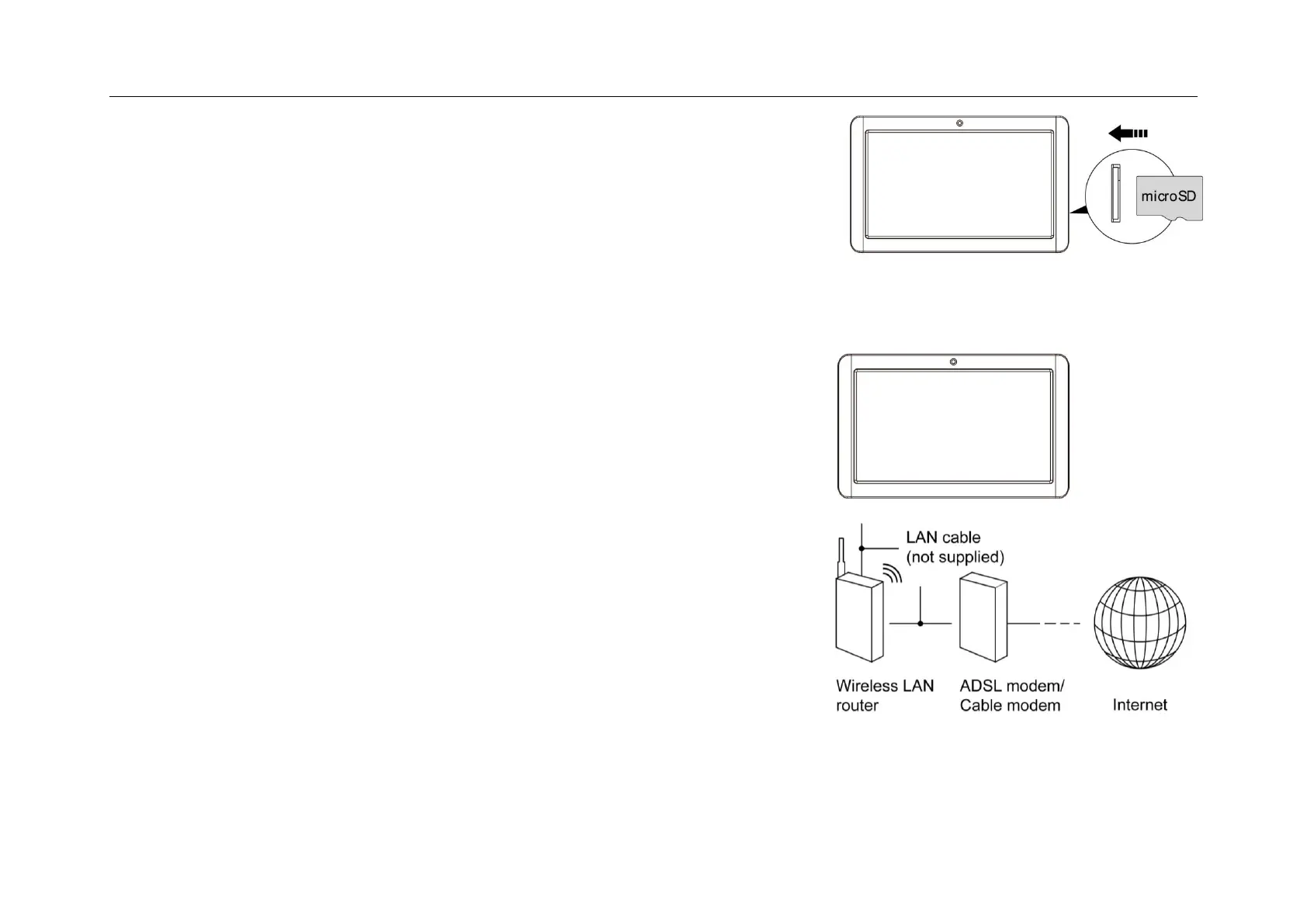
Inserting the MicroSD card :
You may install a Micro SD card to expand your device’s storage space.
1. This device supports Micro SD card up to 32GB capacity.
2. Insert the Micro SD card as shown.
【Note】: Ensure that the Micro SD card is inserted all the way into the card slot.
【Caution】: Before removing this card, make sure your device is not accessing data on
the card.
Connecting to the Network:
Wi-Fi wireless setup:
Enter the setting interface, and turn on the Wi-Fi item.
The device will automatically search any accessible nearby wireless networks.


 To Next Page