User Manual
19
Commonly used settings
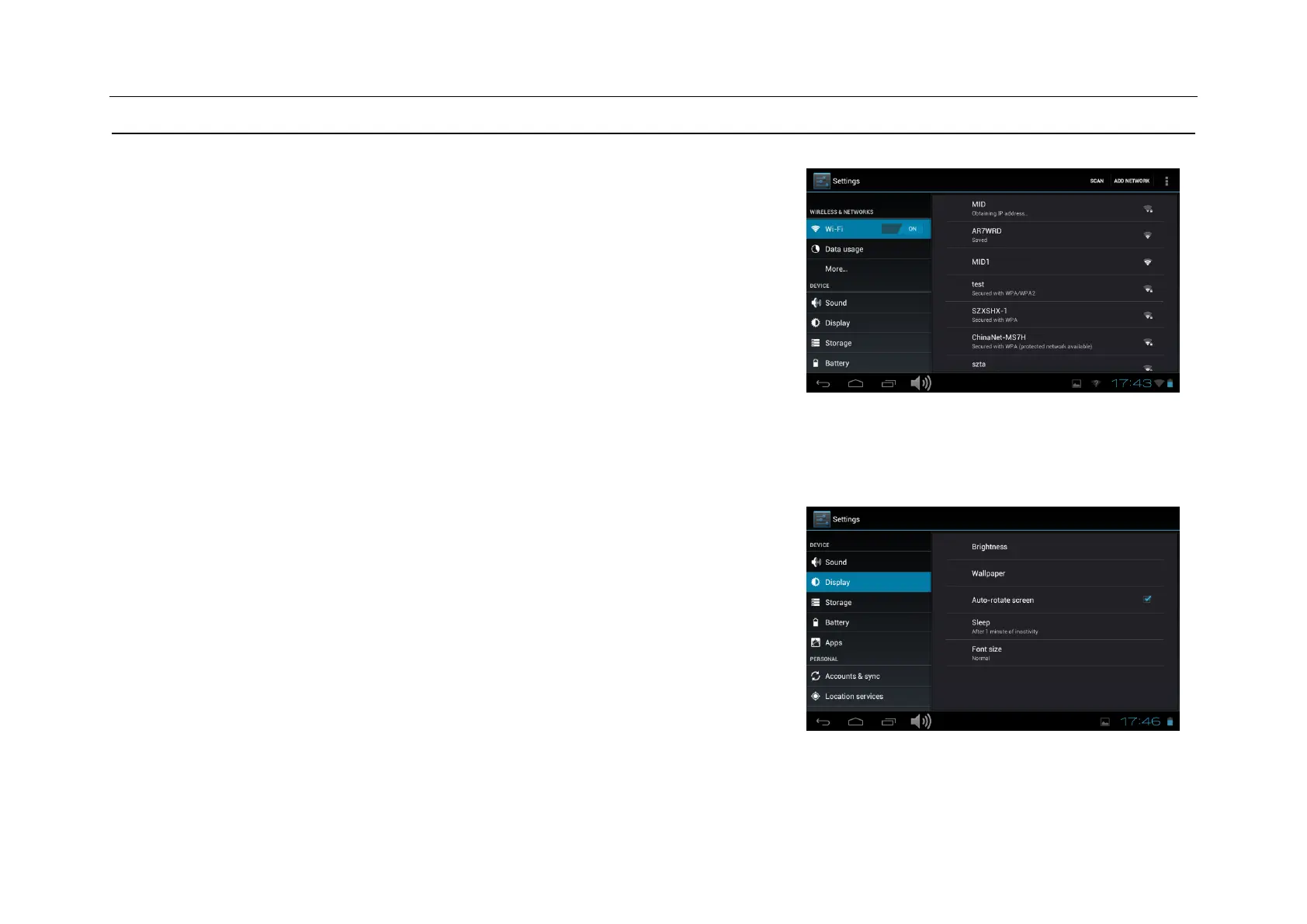
Press the setup icon to enter the setting.
Wi-Fi: Click ON or OFF to open or close Wi-Fi. When open Wi-Fi,the system
will scan the wifi signal around automatically. Meanwhile, users could add
network manually as well.
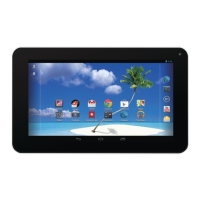
Display:
Rotate screen setting:
Enter setting menu:Display Auto-rotate screen,you can open /close the
screen autorotation function.


 To Next Page