EasyManua.ls Logo

ProScan PSB3787W - User Manual

ProScan PSB3787W
43 pages
Print Icon
To Next Page IconTo Next Page
Loading...
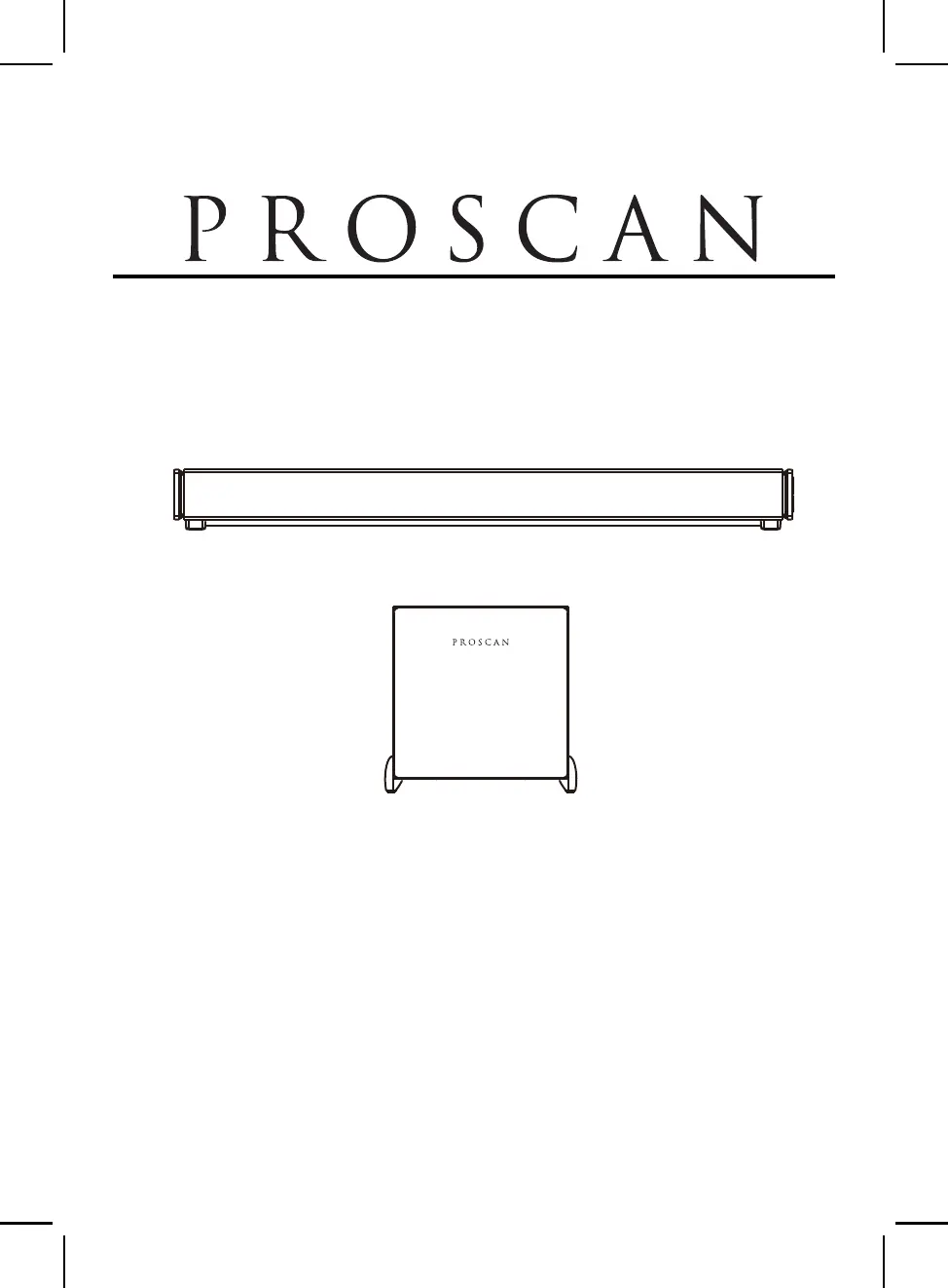
MODEL:
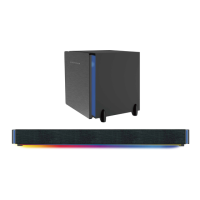
HOME THEATER BLUETOOTH SOUNDBAR WITH WIRELESS SUBWOOFER
LIGHT SHOW AND LED ROOM ILLUMINATION
PROSCAN™ IS A REGISTERED TRADEMARK OF TECHNICOLOR USA INC.
AND USED UNDER LICENSE TO CURTIS INTERNATIONAL LTD.
PLEASE READ CAREFULLY BEFORE OPERATION
37 inch Bluetooth Soundbar with Wireless Subwoofer
PSB3787W

Questions and Answers

  • E
    Erin WilliamsAug 6, 2025
    How to troubleshoot a ProScan PSB3787W with no power?
    • D
      Dr. Kimberly Gordon MDAug 6, 2025
      If your ProScan Speaker System has no power, first ensure the adapter is securely connected to both the soundbar and the wall outlet. If it's still not powering on, the soundbar might be in power-off mode. Try pressing and holding the POWER/SOURCE button on the soundbar or pressing the power button on the remote control to turn it on.
  • M
    Melinda HurleyAug 11, 2025
    What to do if there is no sound from ProScan PSB3787W Speaker System?
    • G
      gilljacobAug 11, 2025
      If you're experiencing no sound or weak sound from your ProScan Speaker System, there are a few things to check: * First, make sure the volume level isn't at the minimum. Increase it by pressing the + button on the soundbar or the VOL+ button on the remote. * Also, confirm that the paired/connected device is playing audio and that its volume is set to a high level. * Finally, ensure that you've selected the correct input source by pressing the POWER/SOURCE button on the soundbar or the appropriate mode button on the remote control.
  • G
    glarsonAug 17, 2025
    Why is the ProScan PSB3787W Speaker System remote control not working?
    • J
      Justin ParkerAug 18, 2025
      If the remote control for your ProScan Speaker System isn't working, make sure you're pointing it at the remote sensor on the soundbar within a 16-foot range and at a reasonable angle ( +/-30 degrees). Also, the battery in the remote control might be drained, so try replacing it with a new one.
  • A
    alyssapopeAug 25, 2025
    How to fix sound distortion on ProScan Speaker System?
    • P
      Pamela EdwardsAug 25, 2025
      If you're hearing sound distortion or rattling from your ProScan Speaker System, the volume level might be too high. Try reducing the volume by pressing the - button on the soundbar or the VOL- button on the remote control. Also, lower the volume on the paired/connected device.
  • K
    Keith PearsonAug 30, 2025
    What to do if ProScan PSB3787W Bluetooth is not connecting?
    • W
      williamsonalexandriaAug 30, 2025
      If you're experiencing Bluetooth reception failure with your ProScan Speaker System, the external device might be too far from the soundbar. Try placing the Bluetooth device closer to the soundbar. If it still doesn't work, ensure that the unit is properly paired with the Bluetooth device, following the procedures outlined in this manual.

Summary

IMPORTANT SAFETY INSTRUCTIONS

Safety Warnings and Alerts

Covers general cautions, dangerous voltage, attention symbols, and specific warnings.

Regulatory Compliance Notices

Includes Industry Canada, ISED RF, FCC, and California Prop 65 compliance.

General Operational Safety

Detailed numbered instructions for safe device operation and handling.

PRODUCT OVERVIEW AND CONTROLS

Device Component Identification

Details front, bottom, control panel, rear, and subwoofer views.

Remote Control and Battery

Explains remote buttons and battery installation procedures.

Remote Operation Range

Covers operational range and battery handling precautions.

PLACEMENT AND INSTALLATION

Device Placement and Ventilation

Guidelines for placing the soundbar and subwoofer for proper ventilation.

Wall Mounting Instructions

Steps for mounting the soundbar on wooden or brick walls.

GENERAL OPERATIONS AND MODES

Powering On;Off and Pairing

Steps to power on/off the system and connect the subwoofer.

Audio Source Selection

How to switch between different audio input modes.

Sound and Light Effects Control

Adjusting volume, sound modes, and LED light features.

AUDIO INPUT CONFIGURATION

Bluetooth Operation

Steps for pairing and playing audio via Bluetooth.

AUX IN Connection

How to connect and play audio from devices using AUX IN.

LINE IN Connection

How to connect and play audio/video from TVs or DVD players via LINE IN.

Optical-In Connection

Steps for connecting audio sources using an optical cable.

USB AND RECORDING FEATURES

USB Media Playback

Instructions for playing music files from a USB drive.

Audio Recording to USB

How to use the soundbar to record audio to a USB device.

TROUBLESHOOTING GUIDE

Common Issues and Solutions

A guide to diagnose and resolve common operational problems.

SPECIFICATIONS AND WARRANTY

Technical Specifications

Details on power, output, range, and package contents.

Warranty Policy

Explains the 90-day warranty terms and claim process.

ProScan PSB3787W Specifications

General IconGeneral
BrandProScan
ModelPSB3787W
CategorySpeaker System
LanguageEnglish

Related product manuals