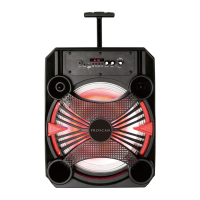
4. Press the SOURCE button repeatedly until the color of Indicator turns to Violet.
3. Power ON the unit.
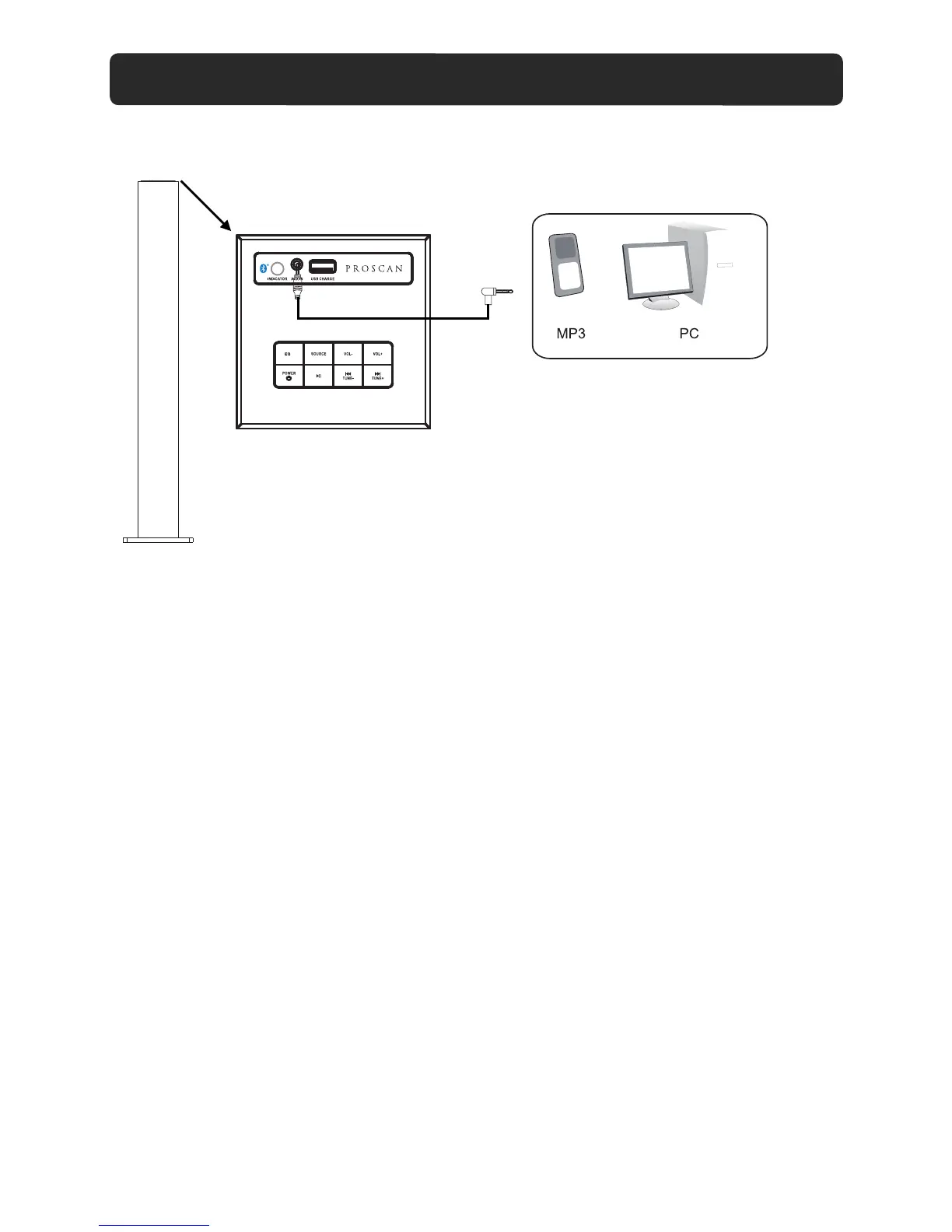
1. Connect one end of supplied audio connection cable to the AUX IN jack on the top of the unit
2. Connect the other end to the Audio out/Line out/Phone jack on the external player (such like
iPhone, iPad, MP3 player, Discman... etc.).
5. Play the music in the external player as usual.
LISTEN TO EXTERNAL AUDIO DEVICES
as the figure above.
8


 To Next Page