EasyManua.ls Logo

ProScan PSP288-B-PL - User Manual

ProScan PSP288-B-PL
29 pages
Print Icon
To Next Page IconTo Next Page
Loading...
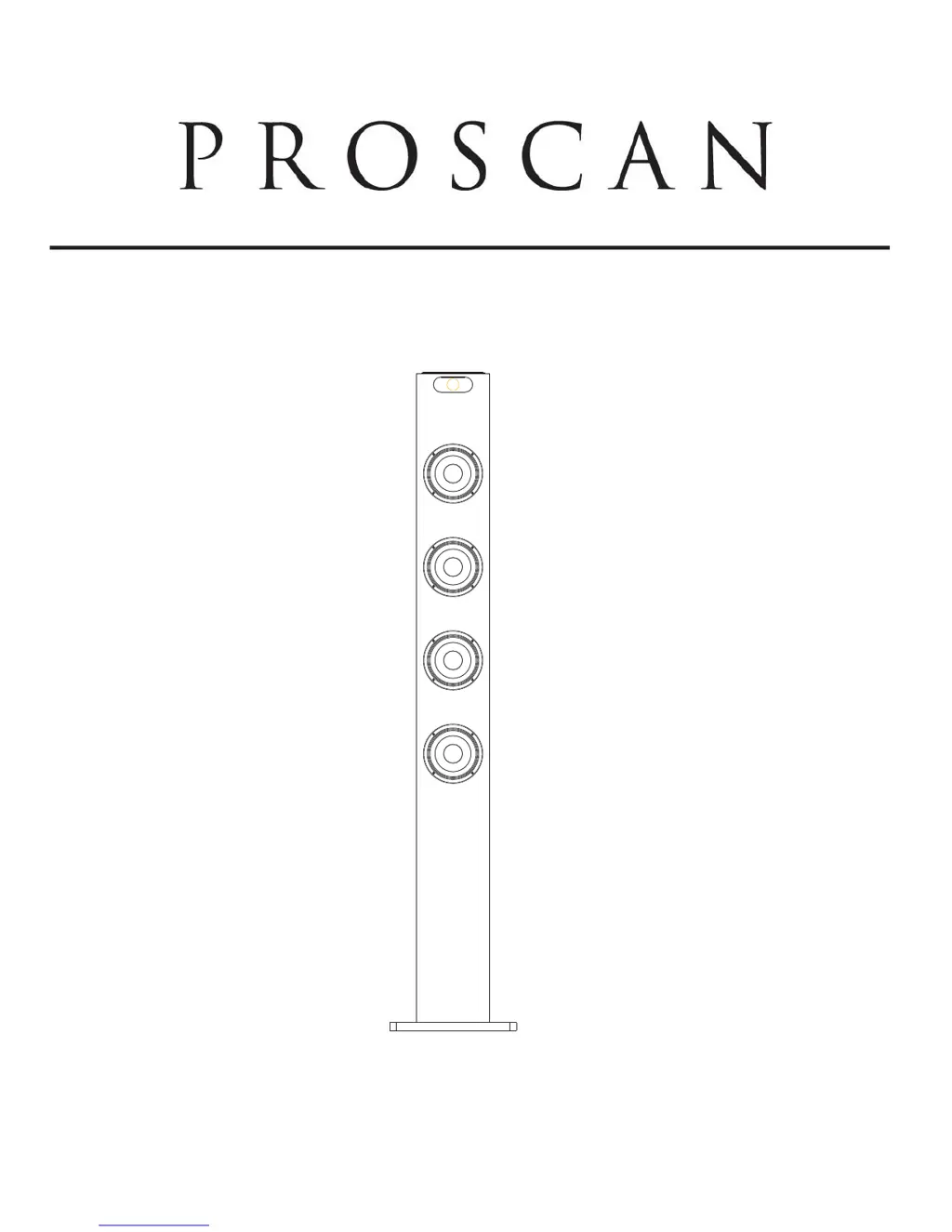
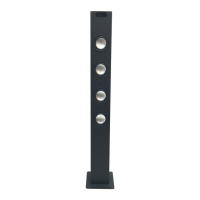
BLUETOOTH TOWER
INSTRUCTION MANUAL
MODEL: PSP288-B-PL
PLEASE READ CAREFULLY BEFORE OPERATING THIS EQUIPMENT

Questions and Answers

  • S
    Scott WeaverAug 2, 2025
    What to do if my ProScan Speakers have Bluetooth reception failure?
    • H
      howardadamAug 2, 2025
      If you're experiencing Bluetooth reception failure with your ProScan Speakers: * Ensure that the external Bluetooth device is close to the unit. * Make sure that both units are paired in the Bluetooth pairing page.
  • V
    Veronica HooverAug 9, 2025
    What to do if there is no sound from my ProScan PSP288-B-PL?
    • B
      bethany94Aug 9, 2025
      If you're not getting any sound from your ProScan Speakers, here are a few things to check: * Make sure the volume isn't set to the minimum. Increase the volume using the VOL + button. * Ensure the connected device is playing music or a movie and that its volume is turned up. * Verify that the correct input source is selected by pressing the SOURCE button until you reach the desired mode.
  • J
    Jamie GoodwinAug 17, 2025
    How to fix sound distortion on ProScan Speakers?
    • A
      alyssaalexanderAug 17, 2025
      If you are experiencing sound distortion with your ProScan Speakers, it might be due to: * The bass level on your connected device being too high: Try reducing the bass level on the connected device. * The volume level being too high: Reduce the volume by pressing the VOL - button.
  • D
    Dustin MarquezAug 25, 2025
    Why is my ProScan PSP288-B-PL remote not working?
    • C
      Carolyn HardyAug 26, 2025
      If your ProScan Speakers remote isn't working, the battery may be dead. Try replacing it with a new battery.

Summary

Important Safety Instructions

Electrical Safety and Servicing

Warnings about electric shock, not opening the unit, and requiring qualified service personnel.

Environmental and Accessory Warnings

Precautions against exposure to moisture, rain, liquids, and using unapproved accessories.

FCC Compliance Information

Details on FCC rules, potential interference, and requirements for continued compliance.

Installation Guide

Base Assembly

Instructions for assembling the wooden base to the main body using supplied screws and washers.

Location of Controls

Main Unit Controls Overview

Identification of jacks, indicator, buttons, and ports on the main unit.

Remote Control Buttons

Identification of power, source, volume, playback, and other buttons on the remote control.

Battery Installation and Precautions

Remote Control Battery Setup

Steps for removing insulation tab and replacing the battery in the remote control.

Battery Usage Guidelines

Precautions for battery type, polarity, mixing, removal, recharging, and heat exposure.

General Operations

Powering On and Mode Selection

Instructions for plugging in the adapter, powering on, and switching modes using the SOURCE button.

Playback Controls and Functions

How to adjust volume, skip tracks, pause, resume, mute, and select stereo/mono modes.

FM Radio Operation

Tuning and Searching Stations

Manual and automatic methods for tuning into FM radio stations, including antenna adjustment.

Playback Controls

Using MUTE and VOLUME buttons during FM radio playback.

Bluetooth Pairing and Playback

Connecting External BT Devices

Steps to pair an external Bluetooth device by setting the unit to Bluetooth mode.

Playback and Pairing Codes

Instructions for playback, pairing procedures, and potential use of pairing code '0000'.

Connecting External Audio Devices

AUX IN Connection

How to connect external audio devices like MP3 players or phones via the AUX IN jack.

USB Charging Function

Charging External Devices

Instructions for using the USB CHARGE port to charge external devices with 5V, 2.1A output.

Troubleshooting Guide

Common Issues and Solutions

Addresses common problems like no power, no sound, distortion, remote issues, and Bluetooth failures.

Technical Specifications

Device Specifications

Details AC/DC adapter input/output, speaker power, radio coverage, and working distances.

Included Accessories

List of items included in the package: User Manual, Remote Control, AUX IN Cable, AC/DC Adapter.

ProScan PSP288-B-PL Specifications

General IconGeneral
BrandProScan
ModelPSP288-B-PL
CategorySpeakers
LanguageEnglish

Related product manuals