4
Program schedule override (permanent)
Program schedule override (temporary)
Adaptive Intelligent Recovery
Over time, the thermostat “learns” how long it takes your system to reach the
temperature you want. It turns on the heating or cooling system earlier to make
sure you’re comfortable at the time you expect.
Damage can occur if the compressor is
restarted too soon after shutdown. This
feature forces the compressor to wait for a
few minutes before restarting.
During the wait time, the display will flash
the message Cool On (or Heat On if you
have a heat pump). When the safe wait time
has elapsed, the message stops flashing
and the compressor turns on.
Built-in compressor protection
Message flashes until safe
restart time has elapsed.
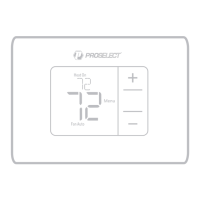
1 Press or to adjust the
temperature.
2 Once at the desired setpoint
temperature, no further action
is needed. The new setpoint
temperature will be held until
the next scheduled time period
begins. For more information on
schedule time periods, see “Program
Schedule” on page 3.
3 To cancel the Temporary Hold, Press
or and then press Cancel.
1 Press
or to adjust the
temperature.
2 Temporary Hold displayed and the
setpoint temperature flashes. While
it’s flashing, press Hold (Mode) button
to change to Permanent Hold.
3 To cancel the Permanent Hold, press
or and then press Cancel.



 To Next Page