EasyManua.ls Logo

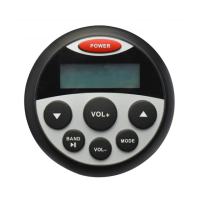
Prospec millenia PRV16 - Unit Controls and Radio Operation; Front Panel Button Functions; Radio Tuning and Band Selection

Prospec millenia PRV16
9 pages
Print Icon
To Next Page IconTo Next Page
To Previous Page IconTo Previous Page
Loading...
I
...
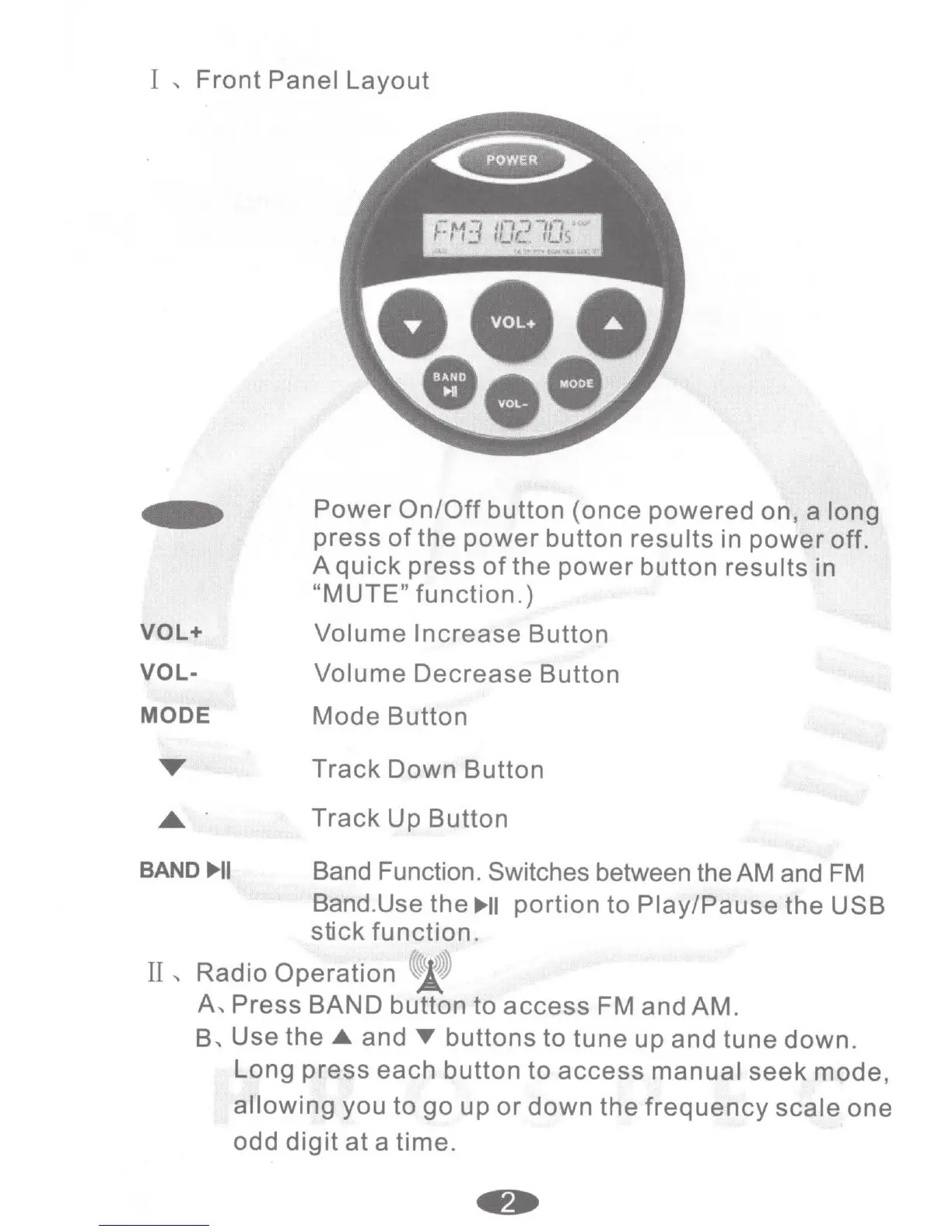
Front
Panel
Layout
VOL+
VOL-
MODE
Power
On/Off
button
(once
powered
on, a long
press
of
the
power
button
results
in
power
off.
A
quick
press
of
the
power
button results in
"MUTE"
function.)
Volume
Increase
Button
Volume
Decrease
Button
Mode
Button
Track
Down Button
Track
Up
Button
BAND
..,_II
Band Function. Switches between the AM and
FM
Band.Use the
..,_II
portion
to
Play/Pause
the
USB
stick
function
.
II
...
Radio
Operation
'J!
A
...
Press
BAND button
to
access
FM and AM.
B
...
Use
the_.
and
T
buttons to
tune
up and tune down.
Long
press
each button
to
access
manual
seek
mode,
allowing
you
to
go
up
or
down
the
frequency
scale
one
odd
digit
at
a
time.