EasyManua.ls Logo

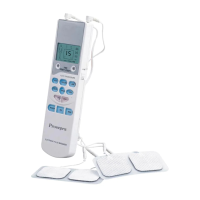
Prospera PL009 - Quick Operation Guide; Initial Setup: Batteries, Wires, and Pads

Prospera PL009
14 pages
Print Icon
To Next Page IconTo Next Page
To Previous Page IconTo Previous Page
Loading...
4
Quick
Op
e
ration
Gu
i
de
IMPORTANT:
TIP:
.
The
following
steps are
used to
guide
the
device
operation
:
1
st
Step
:
T u r n b o t h k n o b s t o O F F , t h e n
i
nsert
4pc
A
AA batteries
into
the
device
2
n
d
Step
:
C
onnect
the
electrode
pads to
the
wire
and
then
co
n
nect
t
h
e
wire
to
the device.
3
rd
Step
:
Put
the
electrode
pads on
m
assage
-
needed
body area
4
th
Step
:
Rotate
the
switch
knobs
on both
sides to
turn
the
power “ON”
5
th
Step
:
S
elect
one
of auto
m
atic
sti
m
ulation
progra
m
s
6
th
Step
:
Gradually
adjust
the
m
assage
intensity
7
th
Step
:
S
elect
one
of
m
assage
m
o
des
and
adj
u
st
the
electr
o
nic
pul
s
e
s
p
eed
8
th
Step
:
S
t
art
m
assaging
9
th
Step
:
Rotate
the
switch
knobs
on both
sides to
turn
off the
device
For the
details
of operation,
please
see
the
following
operating
instructions.
Description
of
Operation
Diagram
1
st
Step
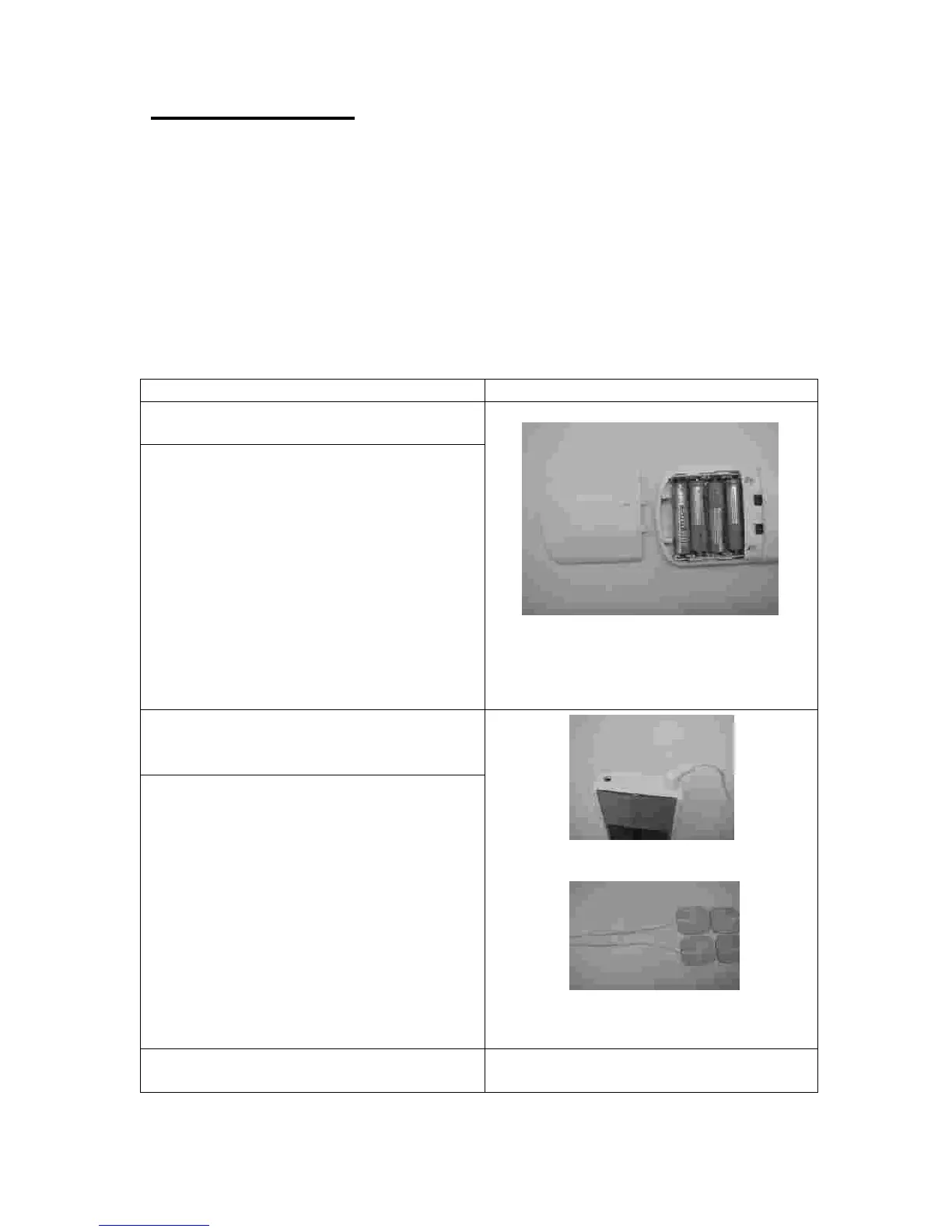
Turn both knob
s toOFF, then
i
nsert t
h
e
4pc
AAA
batte
ri
es
into the
Battery
co
m
part
m
ent
and
direction
Make
sure
both
the
power
knobs
on
both
sides
a
r
e
tu
r
ned OFF.
To
insert the
batt
e
ry,
slide
the
c
o
m
part
m
ent
cover
d
o
wnward
until
the
c
o
ver pops
off.
Insert 4
p
c
AAA
batt
e
ri
e
s
a
c
cording to
the
diagram in
the
batt
e
ry
compart
m
ent
,
a
nd
then
cl
o
se
the
cover.
Match
the
flat end
of
the
battery
to
the
negative
-
ma
rk
and match
the
other
end to the positive mark
+”
.
2
n
d
Step
-
Connect
t
h
e
electrode
to
the
wire
a
n
d
then
con
n
ect
t
h
e
wire
to
the
device.
Electric
wire
insertion
Electric
wire
connection
to
the
electrode
pads
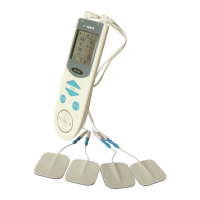
The device has two
identical ports for
connecting the two identical lead wires.
Each lead wire is coupled to a pair of
identical electrode pads. Connect the first
pair of
electro
d
e
to the two terminals
of the first lead wire, and insert the first lead
wire’s other end
into the first port. Connect
the second pair of
electro
d
e pads to the two
terminals of the second lead wire, and insert
the second lead wire’s other end into the
second port.
One
channel
is
s
u
ggested
for
the
ti
m
e
use
3
rd
Step
-
Put
the electrode
p
ads
on
m
assage
-
needed
body area.

Other manuals for Prospera PL009

Related product manuals