EasyManua.ls Logo

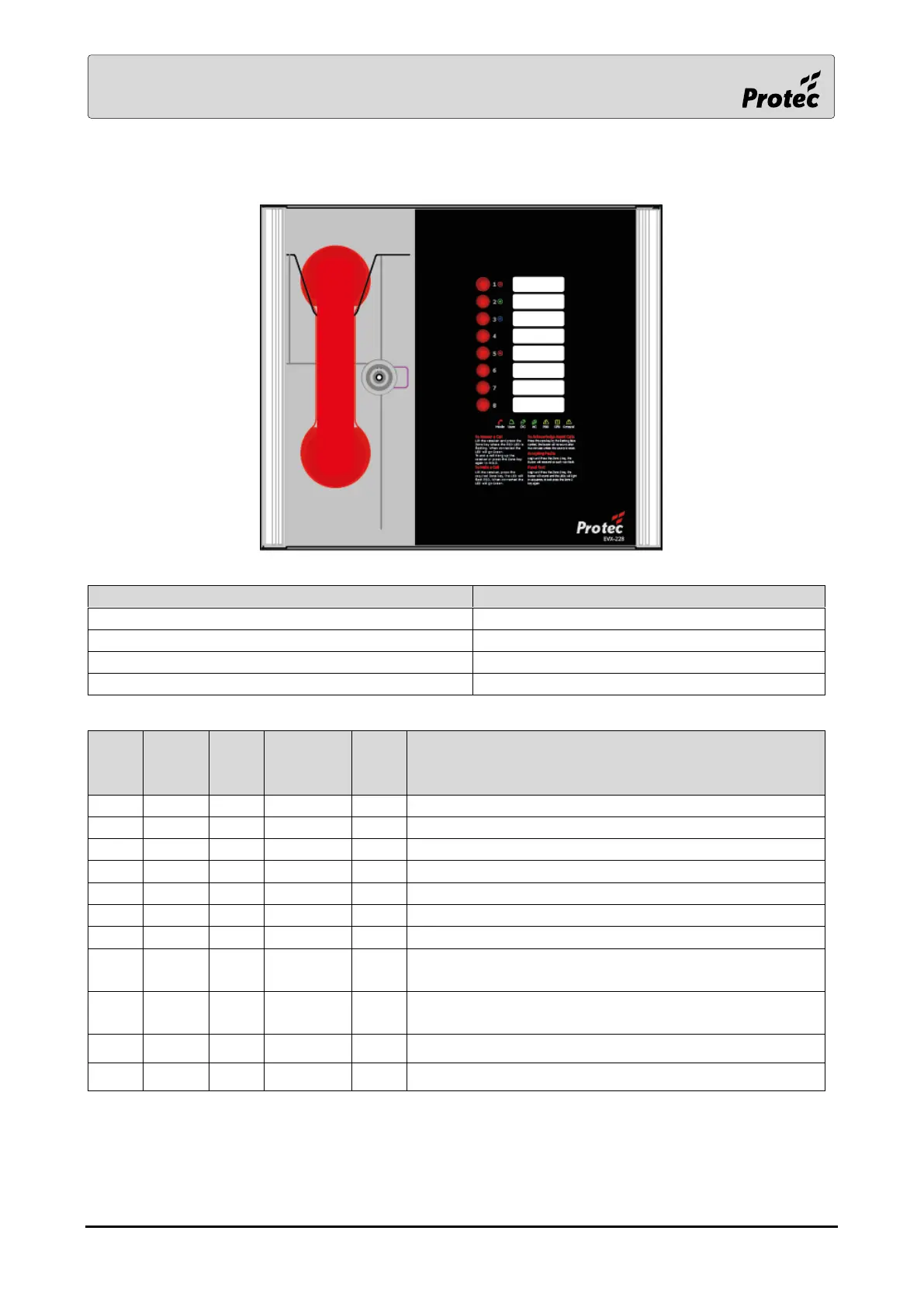
Protec EVX-228 - Indications and Controls Overview; Mode and Power Indicators

Protec EVX-228
16 pages
Print Icon
To Next Page IconTo Next Page
To Previous Page IconTo Previous Page
Loading...
RDM0021/0 Page 8 of 16 © 2017 Protec Fire Detection plc
5.0 Indications and Controls
5.1 Mode Indicator Summary
Mode
Description
Green solid
Normal state
Red solid
Outstation off hook
Blue solid
Assist call active
Yellow Solid
Panel Disabled
5.2 Power supply and CPU indicator Summary
AC
DC
PSU
General
CPU
Description
Mains OK
x
Flash
Flash
Mains failure
Battery OK
x
Flash
Flash
Battery open circuit
x
Flash
Battery short circuit
Flash
Flash
Battery high impedance
Flash
PSU processor fail
Flash
Display or Exchange Processor Fault or Display-
Exchange comms flt
Flash
Display or Exchange Processor Fault or Display-
Exchange comms flt on remote panel (if applicable)
Flash
Flash
Remote Battery fault
Flash
Flash
Remote Mains fault
= LED illuminated
x = LED off
Flash= LED Flashing
Note: When faults are accepted the general LED illuminates solid.