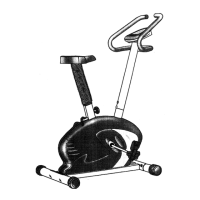
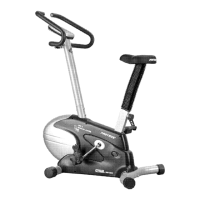
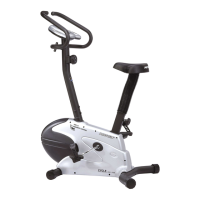
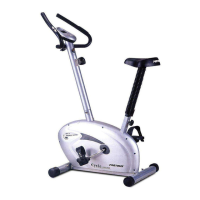
Need help?
Do you have a question about the Proteus PEC-4650 and is the answer not in the manual?
Attaching front and rear stabilizers to the main frame using bolts and washers.
Correctly attaching left (CCW) and right (CW) pedals to the pedal cranks.
Attaching the saddle to the seat post and inserting the seat post into the frame.
Connecting monitor cables and attaching the handlebar post and handlebar.
Connecting monitor cables and powering up the system for initial use.
Explanation of the function of START/STOP, SCAN, UP/DOWN, and ENTER buttons.
Details on screen displays, data tracking, and power supply requirements.
Information on how and when the monitor automatically turns off.
Steps to initialize the monitor and select workout modes or time settings.
How the monitor adjusts resistance based on heart rate for fat loss and intense programs.
Visual representation of various workout profiles like Manual, Peak, Hiking, and Intense.
Guidance on maintaining the correct posture while using the exercise cycle.
 General
| Brand | Proteus |
|---|---|
| Model | PEC-4650 |
| Category | Exercise Bike |
| Language | English |

 To Next Page