Snooze Function:
Touch the field to activate the snooze function when the alarm goes off, and the alarm will go off in five
minutes.
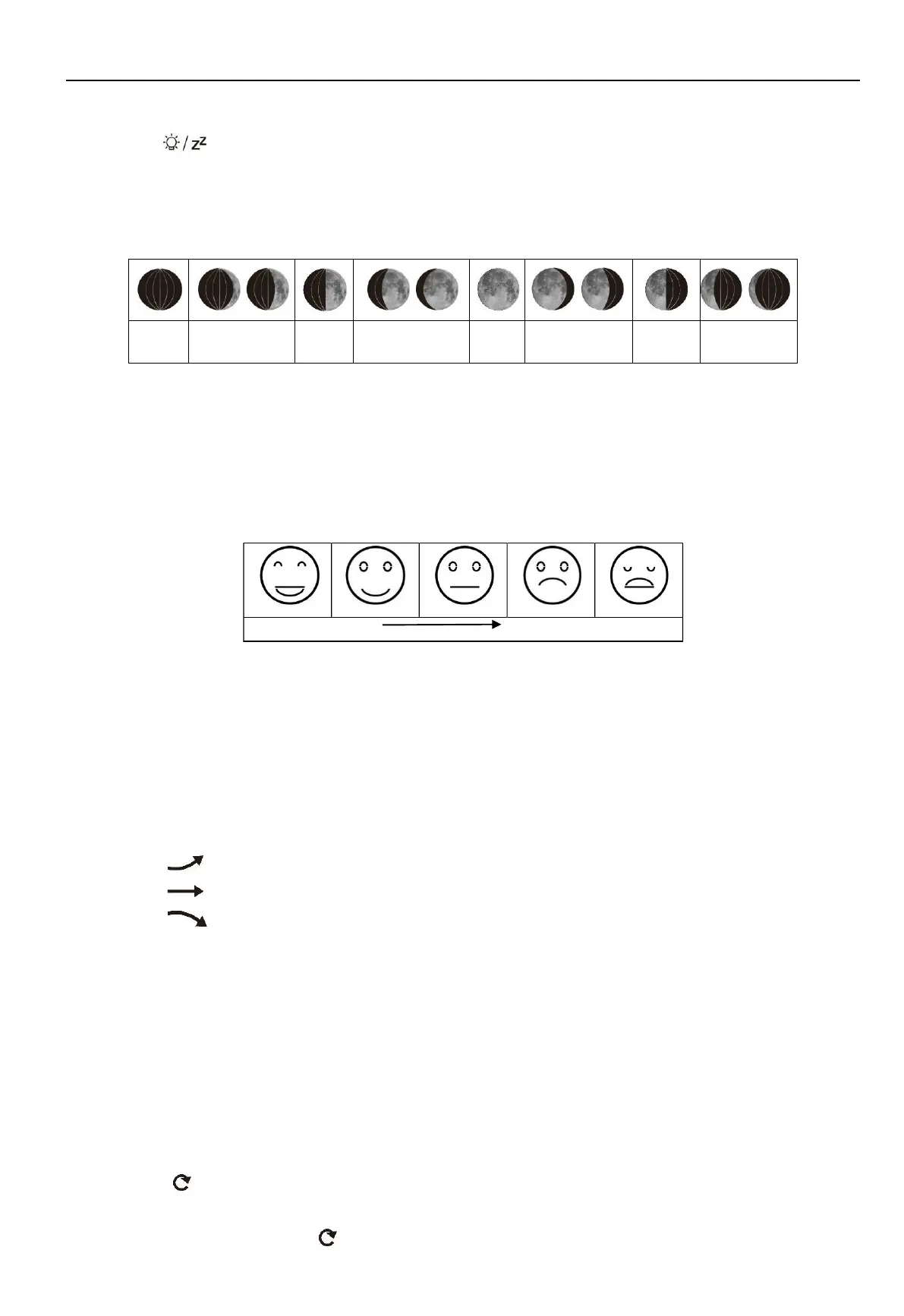
Lunar Phases and Tide Indicator:
The weather station will automatically display 12 lunar phases:
°F /°C Temperature Display
The temperature is displayed either in °F /°C. Briefly pressing the “▲” button allows you to switch between the
individual modes.
Comfort Level Display
Indoor comfort level will be displayed according to the indoor temperature and humidity, a total of 5 levels:
Indoor / Outdoor Temperature, Humidity, Barometric Pressure, Temperature and Humidity
Trend
Indoor weather station will dispay the current indoor temperature/humidity/barometric pressure and the
temperature/humidity trend.
After successfully connecting with the remote sensor, the weather station will display the
remote temperature/humidity and the temperature/humidity trend.
Tips for temperature/humidity trend displayed on the screen:
The temperature/humidity is rising.
The temperature/humidity is remaining constant.
The temperature/humidity is falling.
Remote Sensor Transmission:
When the weather station receives signals from the wireless sensor successfully,outdoor temperature and
humidity will be displayed on the LCD screen.
The weather station can connect up to 3 sensors (one sensor included in the package) at the same time. You can
press “▼” button to choose from 1/2/3 channel. When you only have one sensor, please make sure that the
channel on remote sensor matches the one on your indoor base station, otherwise it will not have outdoor data
displayed on the screen.
A symbol " " appears on the screen indicates that the machine enters the Automatic Channel Switching
Mode: weather station will auto switch from 1/2/3 channel once every 5 minutes.To exit the auto mode, you can
short press “▼” button until the " " symbol disappears.
If the weather station fails to receive transmission signal from remote sensor (“- -” display on the LCD), press and



 To Next Page