or "inHg", and press ” button to confirm your setting.
Manually Reset the Forcast Icons: After confirm your pressure unit by pressing the the ” button, one of the
weather graphics will start flashing, now use the “▲” or “▼” button to choose the correct weather icon according
to current weather conditions if the the base station displays inaccurately.
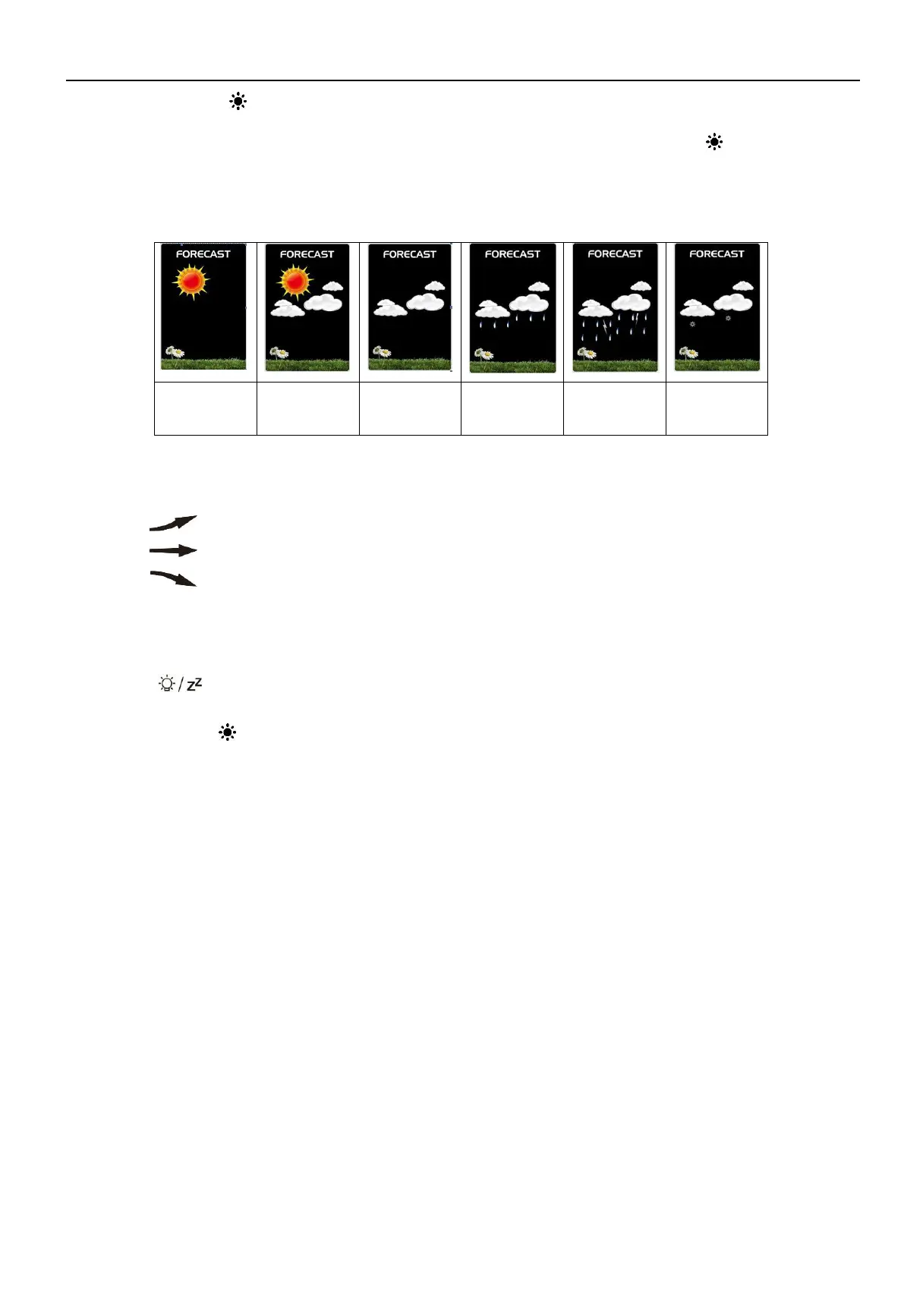
The weather station displays the following weather icons:
The weather station can display the barometric pressure trend.
You may see the following displays on the FORECAST column:
The barometric pressure will rise.
The barometric pressure will remain constant.
The barometric pressure will fall.
Background Lighting
If the product is powered by batteries,backlight lasts about 15 seconds then enters power save mode, you can
touch the " field to reactivate it.
When the weather station is powered by the included power adapter, the backlight will always stay on. Besides,
You can press the ” button to adjust the brightness from 5 levels. Users can adjust different brightness according
to personal preference.



 To Next Page