RAIL
™
BOARD
SETTINGS AND FUNCTIONS
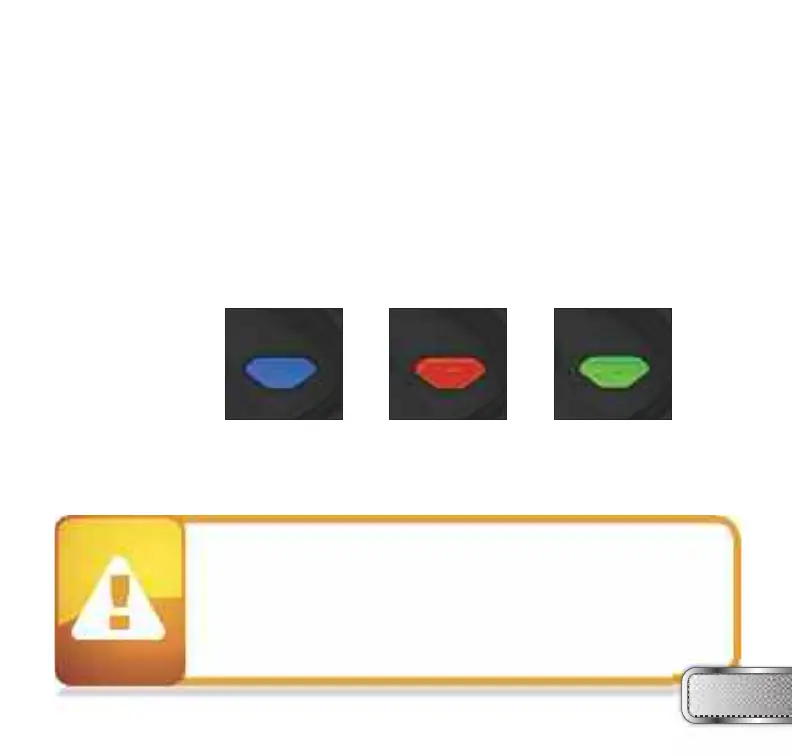
When you turn on the marker in normal operation mode with the power button, the light colors
mean the following:
Blue - Boot sequence
Red - Breech is clear, no ball detected inside the RAIL™ (eye is on)
Green - Ball in breech, ready to fire (eye on)
Blinking
Red - Eye is turned off
Blinking
Green - Eye failure, eye is blocked or dirty (see RAIL™ Eye, page 26)
To turn off the eye feature press and hold the bottom button until the LED light starts blinking
Red indicating the eye feature is turned off.
NOTE: The eye is always activated when you turn the marker on.
W W W . P R O T O P A I N T B A L L . C O M
7
When servicing your marker:
• Make sure a barrel plug is fitted to the RAIL™.
• Make sure your hopper is removed from the RAIL™.
• Make sure there are no paintballs in the breech of the RAIL™.
• Always remove the first stage regulator and relieve all residual gas
pressure from the RAIL™ before disassembly.
• The RAIL™ can hold a small residual charge of gas, typically 2 shots, with
the first stage regulator removed. Always discharge the marker in a safe
direction to relieve this residual gas pressure.


 To Next Page