Charging Guide
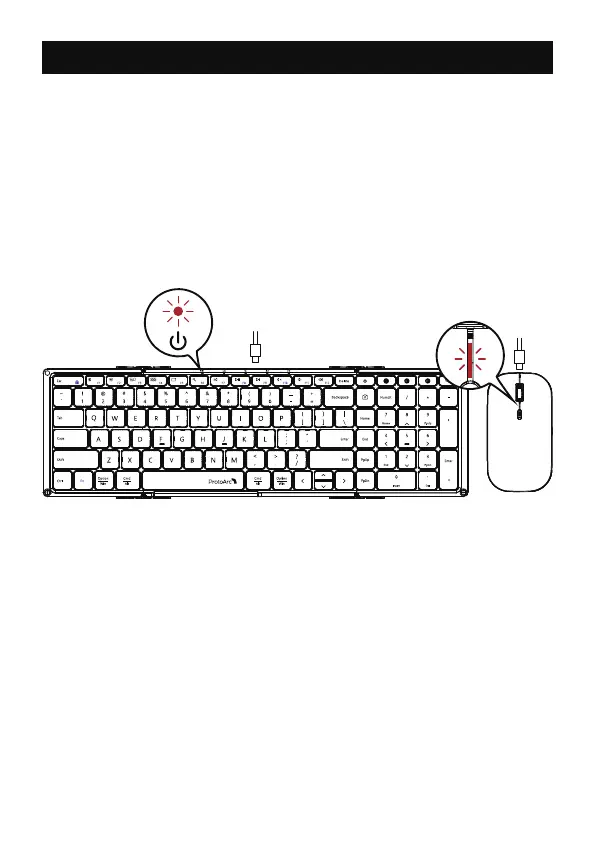
1. When the battery is low, the low battery indicator light on the
keyboard or mouse will rapidly flash to indicate low power.
2. Insert the Type-C port into the mouse or keyboard and the USB-A
port into the computer to charge, the red light stays on while charging.
3. The indicator light turns in green when fully charged.
If the mouse or keyboard is low battery, there will be delays, freezes
and other problems. Please connect to the power supply for charging
in a timely manner to ensure that the mouse or keyboard has sufficient
battery power to get normal performance.
Notice:
- 9 -



 To Next Page