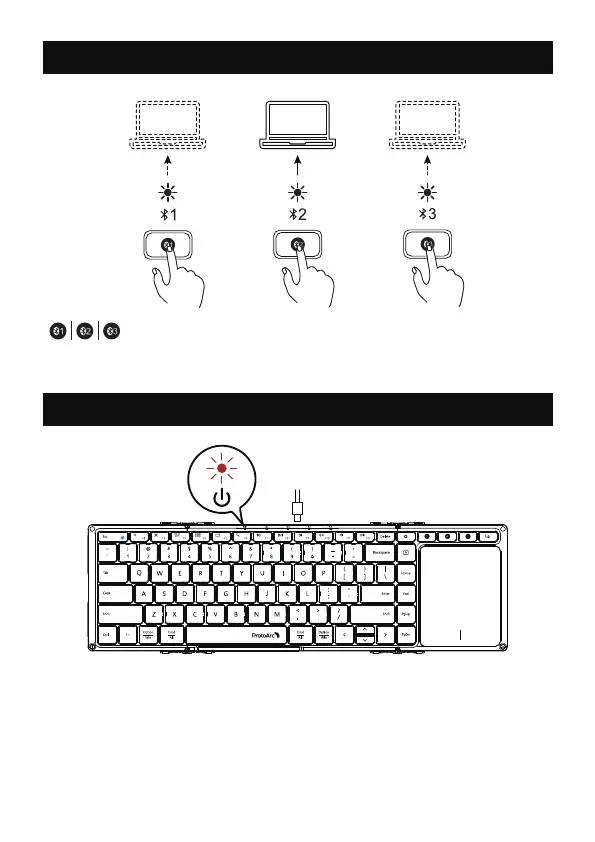
How to Switch Connection Mode
Charging Guide
After connection, short press the keyboard connection
button to easily switch to multiple devices.
When the battery is too low, the low battery indicator will turn red and
flash quickly. Please connect to the power supply to charge in time to
ensure that the keyboard has sufficient power to meet normal work.
If the battery of the keyboard is too low, there will be delays and
freezes and other problems in typing, which affect normal use.
Power indicator turns red while charging, then turns green after fully
charged.
- 4 -
1 2 3



 To Next Page