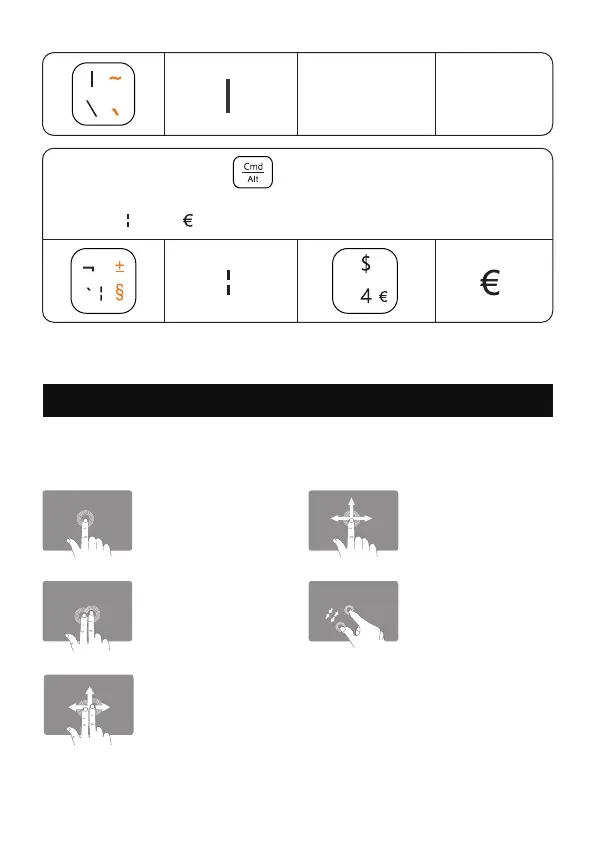
Touchpad Gestures
For Windows 10/11
Press and hold the key " " (the key on the right side of the
keyboard), then press the corresponding key, you can type the
symbol " " and " ".
Single Finger Slide
- Move the Cursor
Pinch with Two Fingers
- Zoom In or Out
Two Fingers Tap
- Mouse Right Click
Two Fingers Slide Up/Down/Left/Right
- Mouse Scroll Wheel
(Note: Due to reasons related to the application itself,
this function may not be available)
Single Finger Tap
- Mouse Left Click
- 8 -



 To Next Page